204
Chapter 14
The Sample Editor
Emagic
Logic fun
14.2 Layout of the Sample Editor
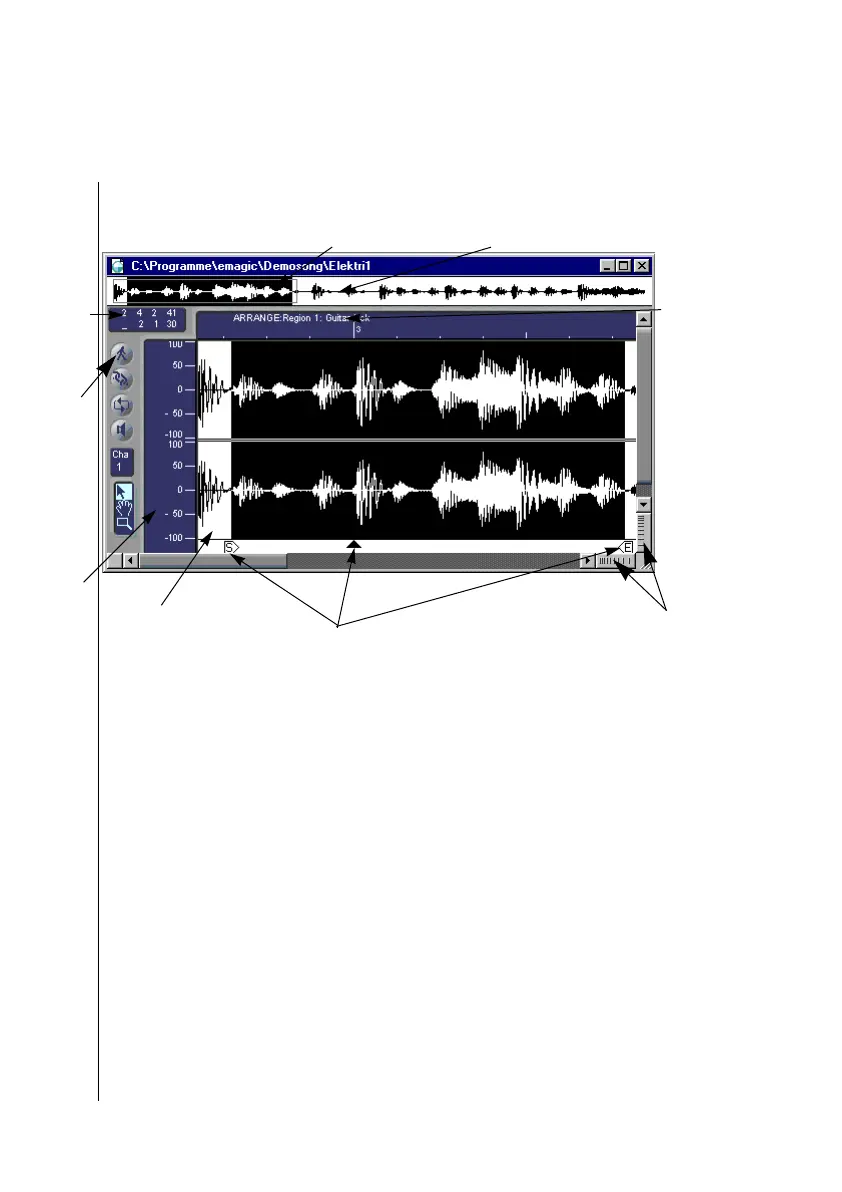
1
The overview displays the entire audio file.
2
In the selection parameter field, the starting point and the length of the selected area
are displayed.
3
Catch (“walking man”) will cause the waveform display to update to the current
position, when the Play Position Line reaches the right edge of the window.
4
Amplitude scale by percentage.
5
Overview of the currently visible segment in the Waveform Display.
6
Detailed Waveform Display.
7
Telescope control sets the zoom level of the Waveform Display.
8
In the upper left hand corner of the horizontal time line, the name of the region and
then the name of the audio file
9
The start point, anchor, and end point of the region (from left to right). These can be
moved with the mouse.
2
1
3
4
6
8
9
5
7



 To Next Page