36
Chapter 3
Getting Started
Emagic
Logic fun
First, test to see if your MIDI keyboard transmits.
•
Open the Transport Window by choosing “Open Transport
Window” in the window menu or press “F11”.
•
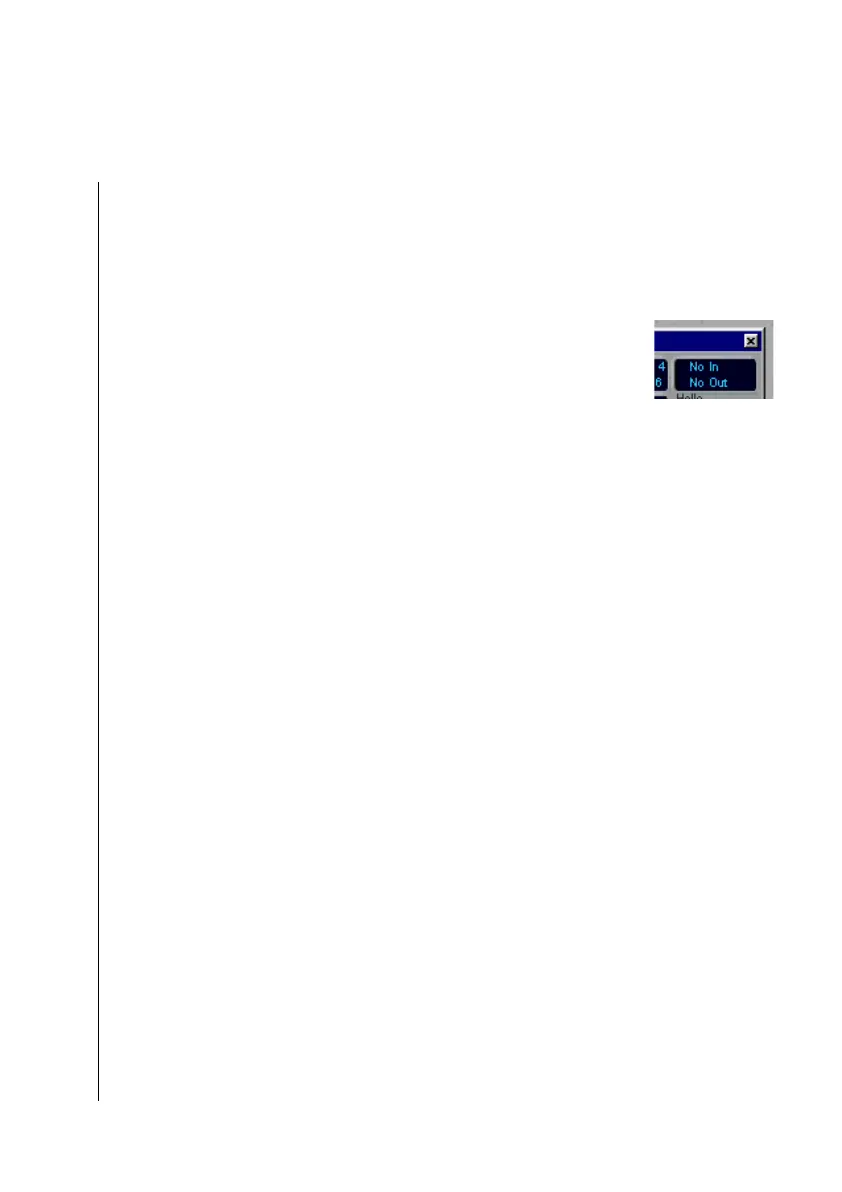
You can see the MIDI monitor in the upper right-hand
corner of the Transport window.
•
If there is no activity, the display will show “No In/ No Out”.
•
Now play a couple of notes on your MIDI keyboard.
•
In place of “No In”, the received events should now be
displayed.
•
If this is not the case, test the following:
•
Is the MIDI-Out connection of the keyboard connected
correctly with the MIDI-In of your computer?
•
Is the cable working properly?
Test the MIDI Out
Now test to see if Logic fun is sending MIDI events to your
tone generators.
•
Call up File> Open, and select the Tutorial Song (TUTO-
RIAL.LSO) from the file selection box.
•
Set the MIDI out port for each of the tracks, as described
above.
•
Click on the PLAY button in the Transport Window or press
0 on the numeric keypad of the computer.
•
The Tutorial Song will run, and the second line of the MIDI
indicator should show the sent events.
•
If this is not the case, test
•
whether you are using a good MIDI cable.
•
whether you connected the MIDI-In of your tone generator
to the MIDI-Out of the interface.



 To Next Page