107
User Guide
Version 4.1
r
Chapter 7
Arrange Window
This chapter deals with the MIDI tracks of the Arrange
window. See section Audio Basics from page 127 onwards and
section Working with Audio in the Arrange Window from page 137
onwards for the audio tracks.
7.1 Structure of the Arrange
Window
The Arrange window is the heart of Logic fun. Study it closely
because it is the view of the program that you will see most
often when you’re working with the program.
It appears in the first screenset whenever you start Logic fun.
You can also open it with Windows > Open Arrange.
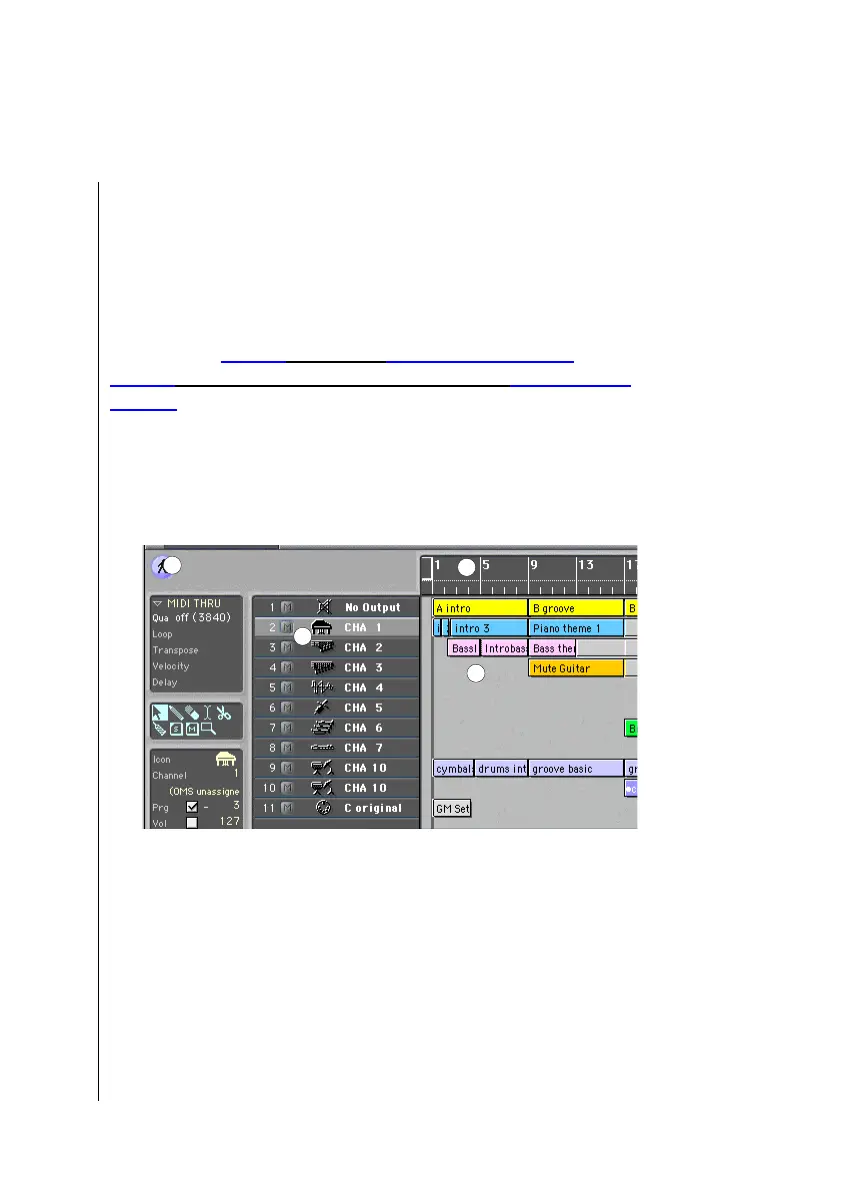
The arrange area
1
is where all MIDI information is recorded
on horizontal “tracks”. Individual MIDI or audio recordings are
called “sequences”, and are displayed as beams. Above the
1
2
3
7
4
5
6



 To Next Page