214
Chapter 14
The Sample Editor
Emagic
Logic fun
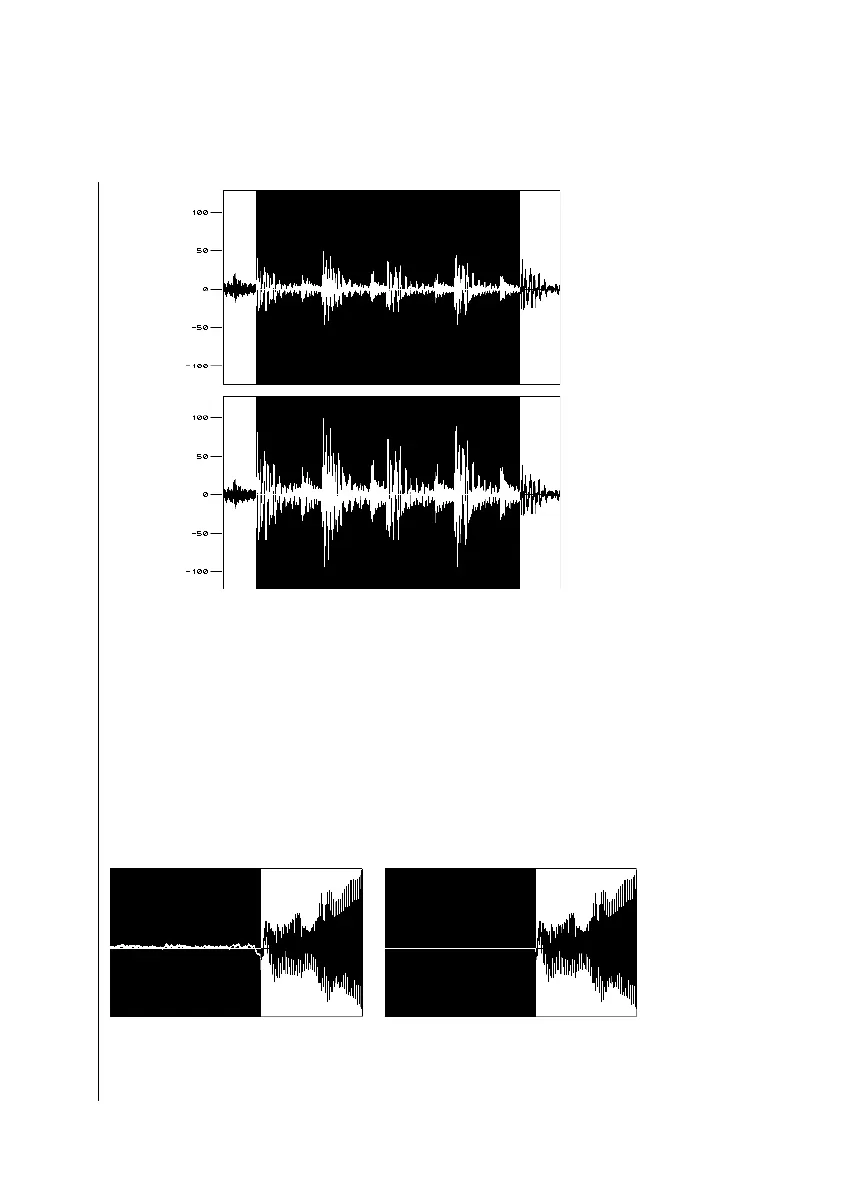
Example of the Normalization function. 1 Before. 2 After.
It’s a good idea to set the start and end points of the area to be
normalized so that they lie in an area of silence. Otherwise,
audible, sudden jumps in level within the file may be evident.
Silence
The Function > Silence function completely mutes the selec-
tion, by setting its level to digital zero. This function is usually
used to remove noise between phrases in a recording.
Example of the Silence function. 1 Before, 2 After.
1
2
Tip
X
12



 To Next Page