102
Chapter 6
Transport Functions
Emagic
Logic fun
•
Move to different positions in the Song (Song Position
Line);
•
Set start and end points for Cycle Locators.
The subdivision of the ruler is displayed according to the time
signature values in the Transport window. When you change
these, Logic fun reacts immediately by changing the settings in
the bar ruler.
EXAMPLE: Set the time signature in the Tutorial-Song to
2
⁄
4
or
8
⁄
4,
and note the changes in the bar ruler. When finished, set the
value back to what it was.
As with other displayed elements, the bar ruler is influenced by
the horizontal zoom factor. If you set locators, or want to change
the song beginning or end, you can set the scale of the ruler as
needed.
Setting the Song Beginning and End
As with sequences, a song has defined beginning and end
points. These two markers are represented in the bar ruler by
two rectangles, which can be moved with the mouse.
Beginning of Song
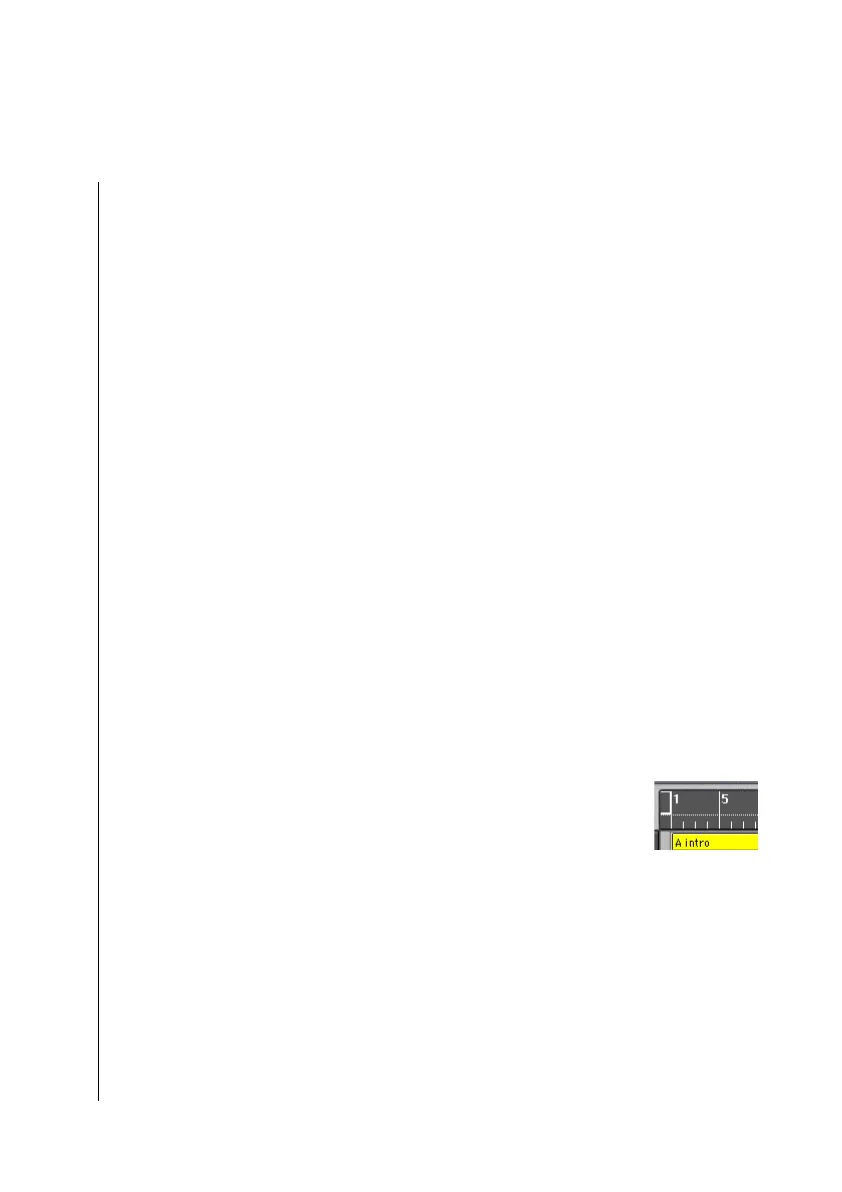
Normally the song will begin at position “1 1 1 1.” You can,
however, alter this, perhaps to insert a program change, or an
upbeat before the beginning of the song.
Grab the start of song marker with your mouse, and drag it to
the left. The bar ruler will move correspondingly to the right,
and the information line will show you the new beginning of
the song. Release the mouse button at the desired position.
End of Song
A Logic fun song can be practically limitless in length.
Normally Logic fun sets the song length to 200 measures. This



 To Next Page