128
1. Load your original in the product.
Note: Use an optional carrier sheet when scanning a folded original or damage to the original may
occur. Place the original into the carrier sheet with the folded edge against the right side of the
carrier sheet. Make sure to insert the carrier sheet into your product with the white edge facing down.
2. Do one of the following to start Document Capture Pro:
• Windows 11: Click , then search for Document Capture Pro and select it.
• Windows 10: Click and select Epson Software > Document Capture Pro.
• Windows 8.x: Navigate to the Apps screen and select Document Capture Pro.
• Windows (other versions): Click or Start and select All Programs or Programs. Select
Epson Software > Document Capture Pro.
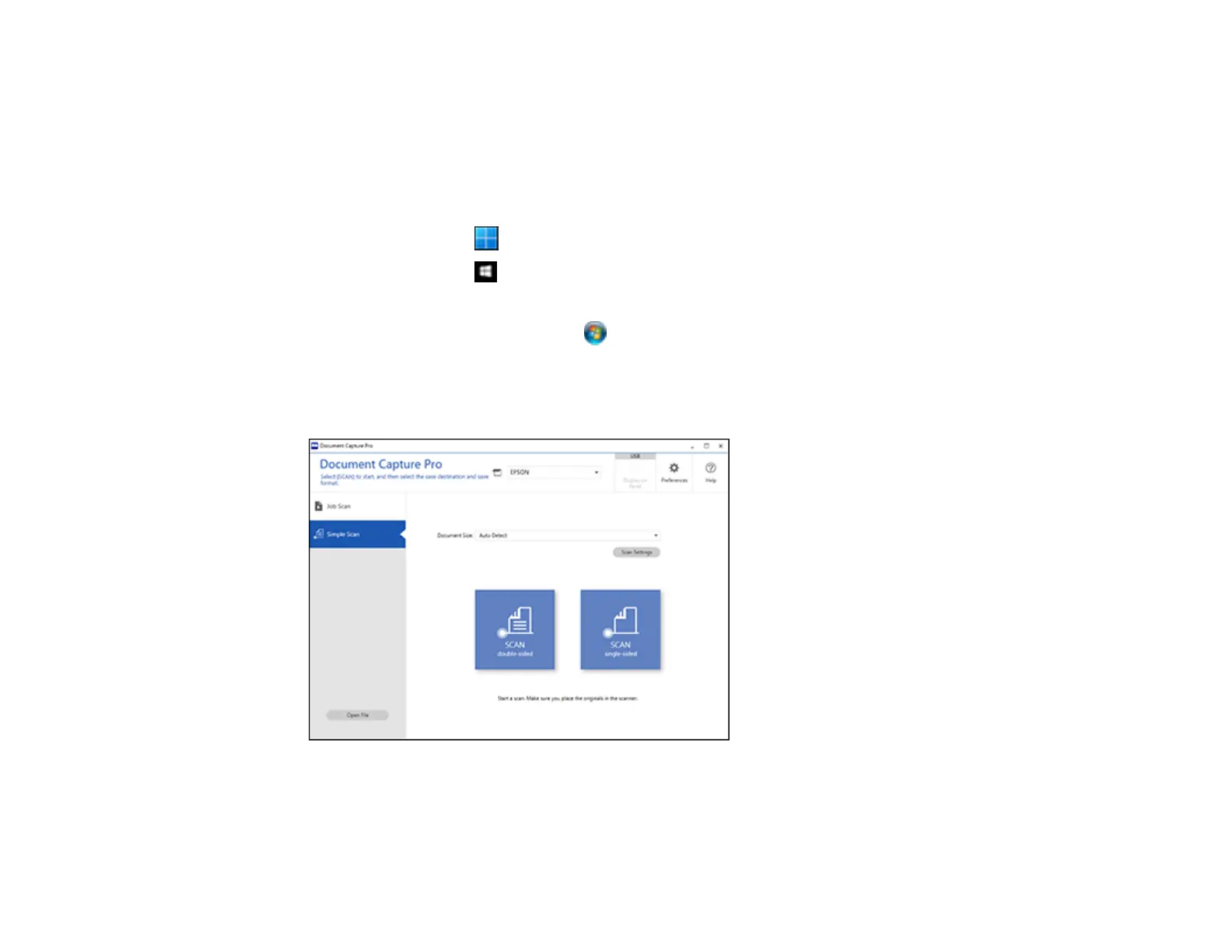
3. Select the Simple Scan tab.
You see a window like this:
4. Click Scan Settings > Detailed Settings.



 To Next Page