251
Purchase Epson Ink Packs and Maintenance Boxes
U.S. and Canada:
You can purchase genuine Epson ink, maintenance boxes, and paper at epson.com (U.S. sales) or
epson.ca (Canadian sales). You can also purchase supplies from an Epson authorized reseller. To find
the nearest one, call 800-GO-EPSON (800-463-7766) in the U.S. or 800-807-7766 in Canada.
Latin America:
You can purchase genuine Epson ink, maintenance boxes, and paper from an Epson authorized
reseller. To find the nearest reseller, visit latin.epson.com or call your nearest Epson sales office.
Ink Supply Unit (Ink Pack) and Maintenance Box Part Numbers
Parent topic: Replacing Ink Supply Units (Ink Packs), Maintenance Boxes, and Cassette Rollers
Ink Supply Unit (Ink Pack) and Maintenance Box Part Numbers
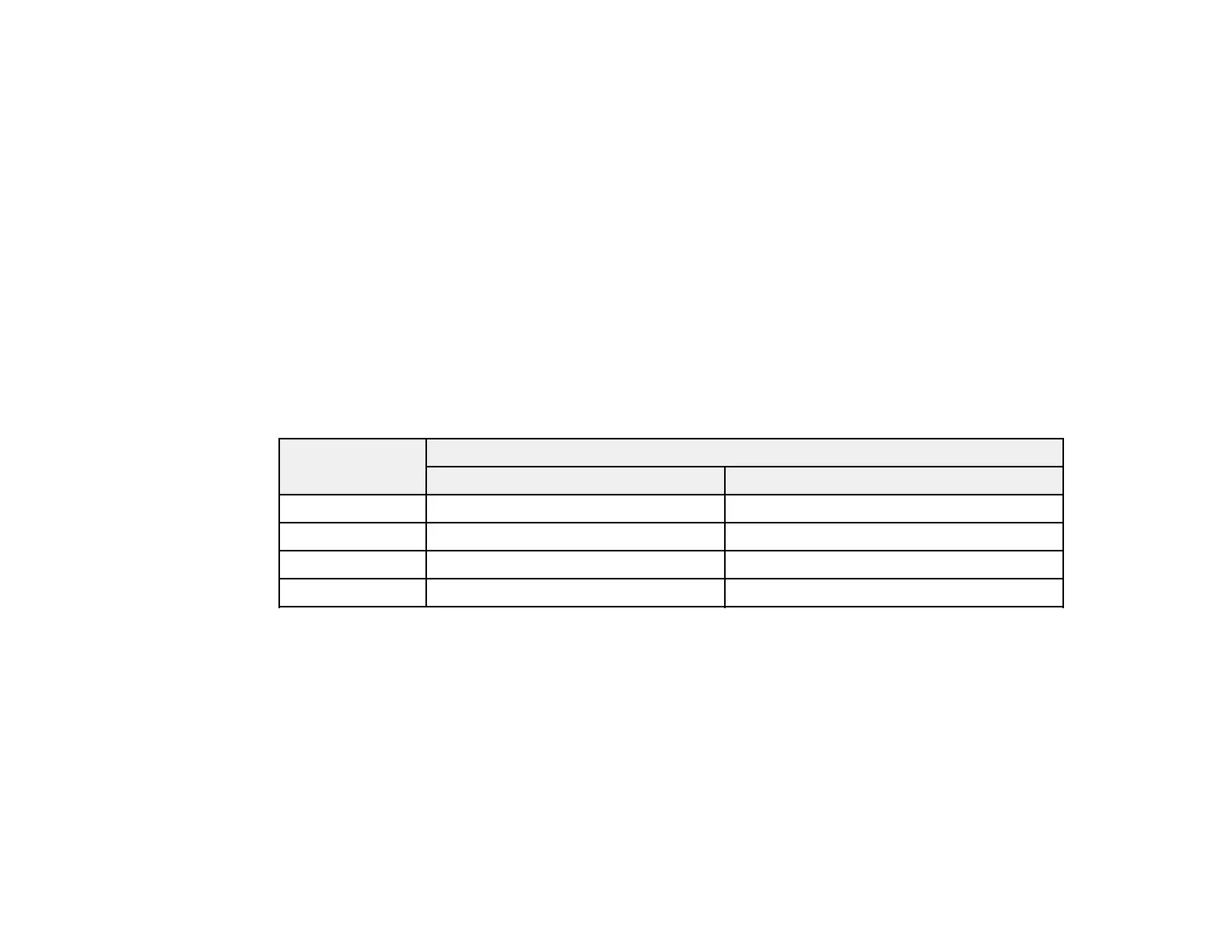
Use these part numbers when you order or purchase new ink packs or a new maintenance box.
Maintenance box part number: C9382
Ink color Part number
Standard-capacity High-capacity
Black T12N1 T12P1
Cyan T12N2 T12P2
Magenta T12N3 T12P3
Yellow T12N4 T12P4
Parent topic: Purchase Epson Ink Packs and Maintenance Boxes
Removing and Installing Ink Packs
If an ink pack is low or expended, a message appears on your product and on your computer screen.
Note which ink packs need to be replaced. Make sure you have your replacement ink packs handy
before you begin. You must install new ink packs immediately after removing the old ones.
Caution: Make sure you follow all safety precautions when handling ink packs. See the link below for
more information.



 To Next Page