286
Parent topic: Configuring Product Settings
Configuring Security Settings
Follow the instructions in these sections to configure internal security features for your product using the
Web Config software.
Connecting an Authentication Device
Restricting Features Available for Users
Disabling the External Interface
Setting Up Password Encryption
Working with Audit Logs
Restricting PDL File Operations
Enabling Program Verification on Start Up
Restricting Domain Access
Parent topic: Administering Your Product
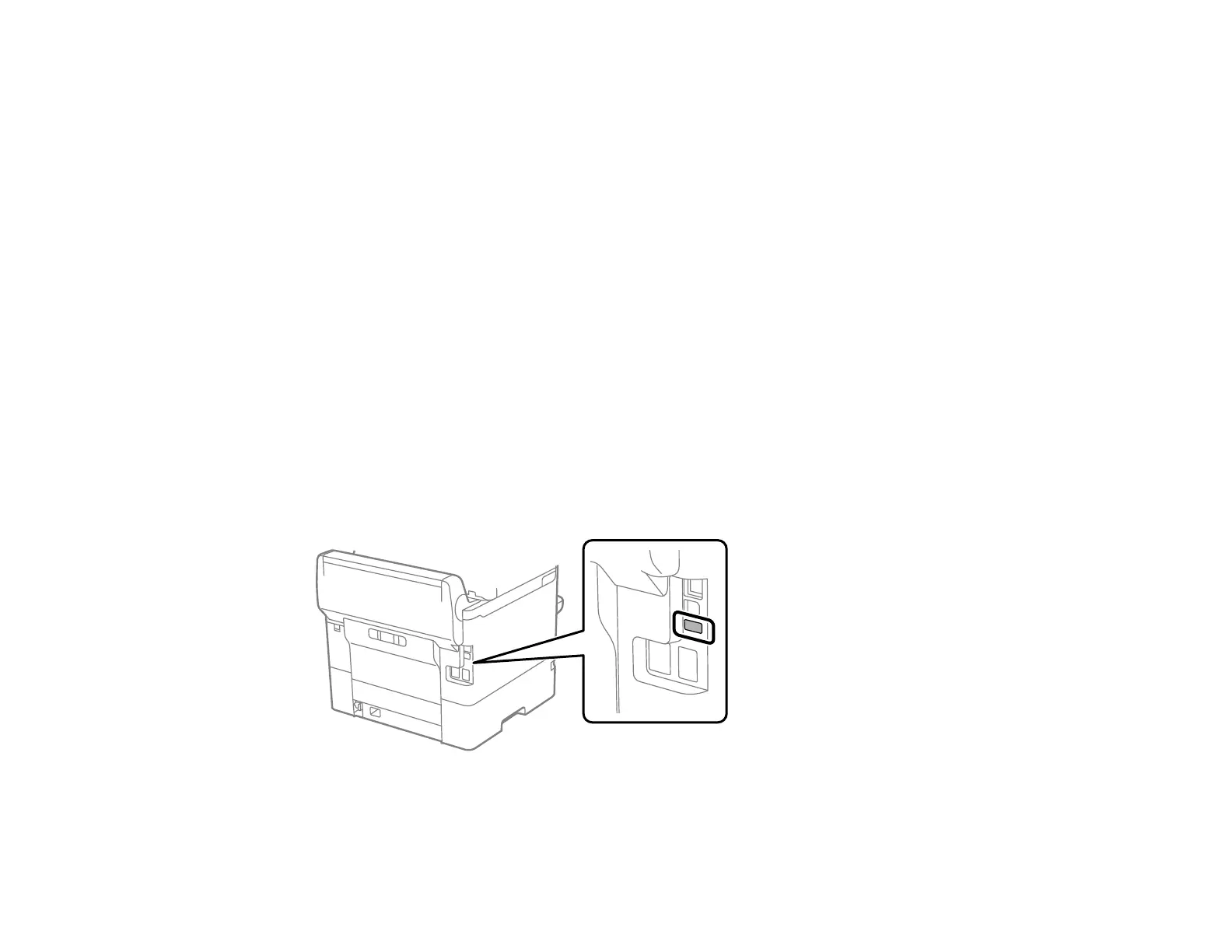
Connecting an Authentication Device
You can connect an authentication device such as an IC card reader using a USB cable, and check the
functionality of the reader using the Web Config interface.
1. Remove the sticker covering the service port on the rear of the product.



 To Next Page