339
• Slide the edge guides against the edges of the originals.
• Make sure the document is not curled or creased.
• Try cleaning the inside of the ADF.
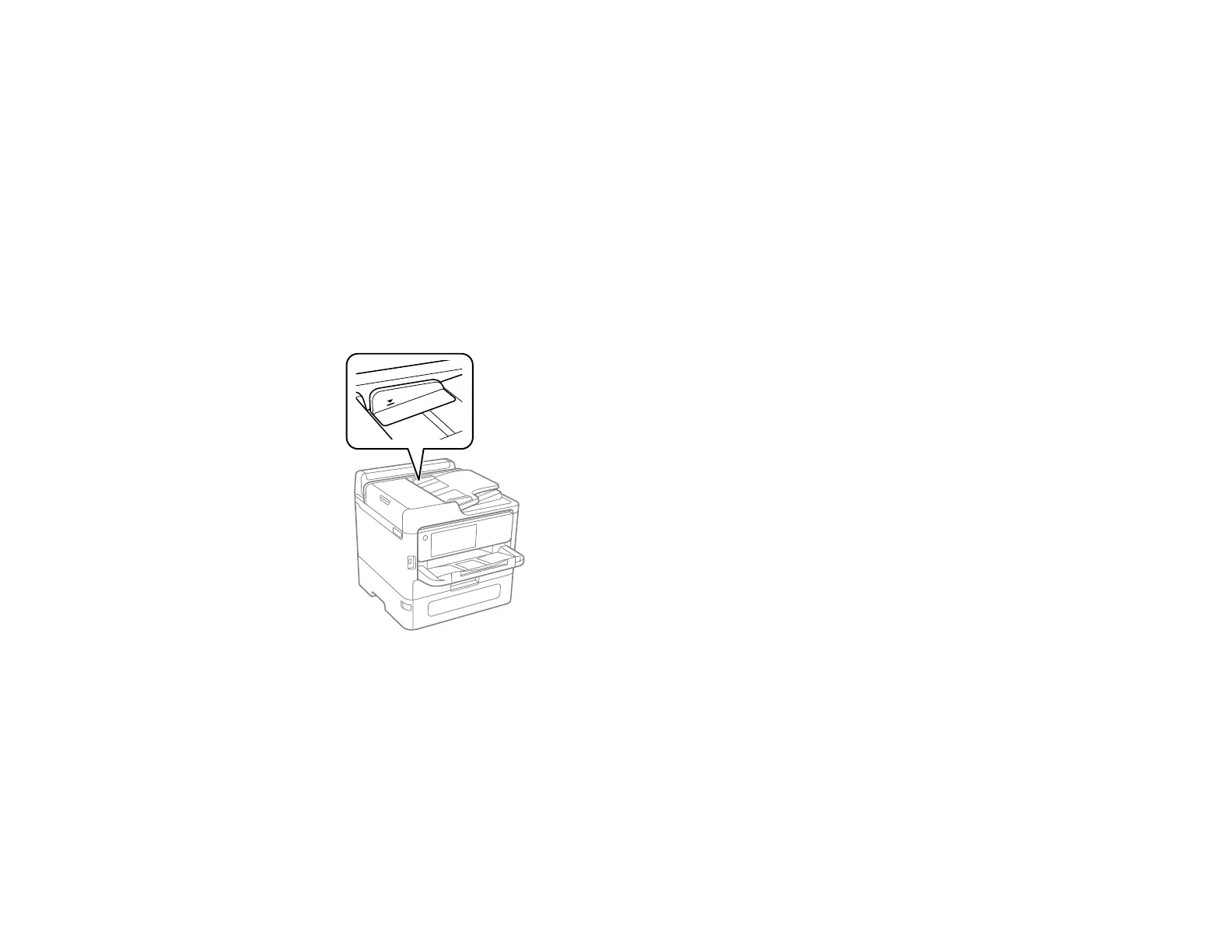
• Do not load originals above the arrow mark on the ADF edge guide.
Parent topic: Solving Paper Problems
Paper Jams Inside the Product
If you see a message that paper has jammed in the product, follow the on-screen instructions to locate
and remove the jammed paper.
Take the following precautions when removing jammed paper from the product:
• Remove the jammed paper carefully. Using too much force may damage the product.



 To Next Page