155
Printing Your Document or Photo - Windows
Once you have selected your print settings, you are ready to save your settings and print.
1. Click OK to save your settings.
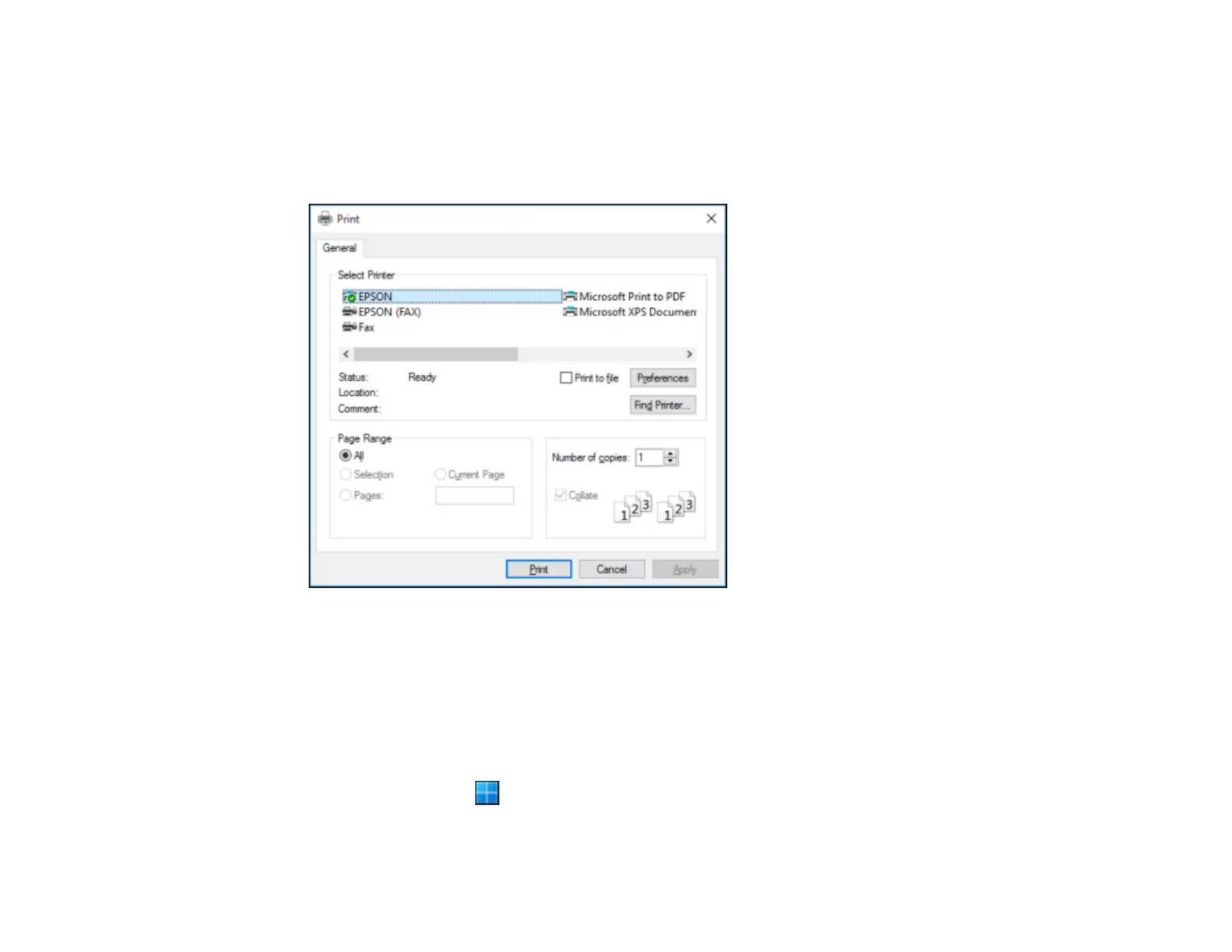
You see your application's Print window, such as this one:
2. Click OK or Print to start printing.
Parent topic: Printing with the Standard Epson Printer Software - Windows
Locking Printer Settings - Windows
Windows administrators can lock access to some printer settings to prevent unauthorized changes.
1. Do one of the following:
• Windows 11: Click , search for Settings and select it. Select Bluetooth & devices > Printers
& scanners. Select your product name and select Printer properties.



 To Next Page