201
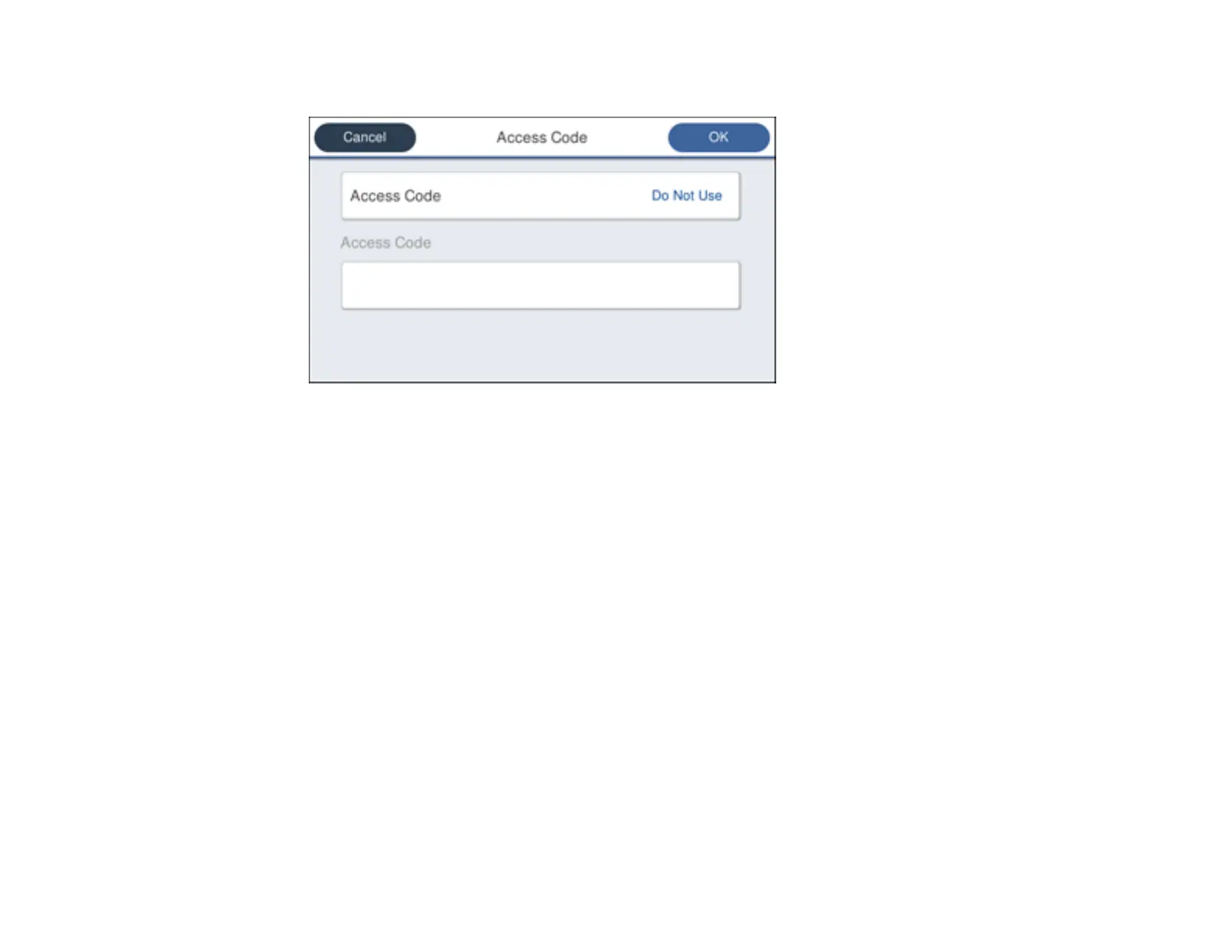
You see a screen like this:
3. Select Access Code.
4. Select Use.
5. Select the Access Code field.
6. Use the displayed keypad to enter the access code, such as 9, and select OK.
7. Select OK to apply the settings.
Note: If you have registered recipients in the Contacts list using an external access code such as 0
or 9, set Access Code to Do Not Use. Otherwise, change the code to "#" in the recipient's fax
number when registering a contact.
Parent topic: Setting Up Basic Fax Features
Setting the Number of Rings to Answer
If you connect an external answering machine and select to receive faxes automatically, make sure the
Rings to Answer setting is correct. The number of rings should be higher than the number of rings your
answering machine is set to for answering a call.
Note: This setting can be locked by an administrator. If you cannot access or change this setting,
contact your administrator for assistance.



 To Next Page