186
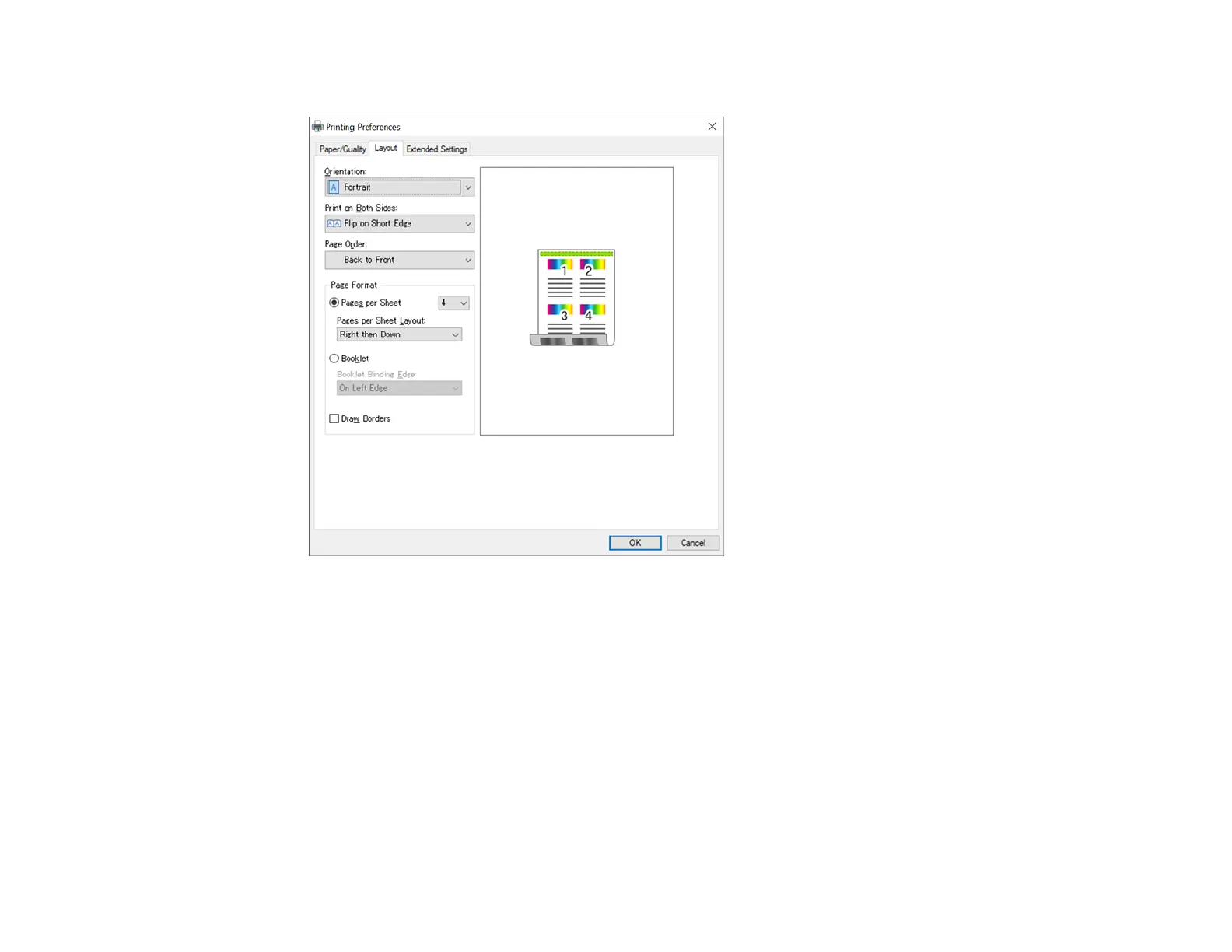
You see a screen like this:
9. Select any settings as necessary.
10. If you have set up Access Control or want to print a confidential job, select Extended Settings to
enable printing by entering a user name and password , or print a confidential job by entering the
necessary information.
Parent topic: Printing with the PostScript (PS3) Printer Software - Windows
Selecting Default Print Settings - PostScript Printer Software - Windows
When you change your print settings in a program, the changes apply only while you are printing in that
program session. If you want to change the print settings you use in all your Windows programs, you can
select new default print settings.



 To Next Page