140
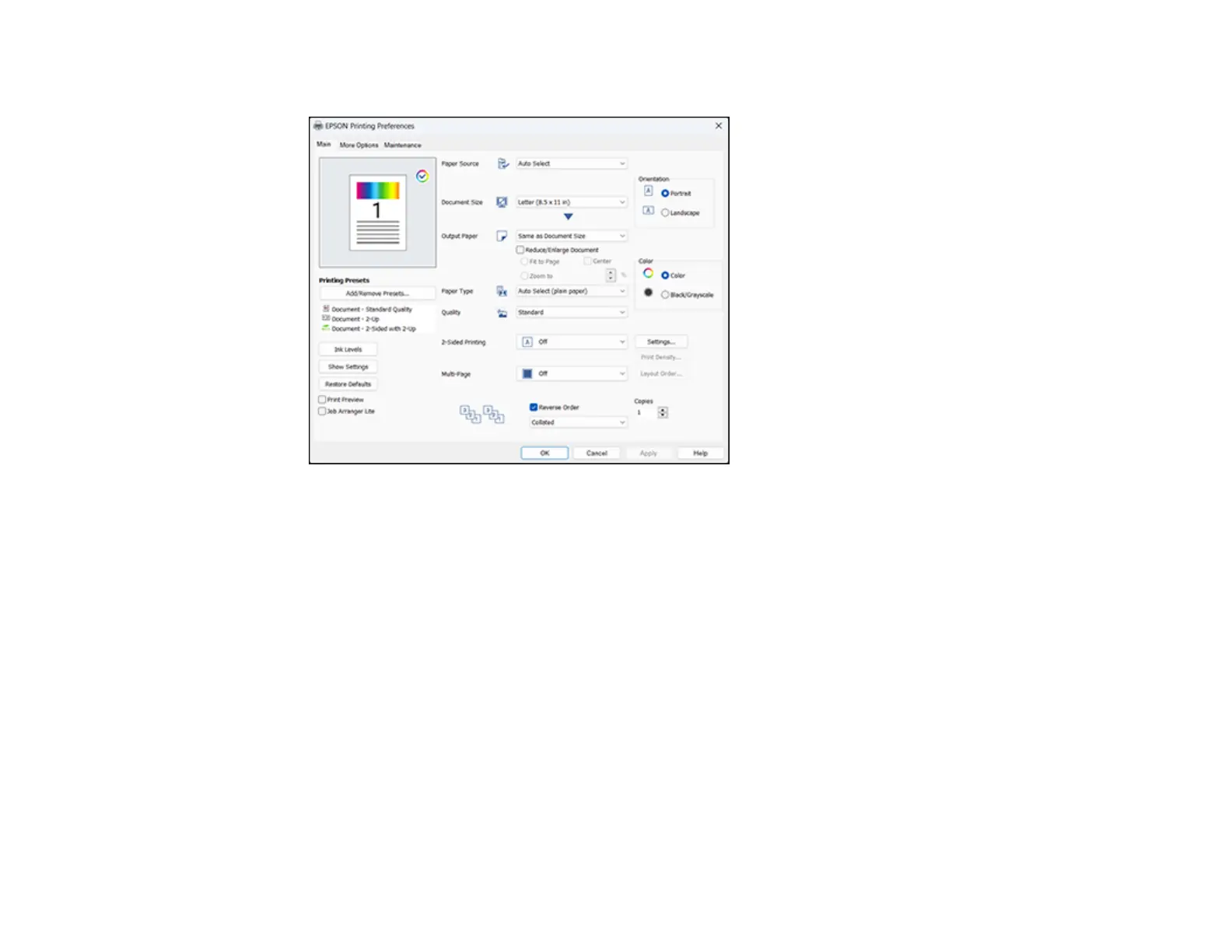
You see the Main tab of your printer settings window:
4. For the Paper Source setting, select where you loaded the paper you want to print on. Select Auto
Select to automatically select the paper source in the paper setting menu on the product.
5. Select the size of your document or photo as the Document Size setting, and the size of your paper
as the Output Paper setting.
• To change the size of your printed document or photo, select the Reduce/Enlarge Document
checkbox.
• Select the Fit to Page option to size your image to fit the paper you loaded.
• Select the Center checkbox if you want to center your image on the paper.
• Select the Zoom to option to reduce or enlarge your document or photo by a specific percentage.
Select the percentage in the % dropdown.
6. Select the type of paper you loaded as the Paper Type setting. Select Auto Select (plain paper) to
automatically use the paper type selected on the product control panel.
Note: The setting may not exactly match the name of your paper. Check the paper type settings list
for details.



 To Next Page