176
• Windows 7: Click and select Devices and Printers. Right-click on your product, select the
PCL option, and select Printer properties.
• Windows Vista: Click and select Control Panel. Click Printer under Hardware and Sound,
then right-click on your product, select the PCL option, and select Properties.
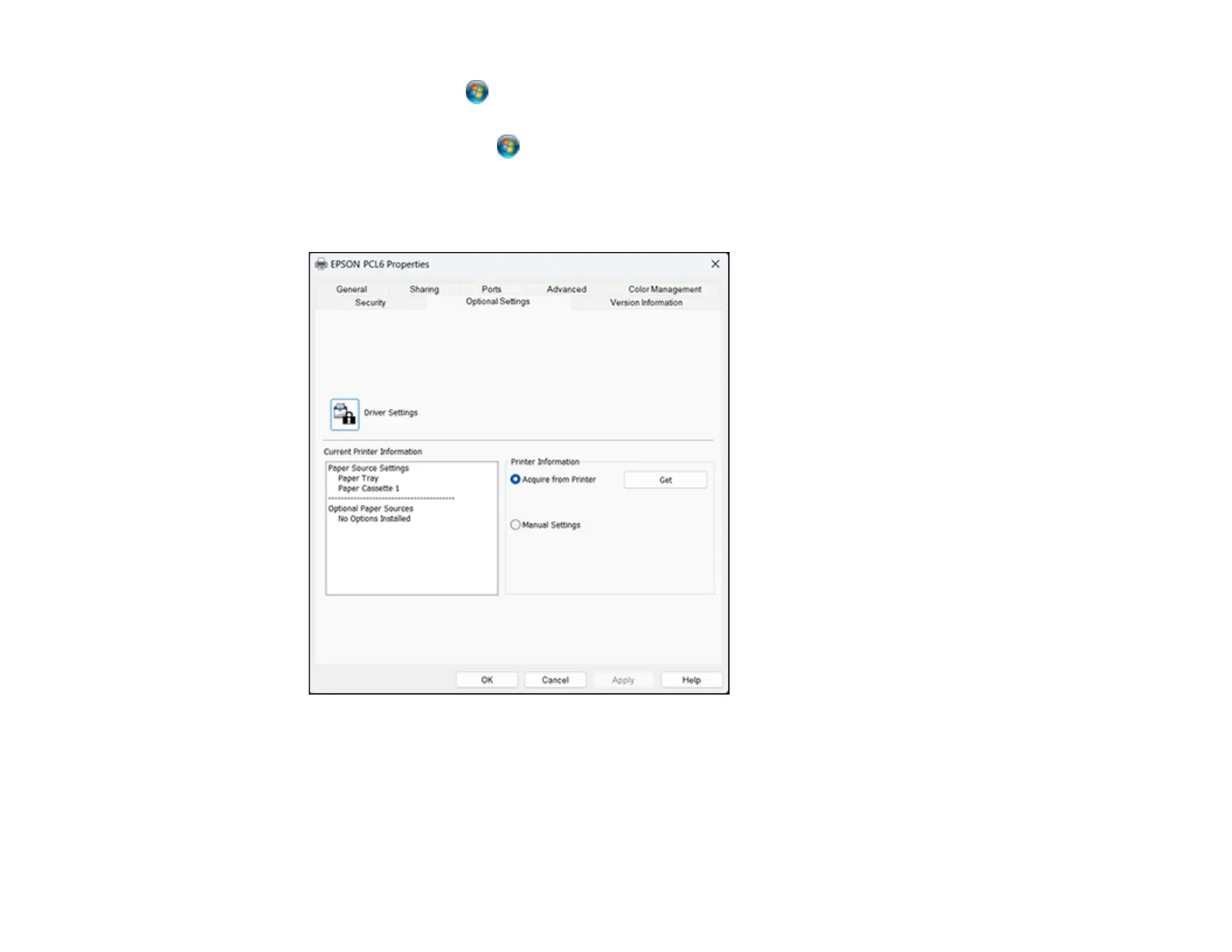
2. Click the Optional Settings tab.
You see a window like this:
3. Make sure Acquire from Printer is selected and click Get.
The product's settings and other information appears in the Current Printer Information area.
4. Click OK.
Parent topic: Printing with the PCL Printer Software - Windows



 To Next Page