192
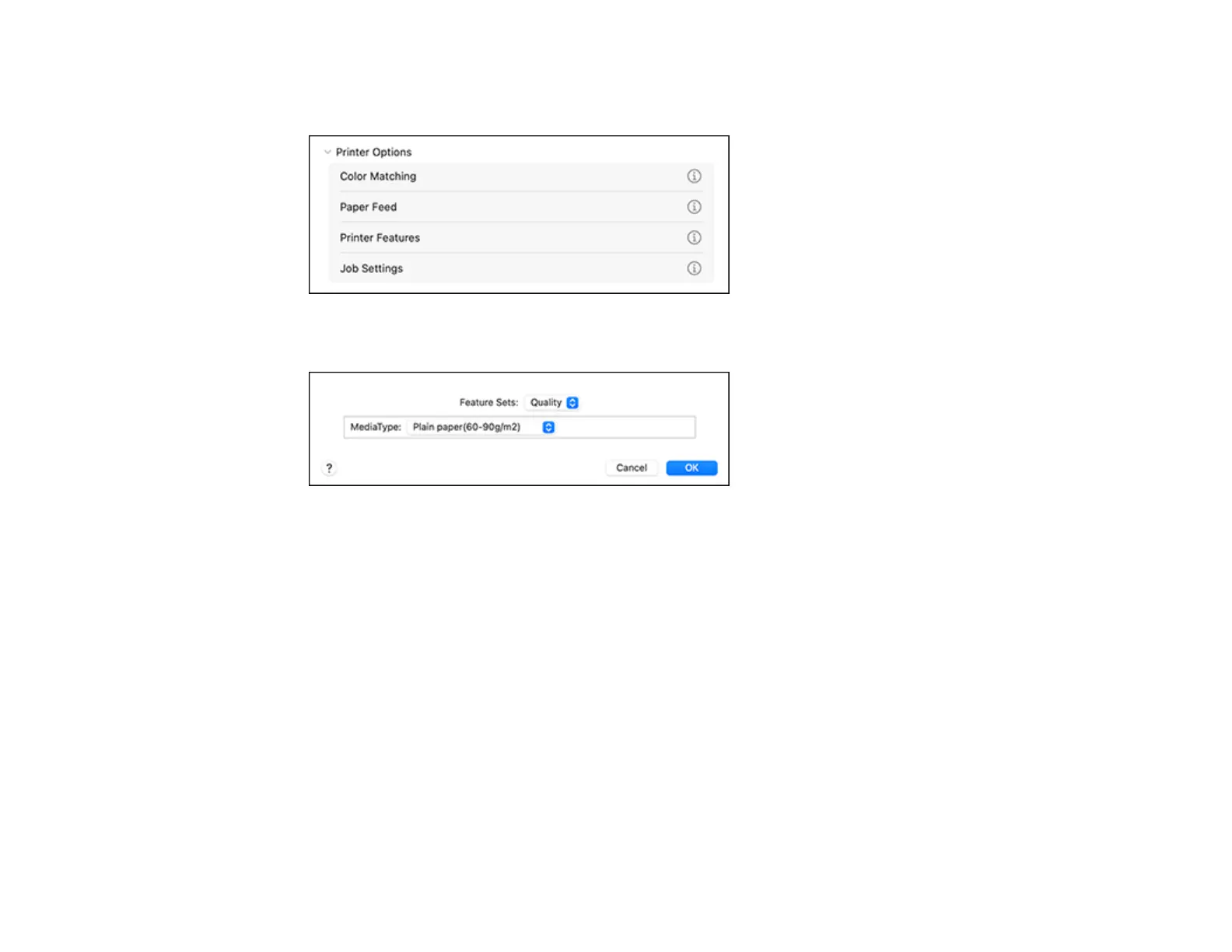
10. Select Printer Features from the Printer Options menu or select Printer Features from the pop-up
menu in the print window.
You see these settings:
11. Select a MediaType setting.
12. Select one of the following Print Quality options:
• For fast printing with reduced quality, select Fast.
• For printing text and graphics with good quality and print speed, select Fine.
• For the best printing with reduced speed, select Maximum.
13. Select Color from the Feature Sets pop-up menu.



 To Next Page