303
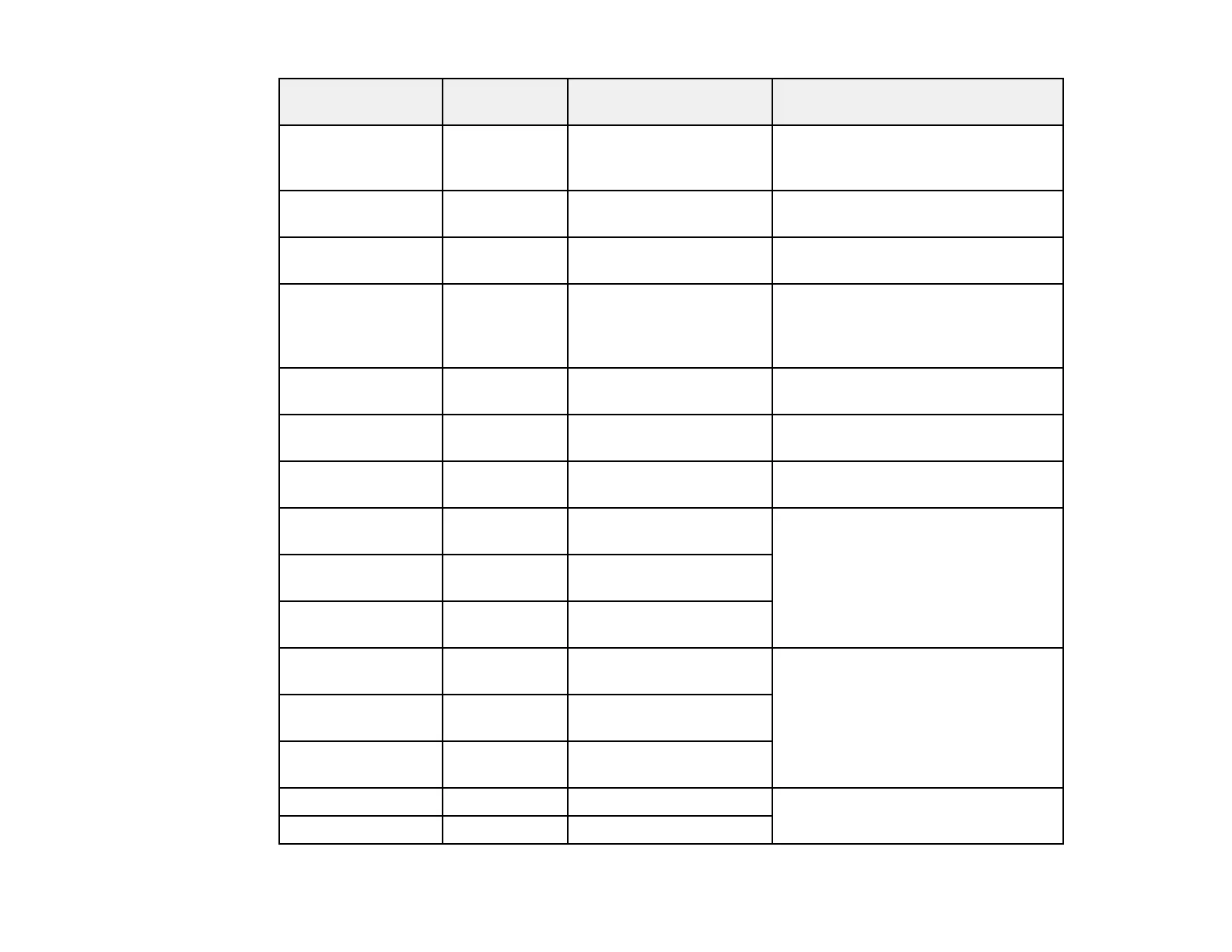
Service name Protocol type Local/Remote port
number
Controls these operations
Network Push Scan
Discovery
UDP 2968/Any port Searching for a computer during
push scanning from Document
Capture Pro
FTP Data (Local) TCP 20/Any port Forwarding FTP printing data to FTP
server
FTP Control (Local) TCP 21/Any port Controlling FTP printing to FTP
server
FTP Data (Remote) TCP Any port/20 Forwarding scan data and received
fax data to FTP client; controls only
an FTP server that uses remote port
20
FTP Control
(Remote)
TCP Any port/21 Forwarding scan data and received
fax data to FTP client
CIFS (Local)* TCP 445/Any port Sharing a network folder on CIFS
server
CIFS (Remote)* TCP Any port/445 Forwarding scan data and received
fax data to a folder on CIFS server
NetBIOS Name
Service (Local)
UDP 137/Any port Sharing a network folder on CIFS
server
NetBIOS Datagram
Service (Local)
UDP 138/Any port
NetBIOS Session
Service (Local)
TCP 139/Any port
NetBIOS Name
Service (Remote)
UDP Any port/137 Forwarding scan data and received
fax data to a folder on CIFS server
NetBIOS Datagram
Service (Remote)
UDP Any port/138
NetBIOS Session
Service (Remote)
TCP Any port/139
HTTP (Local) TCP 80/Any port Forwarding Web Config and WSD
data to a HTTP or HTTPS server
HTTPS (Local) TCP 443/Any port



 To Next Page