94
Advanced settings
Copying option Available settings Description
Multi-Page Single Page Copies each page of the original onto an individual sheet
2-up Copies multiple page documents onto one sheet. Scroll
down and select the document orientation and layout order
settings as necessary.
4-up
Original Size Various sizes Select the document size of your original. When copying
non-standard sized originals, select the closest size.
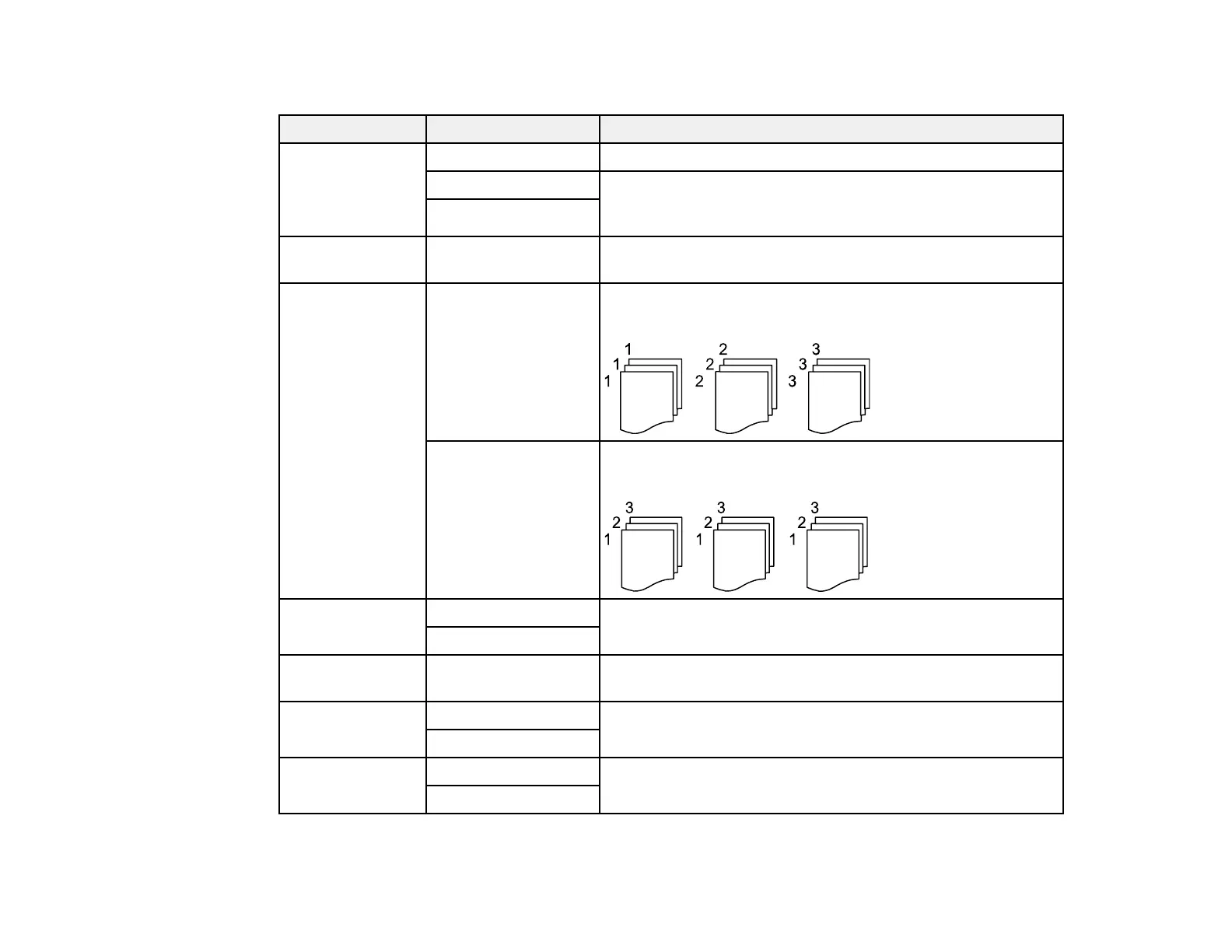
Finishing Group (Same
Pages)
Select to print multiple copies of a multi-page document in
unordered groups
Collate (Page
Order)
Select to print multiple copies of a multi-page document in
ordered sets
Orientation
(Original)
Readable Direction Specifies the orientation of your originals
Left Direction
Image Quality Various settings Select advanced quality settings such as Saturation and
Sharpness
Binding Margin Off Select On to adjust the margin, binding position, and
orientation of the pages when copying a book
On
Reduce to Fit
Paper
Off Select On to automatically decrease the image by the
percentage you select
On



 To Next Page