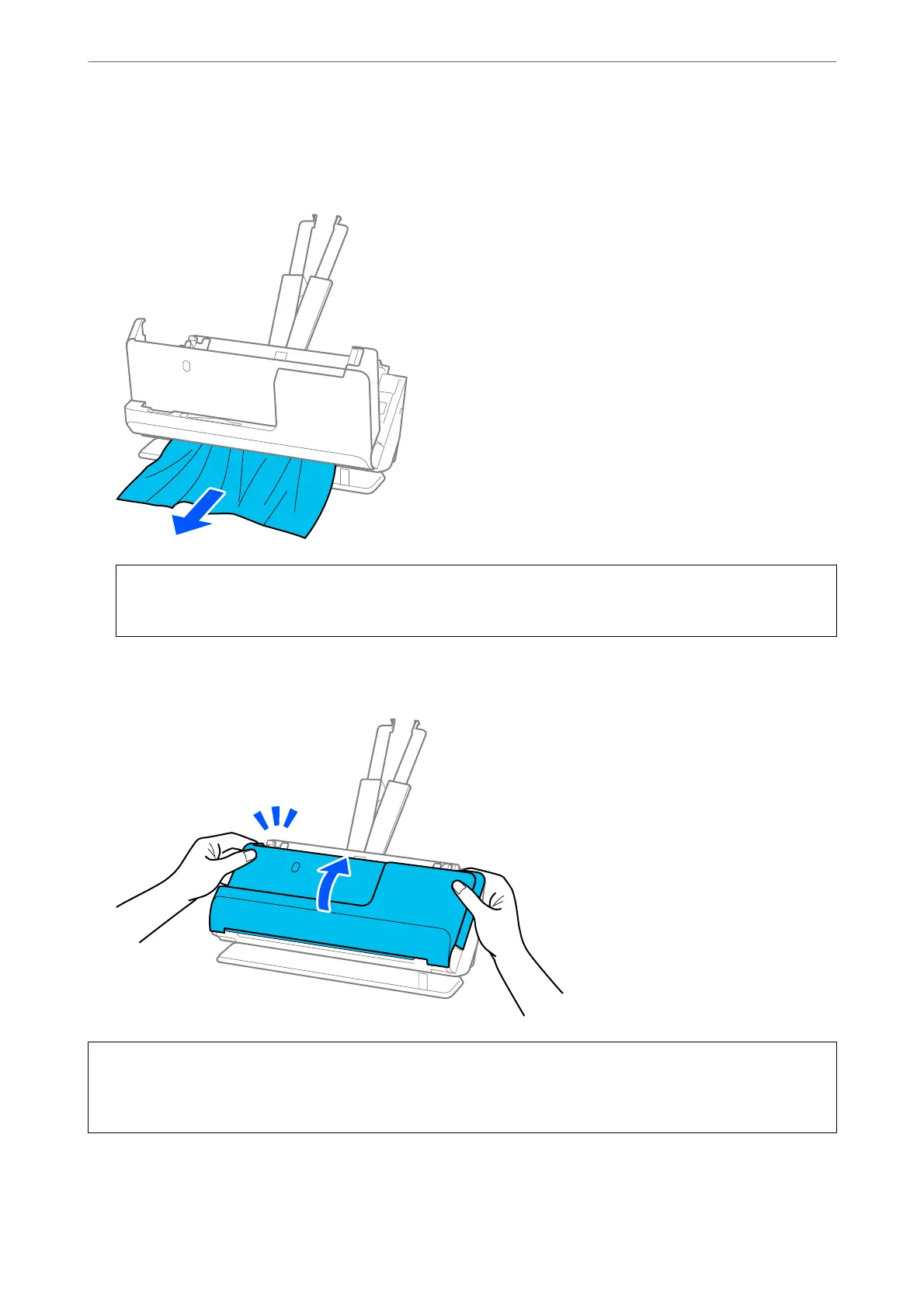
4. If you cannot pull originals straight up, carefully pull out any jammed originals from the output slot in the
direction of the arrow.
c
Important:
Make sure there is no paper inside the scanner.
5. Close the scanner cover with both hands.
c
Important:
Before restarting scanning, make sure that the scanner is stationary. If the scanner is not stationary, it could cause
the original to jam.
Solving Problems
>
Paper Feeding Problems
>
Removing Jammed Originals from the Scanner
150



 To Next Page