Scannable Plastic Cards
ese are the specications for plastic cards that you can scan.
Size Embossing Thickness Loading Capacity Loading Direction
ISO7810 ID-1 Type
54.0×85.6 mm
(2.1×3.3 in.)
With embossing 1.24 mm (0.05 in.) or
less
1 card Horizontal (landscape)
Without embossing 0.76 mm (0.03 in.) to
1.1 mm (0.04 in)
1 card
Less than 0.76 mm
(0.03 in.)
1 card
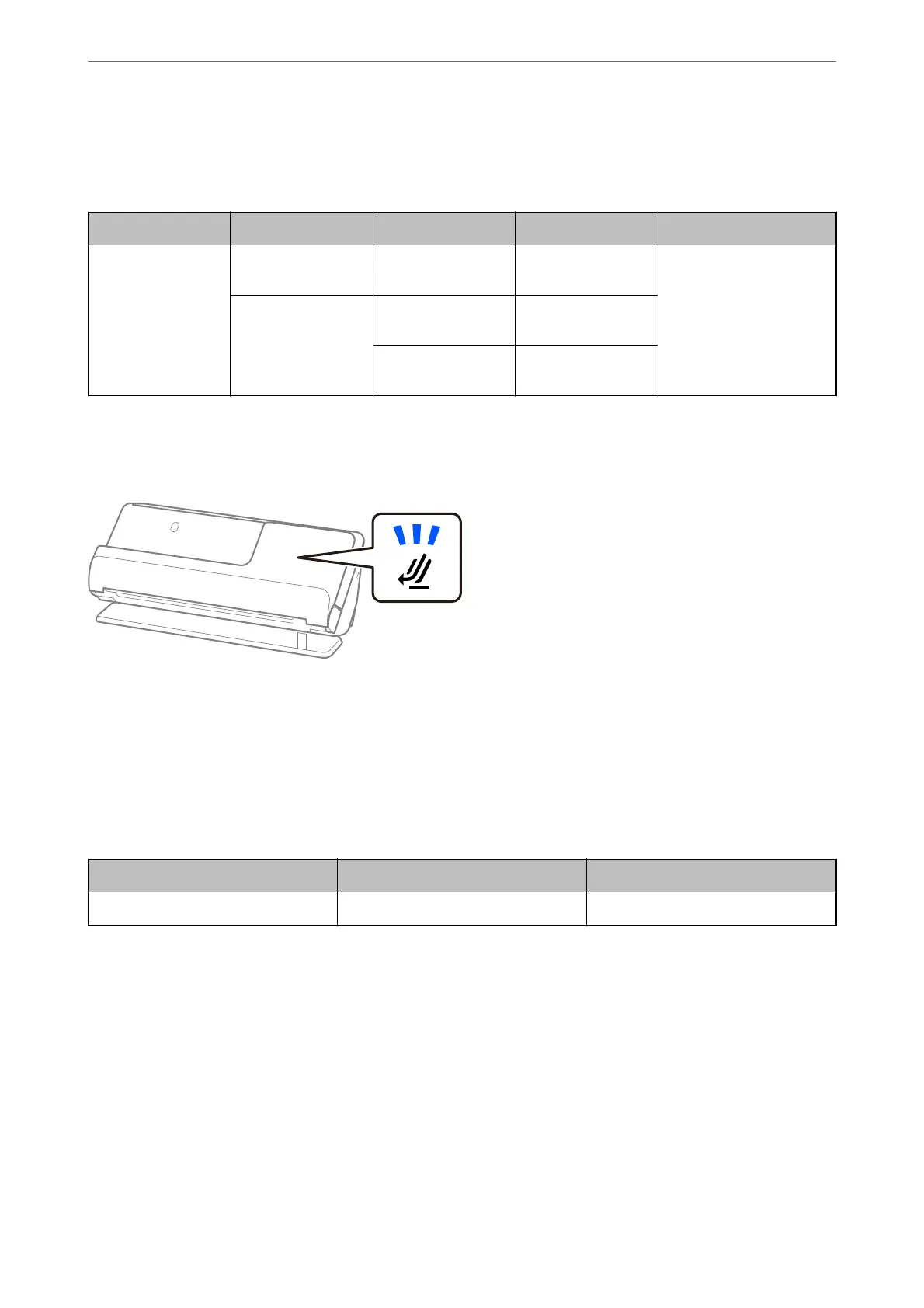
When Scanning Plastic Cards (Check the Position of the Scanner)
When scanning plastic cards, scan in the straight path position.
Related Information
& “Placing Plastic Cards” on page 61
Scannable Laminated Cards
ese are the specications for laminated cards that you can scan.
Size Thickness Loading Capacity
120.0×150.0 mm (4.7×5.9 in.) or less 0.8 mm (0.03 in.) or less 1 sheet
Note:
You cannot scan laminated cards using Epson Smart Panel.
Placing Originals
>
Specications for Originals that can be Scanned
>
Scannable Laminated Cards
41



 To Next Page