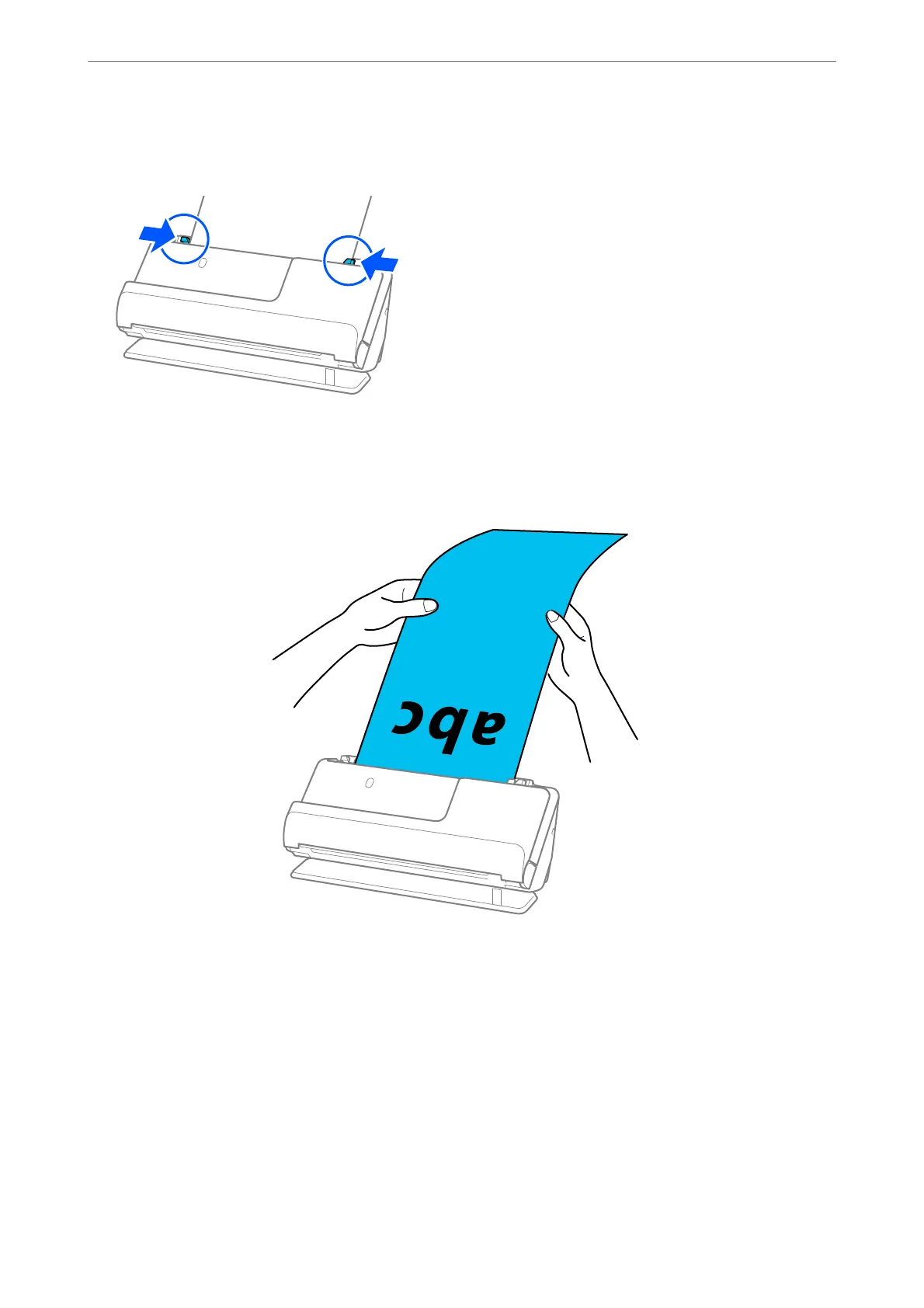
6. Adjust the edge guides to t the edges of the original so that there are no gaps. If there are any gaps, the
original may be fed skewed.
Note:
❏ If the edge guides are too far apart or too tight, the original may not be fed correctly. e edge guides should be
aligned so that they lightly touch the edges of the original.
❏ Also, while scanning long paper, support both ends of the original with your hands to prevent it from tilting.
❏ You can scan long paper at the following resolutions.
· Up to 393.7 mm: 600 dpi or less
· 393.7 mm to 3,048 mm: 300 dpi or less
❏ You need to specify the paper size in the Epson Scan 2 window.
When you are using Epson ScanSmart, you can open the Epson Scan 2 screen by clicking the Settings button >
Scanner Settings tab > Scan Settings.
On the Main Settings tab in Epson Scan 2, select Auto Detect (Long Paper) as the Document Size.
Placing Originals
>
Placing Originals in the Scanner
>
Placing Long Paper
60



 To Next Page