Rev. C Application Development Information for APD 6-3
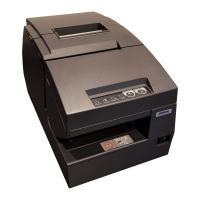
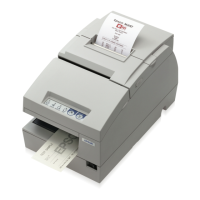
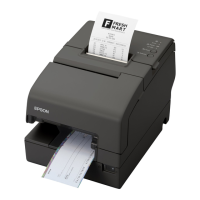
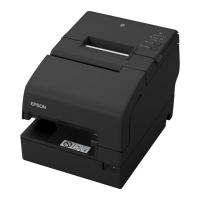
TM-H6000III Technical Reference Guide
6.2.2 Color bitmap printing
First adjust memory switch 8-4 to print using 2 color. Refer to “3.4.5 How to Use Two-Color
Printing (3-21 page)” for details.
6.2.3 Printable bitmap format
The printable bitmap formats are formats that meet all the following conditions.
❏ When using “Normal Bit-image”
• Any format the application can handle.
❏ When using “NV Bit-image“
• Depends on the TM Flogo utility. (.BMP format)
6.3 Two-Dimensional Code
This printer and APD support two-dimensional code (PDF417 format.) APD can print two-
dimensional code the same as other barcode (ex. EAN13, etc....); however, it can’t adjust the
detail setting (ex. step number, module height and width, etc....) The adjusting is done with the
“Two-Dimensional Code Parameter Setting Tool.“ The tool is provided with APD. This tool is
for APD printing and is not for OPOS and direct printing (using ESC/POS commands). See the
“Two-Dimensional Code Parameter Setting Tool User’s Manual” for details about this tool.


 To Next Page
 Loading...