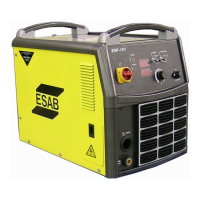
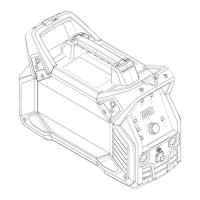
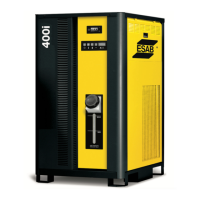
100i / 200i / 300i / 400i
80 OPERATION Manual PN: 0560956430
NOTE!
Prior to starting the system determine the process to be used. The process is
determined by the type and thickness of the metal to be cut. Select and install
the required consumables, connect the required gasses to the system.
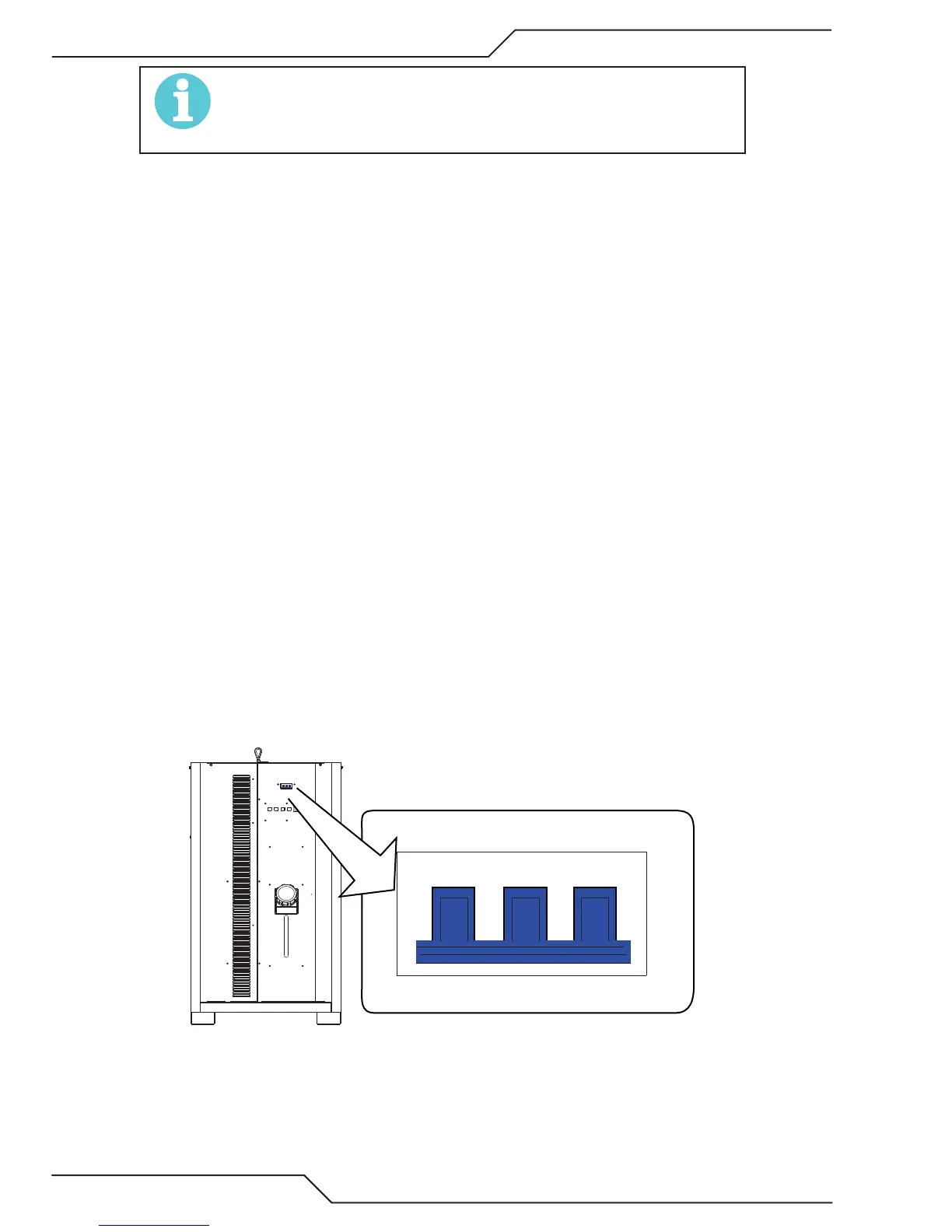
1. Connect system to primary input power. An indicator will light on the rear panel when AC power is applied to the unit.
Place the Plasma Enable Switch (Vision T5; user installed Plasma Enable/E-Stop) in the “Enable” position
2. Turn ON/OFF switch to ON (up) position. System goes through the “Start up Sequence”.
• For about 10 seconds the decimal points of the 4 digit display blink from right to left.
• Next the 4 rectangular LED indicators and the 4 status display digits illuminate all segments as a test.
• Then for about 6 seconds the display shows the letter “C” (code) followed by the CCM code version:
Example “C1.2.0” . During this time various input voltage tests are being performed. If a fault is found its code is
displayed and the start up sequence halts. Faults will show “E” or “L”. If Plasma hasn’t been Enabled by this point,
E101 will be displayed and the startup sequence will not proceed.
• The coolant pump starts, the Gas LED indicator blinks and the display shows “0” indicating no cutting process has
been loaded.
o If the unit is disabled, Plasma Enable shut off, the pump doesn’t start and display alternates between status code E101
and “0”.
• Assuming the unit is not disabled, as soon as adequate coolant flow is detected, usually in about 5 seconds, the Gas
LED stops blinking and the contactors close and the AC LED Indicator lights.
o If there are bubbles in the coolant code E406 may be displayed alternating with “0” until the bubbles clear up. This is
a warning and you can continue.
o If flow is not detected, the pump will run and the Gas LED blinks blinks until flow is detected or for up to 4 minutes at
which time the pump stops and the display shows E404 indicating proper coolant flow was not obtained.
• Now use the program included in Vision T5™ CNC control.
POWER
ON
OFF
O
I
OFF
O
Art # A-11542
OFF
O
OFF
O


 To Next Page