EasyManua.ls Logo

EtherWAN EW50 - Page 191

Default Icon
320 pages
Print Icon
To Next Page IconTo Next Page
To Previous Page IconTo Previous Page
Loading...
EW50 Industrial LTE Cellular Gateway
191
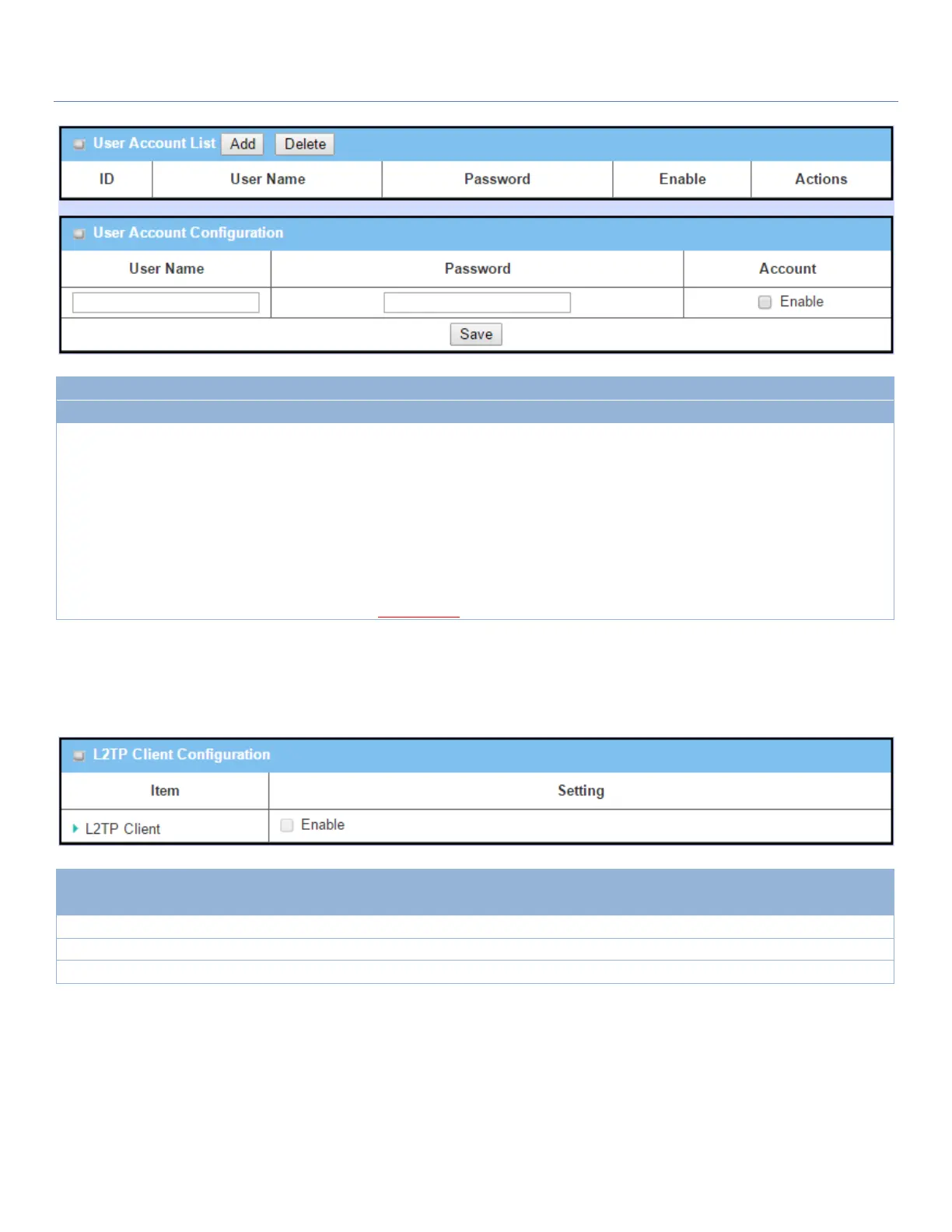
User Account List Window
Item
Value setting
Description
User Account List
Max. of 10 user
accounts
This is the L2TP authentication user account entry. You can create and add
accounts for remote clients to establish L2TP VPN connection to the gateway
device.
Click Add button to add a user account. Enter the User name and password.
Then check the enable box to enable the user.
Click Save button to save the new user account.
The selected user account can permanently be deleted by clicking the Delete
button.
Value Range: 1 ~ 32 characters.

As a L2TP Client
When Client is selected in Client/Server, a series L2TP Client Configuration will appear.
L2TP Client Configuration
Item Setting
Value setting
Description
L2TP Client
Unchecked by default
Check the Enable box to enable L2TP client role of the gateway.
Save
N/A
Click Save button to save the settings.
Undo
N/A
Click Undo button to cancel the settings.

Table of Contents