EW50 Industrial LTE Cellular Gateway
285
Click Enable box to activate this account.
Click the Save button to save the configuration.
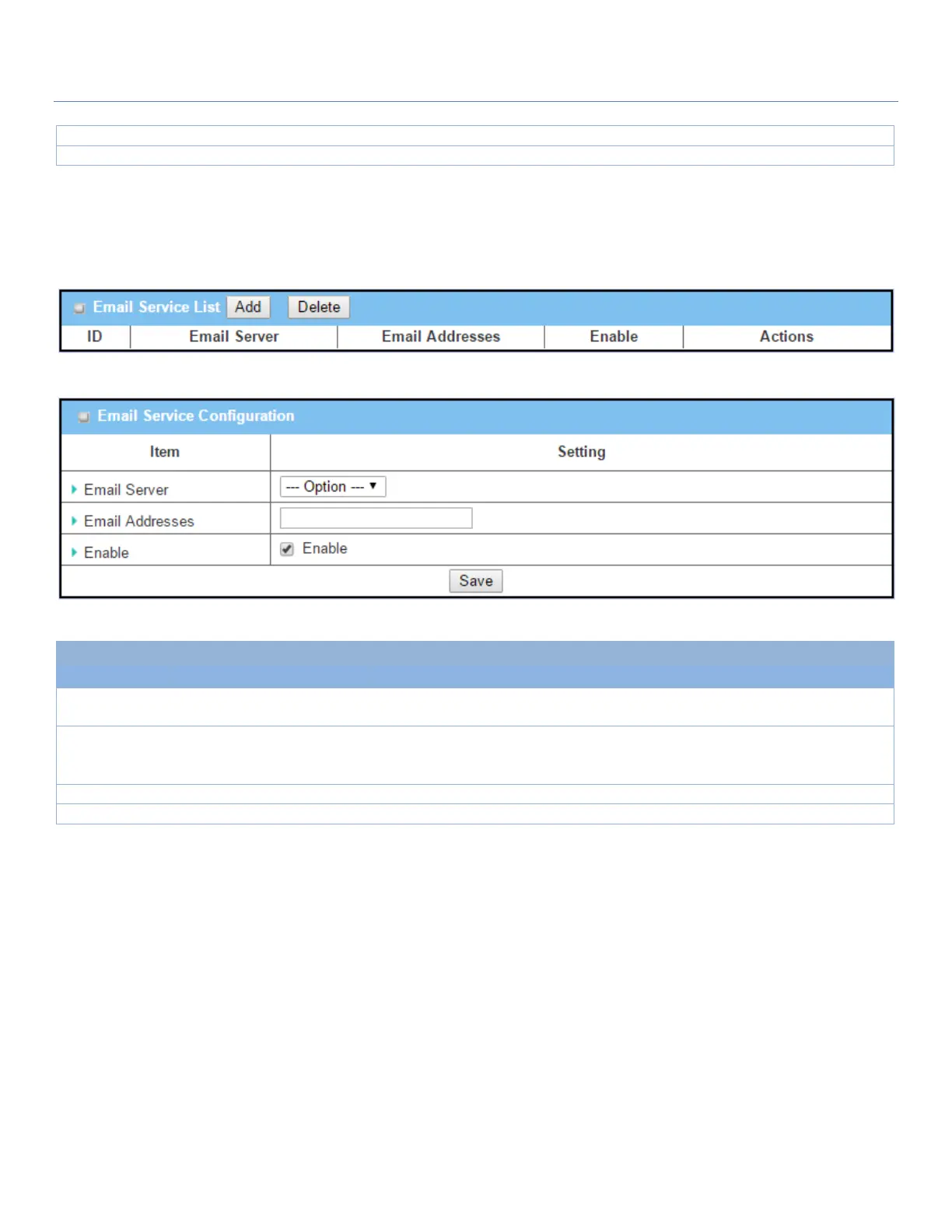
Create / Edit Email Service Account
Set up the Email Service Account for event notification. It supports up to a maximum of 5 accounts.
You can click the Add / Edit button to configure the Email account.
Email Service Configuration
Select an Email Server profile from External Server setting for the email account
setting.
1. Internet E-mail address
format
2. Required setting
Specify the Destination Email Addresses.
Click Enable box to activate this account.
Click the Save button to save the configuration



 To Next Page