Functional characteristics
MIG/MAG welding
66 Item No.: 099-004833-EWM01
5.2.10.3 Powercontrol program torch with one rocker (special function)
Calling up welding JOBs (block JOB mode)
In this operating mode, a total of 27 JOBs (welding tasks) divided into three blocks can be called
up using the torch.
Only program 1 can be used in these JOBs. Simultaneous operation with interfaces such as RINT
X11, BUSINT X10 or DVINT X11 is not possible.
Operating elements Functions
Torch trigger Welding on/off
Rocker Call up 27 JOBs (welding tasks) in three blocks. (see table)
8
7 segment display Shows the relevant JOB number assignment (see table).
The following configurations need to be made in order to use this special function:
• Switch the "Program or Up/Down function" changeover switch to "Program" (see "Internal operating
elements" chapter).
• Switch on Block mode (see "Organising JOBs" chapter)
• Select special JOB 1,2 or 3 (see "Organising JOBs" chapter)
Special JOB 1 (SP1) corresponds to JOB number 129,
Special JOB 2 (SP2) corresponds to JOB number 130,
Special JOB 3 (SP3) corresponds to JOB number 131.
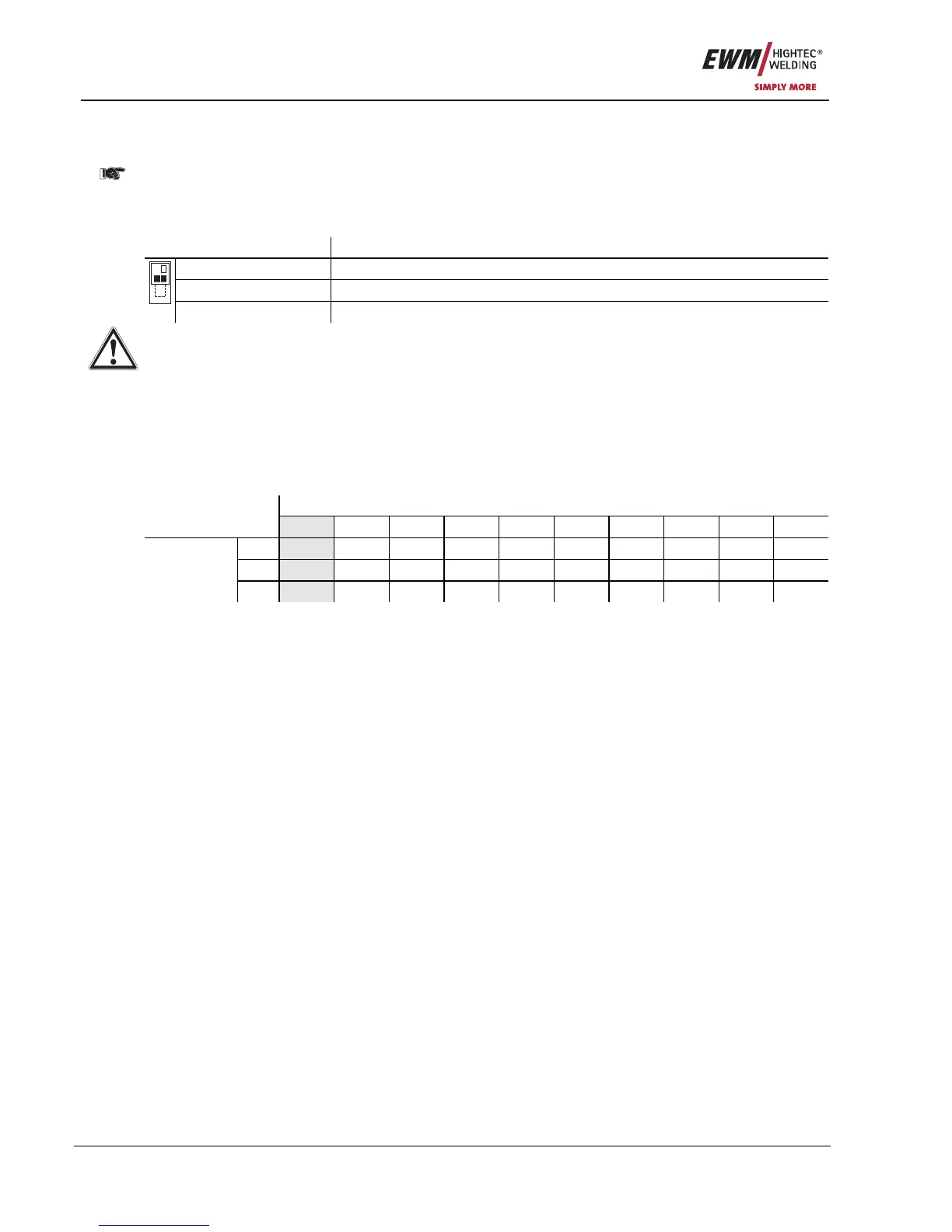
Table: Program torch JOB assignment
Welding torch selection
JOB no.
0 1 2 3 4 5 6 7 8 9
SP1
129 140 141 142 143 144 145 146 147 148
SP2
130 150 151 152 153 154 155 156 157 158
Control
selection
SP3
131 160 161 162 163 164 165 166 167 168
JOB "0" on the program torch:
Setpoint values for wire speed, arc correction and dynamics are specified manually on the wire feed unit
control. The Special JOB signal light is on permanently.
All other JOBs on the program torch:
Nine additional JOBs can be called up in each special JOB (see table). Setpoint values for wire speed,
arc correction, dynamics and other parameters must first be stored in the JOB using the welding machine
control or the PC300.Net software. (see also "Organising JOBs" chapter). The Special JOB signal light
flashes.










 To Next Page