Functional characteristics
Advanced functions on the welding machine control
Item No.: 099-004833-EWM01 85
5.9 Advanced functions on the welding machine control
5.9.1 Displaying JOB information
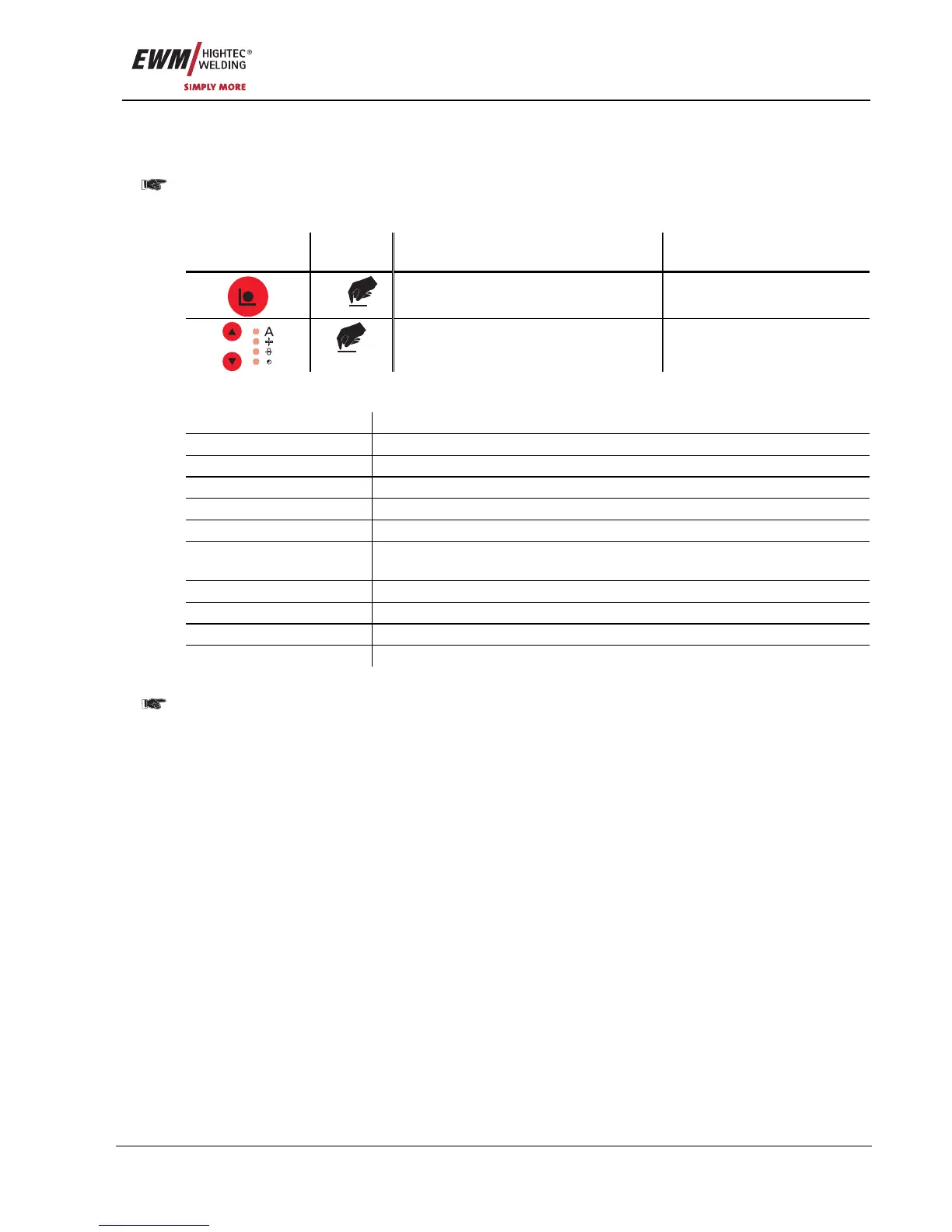
Information on the current JOB is displayed in this mode.
In JOBs 127 and 128 (TIG & MMA), it is not possible to select the mode as it would not be relevant.
Selection:
Operating
element
Action Result Display
x x
Select “JOB Info mode” JOB Info
Parameter selection See “JOB Info” parameter list
table
“JOB Info” parameter list:
Parameter (display) Explanation
System System status
JOB no. JOB number
Current program Program number
Mode Operating mode
Welding Welding type
JOB text Text information relating to the JOB (can be edited using PC 300.Net
software)
Wire Wire diameter
Material Material type
Gas type Type of gas
Proc. Welding process
5.9.2 Organising JOBs
The JOB Manager can be used to load, copy or save JOBs.
The JOB is the welding task defined by the 4 main welding parameters; welding process, material
type, wire diameter and gas type.
One program sequence can be defined in each JOB.
Up to 16 operating points (P0 to P15) can be set in each program sequence.
The user has a total of 256 JOBs available. 185 of these JOBs are pre-programmed. A further 61
JOBs can be freely defined.
To ensure that all the changes are active, the welding machine should be switched off at least 5
seconds after changing the JOB.
There are two different memory sectors:
• 185 factory-set, pre-programmed, permanent JOBs (JOB 1 to 128 and 190 to 256; a fixed JOB
number is assigned to each welding task).
JOBs 1 to 128 are not loaded but are defined using the welding task (see chap. 3.5). Each welding
task is assigned a JOB number (190 to 256). JOB number display.
• 61 freely definable JOBs (JOBs 129 to 189).










 To Next Page