Test Setup - Test Configurator, Timer, and System
MaxTester 119
Interface
RX Frequency
Note: The following RX Frequency information applies to serial interface only,
refer to RX Frequency on page 107 for parallel interfaces. Not available
when using an active copper SFP.
Frequency (GHz) indicates the frequency of the input signal.
Offset (ppm) indicates the frequency offset between the standard rate
specification and the rate at the input signal.
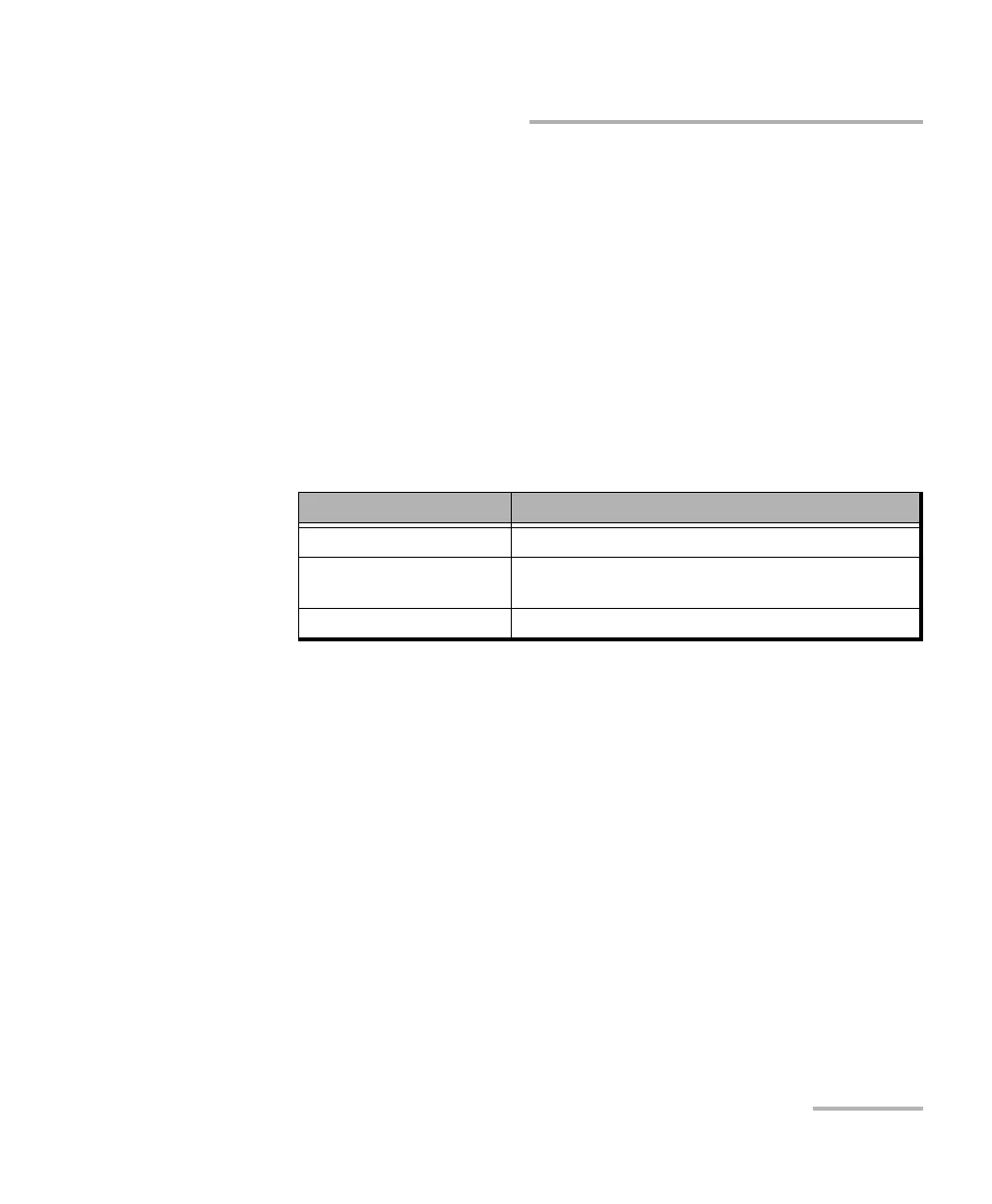
Note: For both Frequency and Offset the following background colors are used.
Max Offset (ppm)
Negative indicates the maximum negative frequency offset between
the standard rate specification and the rate from the received signal.
Positive indicates the maximum positive frequency offset between the
standard rate specification and the rate from the received signal.
Background color Description
Green The frequency is in range.
Red The frequency is out-of-range or LOC Lane. LOC is also
displayed.
Gray Pending state.










 To Next Page