MaxTester 9
3 Getting Started
The MaxTester has been shipped with the latest software version.
Turning On the Unit
Turn on the MAX-800 Series. Refer to the MAX-800 Series user guide for
more information.
Starting the Application
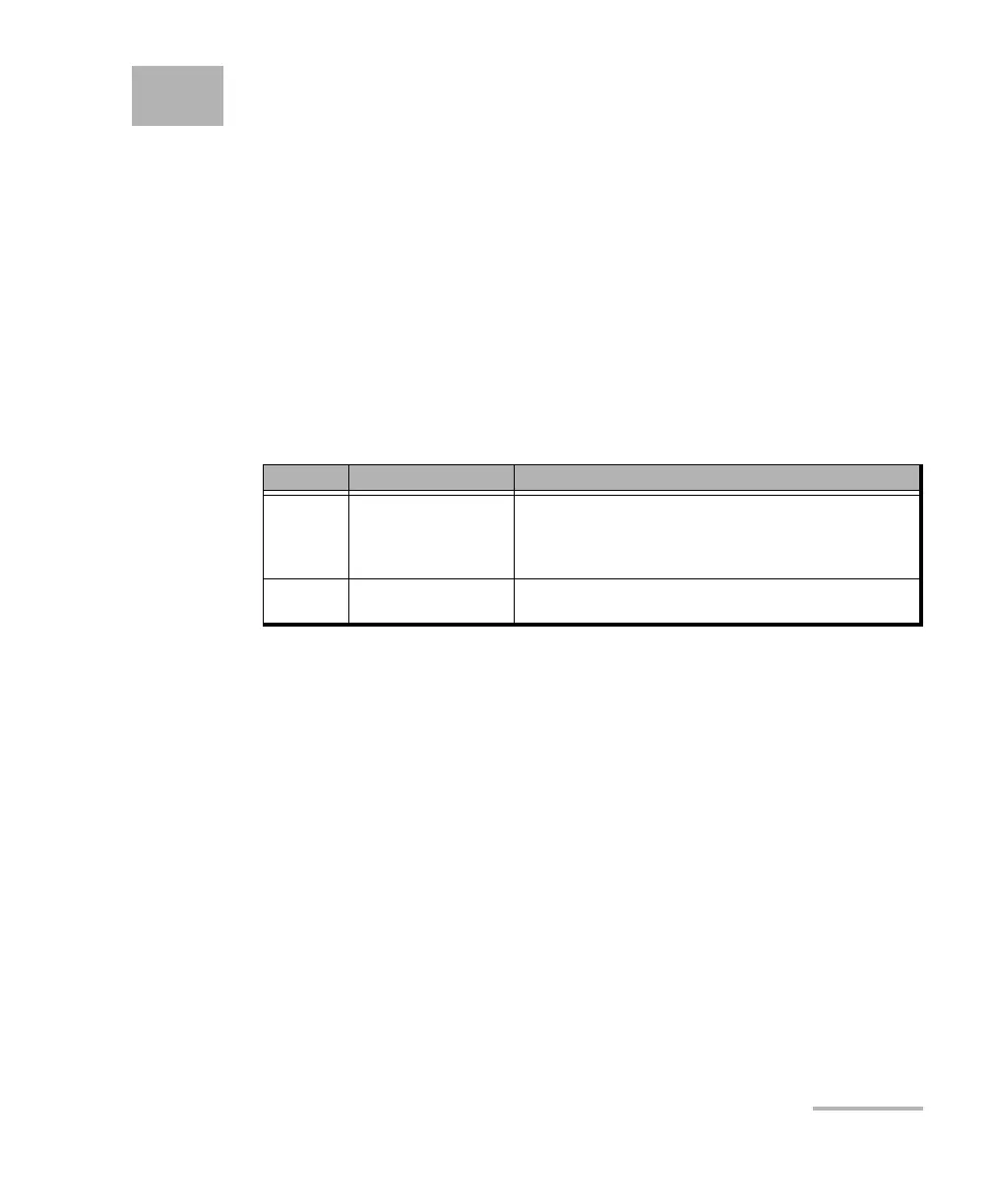
The MAX-800 Series can be configured and controlled by starting the
MaxTester application(s) as described in the following table:
To start the application:
From Mini ToolBox X tap the desired MaxTester application button.
Model Application Comment
860
860G
880
890
MaxTester
890Q MaxTester - A
MaxTester - B
An application for each part of the unit.
Both A and B applications can run simultaneously.










 To Next Page