Test Control
MaxTester 385
Inject Button
Inject Button
Injects alarms/errors based on settings from the Inject Button on page 254.
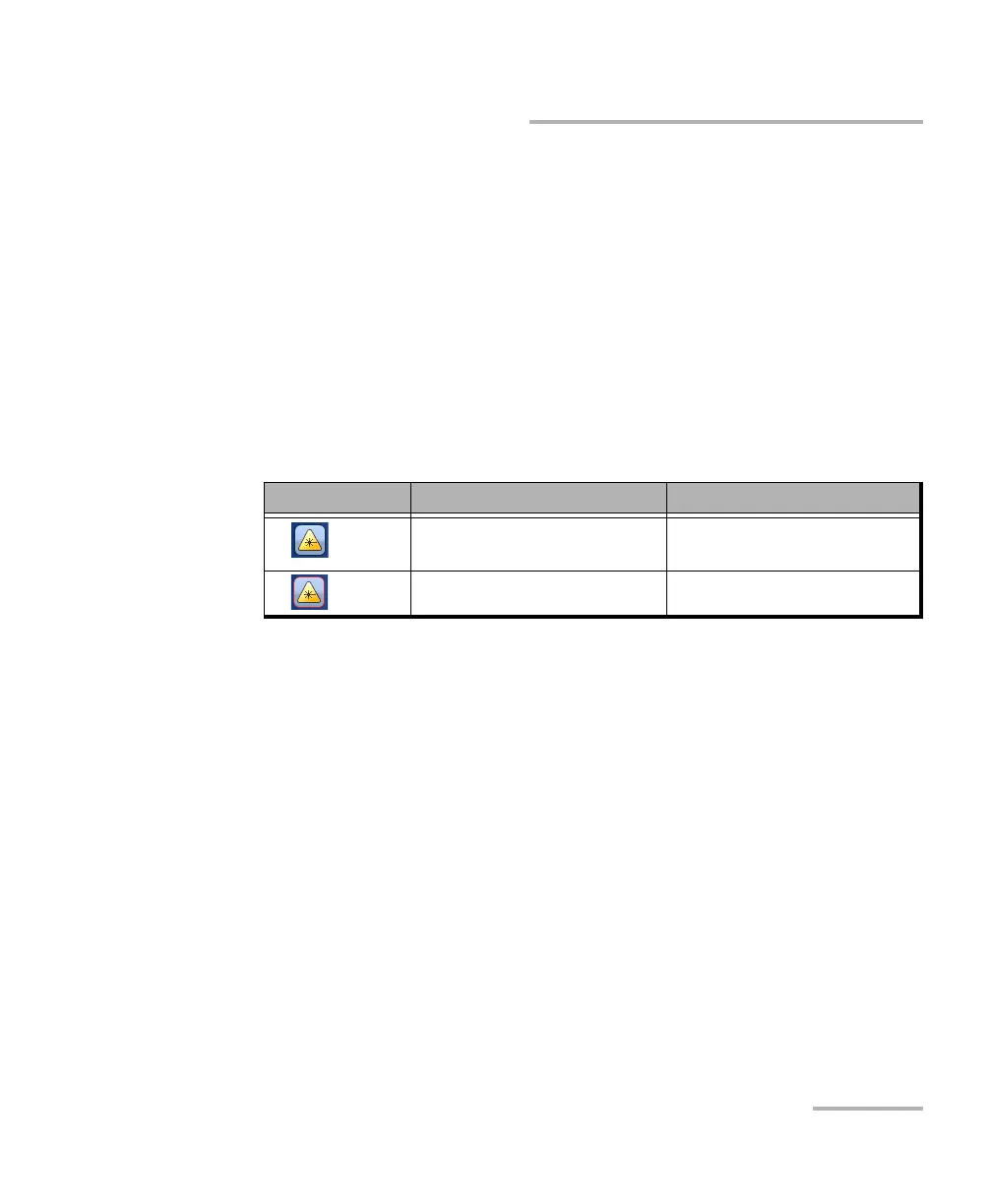
Laser Button
The Laser button enables or disables the laser for optical interfaces. For
Dual Port topology, enables or disables the laser for both optical interfaces
(ports). However, when an active copper SFP is used on a port, the laser is
always on for this port.
Note: For SFP+ power level 2, a delay of up to 90 seconds may be required before
generating/transmitting (TX) the laser signal as defined in the
Specifications for Enhanced Small Form Factor Pluggable Module
(SFF-8431).
Laser Button Border Color Description
Black Laser is off.
Red Laser is on.










 To Next Page