Test Results
266 MAX-800 Series
Performance Monitoring
Performance Monitoring
Note: This tab is only available with Transport test applications with Pattern
client. Monitored performance parameters are reported, non-monitored
values are left blank.
The Performance Monitoring tab gives error performance events and
parameters for the circuit under test.
From the Test menu, tap Results, and the Performance Monitoring tab.
Each button on top of the window represents a level of the analyzed signal
for which the Performance Monitoring (PM) is available. Each button also
displays the PM standard(s) available for this level. Tap a signal level button
to get its PM results.
Note: G.821 and M.2100 OOSM are only available when No Pattern Analysis
(Live) check box is cleared (refer to page 78).
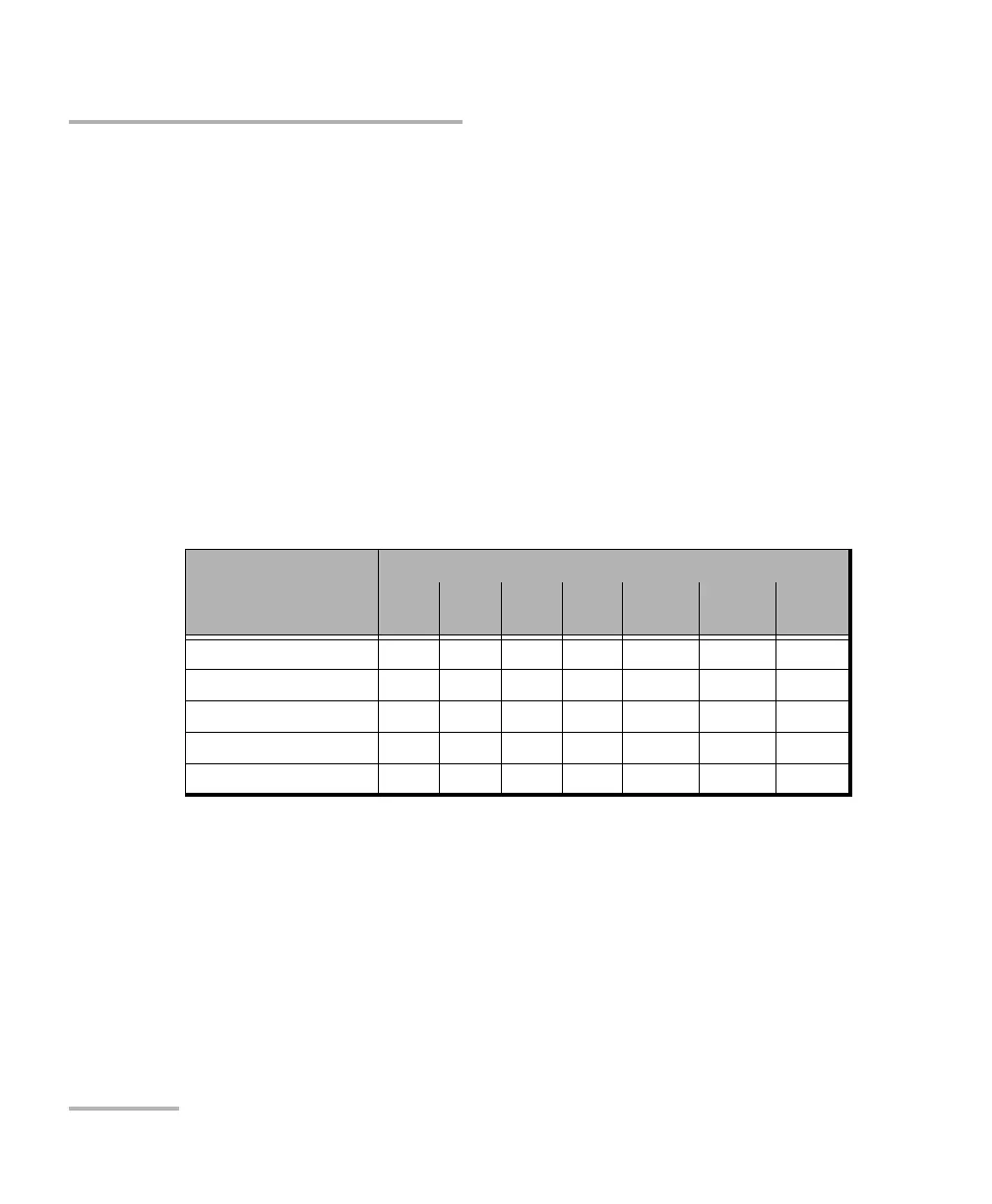
Standard’s availability
Analyzed Signal G.821
G.826
ISM
G.828
ISM
G.829
ISM
M.2100
ISM
M.2100
OOSM
M.2101
ISM
DS3/DS1/E4/E3/E2/E1 X X
Section/RS X
Line/MS X X
VTn/STS-n/AU-n/ TU-n X X
BERT X X










 To Next Page