IN1806 and IN1808 Series Scaling Presentation Switchers • Configuration Software 97
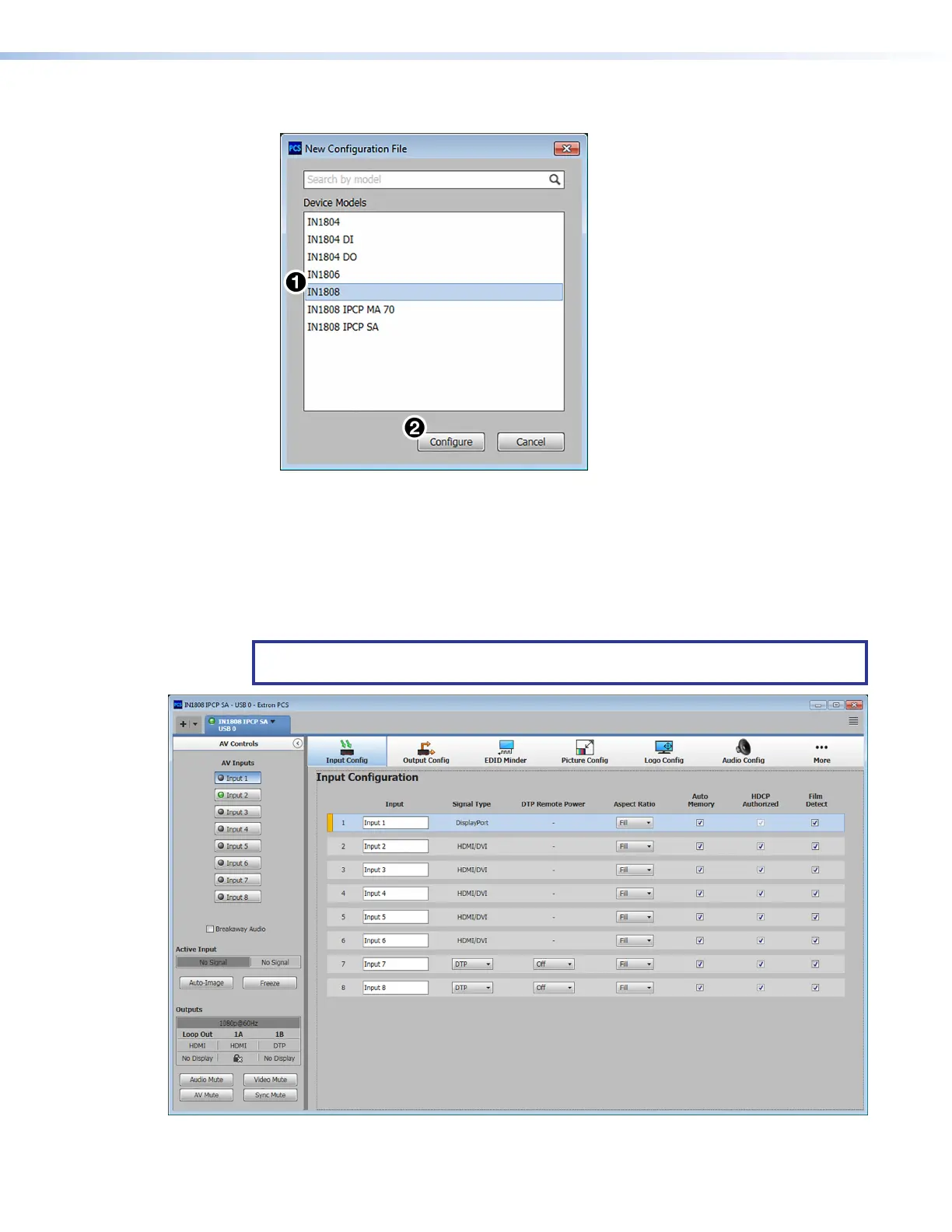
The New Configuration File dialog box opens.
Figure 38. New Configuration File Dialog Box
2. Select the desired device model from the Device Models list (see figure 38,
1
). In
figure 38, IN1808 (standard model) was selected.
3. Click the Configure button (
2
). A new offline device configuration tab opens.
Software Overview
NOTE: For details about specific software features, see the IN1806 and IN1808 Series
PCS Help file.
Figure 39. PCS Main Window
38
39













 To Next Page