IN1806 and IN1808 Series Scaling Presentation Switchers • Operation 38
• TP 1B Format — Select TP 1B Format from the list of Output submenu items, then
press the
or buttons to select the format. The format choices are the same as for
HDMI 1A:
• Auto (based on the EDID of the sink) (default)
• DVI RGB 444
• HDMI RGB 444 Full
• HDMI RGB 444 Ltd
• HDMI YUV 444 Ltd
• HDMI YUV 422 Ltd
• TP 1B Mode — This item lets you select the twisted pair mode of the DTP2/XTP/HDBT
Output 1B. To switch among modes for the TP output port, select this item and press
the
or buttons to select DTP, XTP, or HDBT.
• HDCP Notification — This item lets you select what is displayed on the HDMI output
when the input signal contains HDCP-protected content and the output is a non-HDCP
sink. Press Enter to select this item, then press the
or button to select between:
• Green w/OSD — Displays a green screen with the message HDCP Content on the
HDMI output display (default).
• Black Screen — Displays a black screen and the output sync is maintained.
• User Image — Displays a user-uploaded image. To upload images, use the PCS
software Logo screen (see the IN1806 and IN1808 Series Help File for instructions).
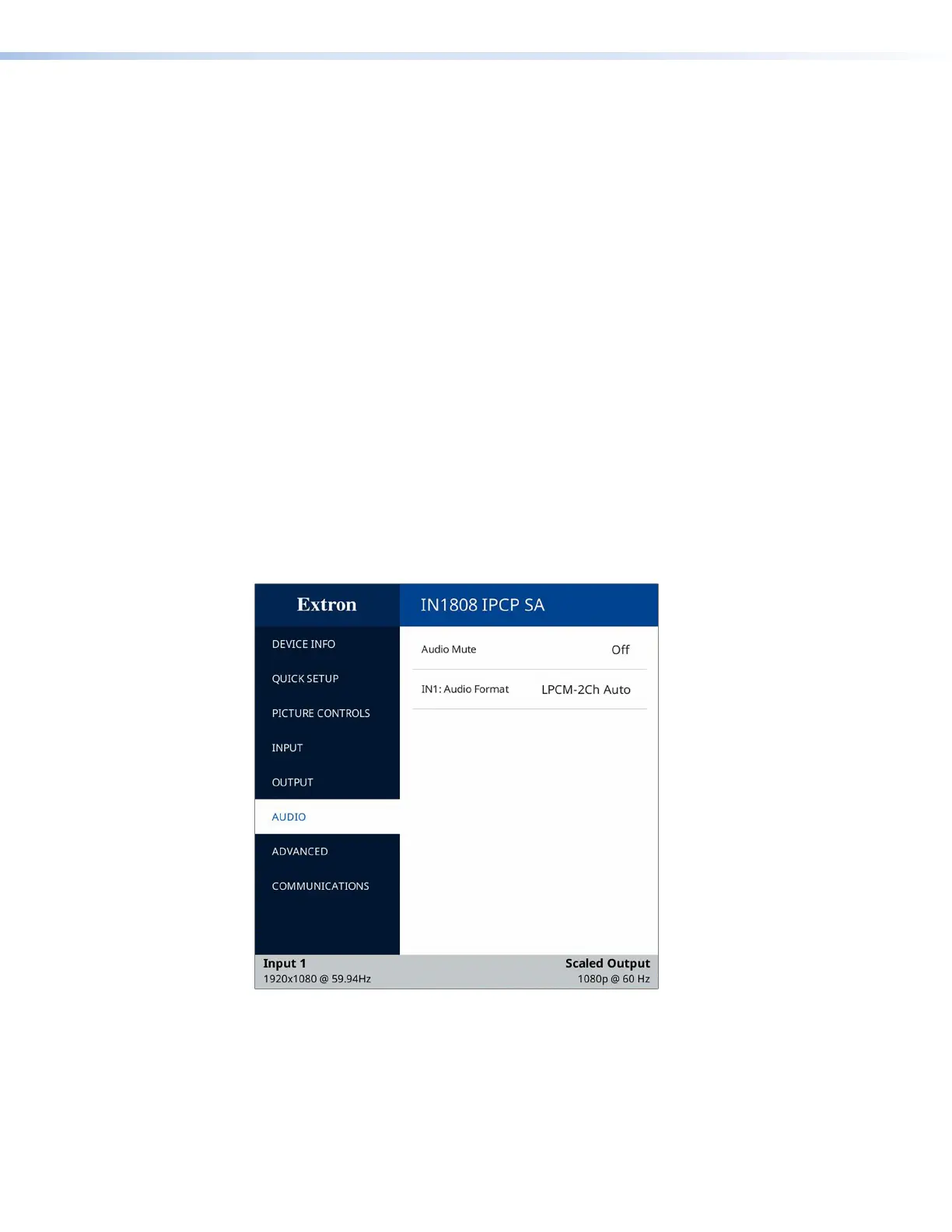
Audio Submenu
Figure 24. Audio Submenu
The Audio submenu allows you to mute the audio and to set the audio input format. To
use this submenu, press Enter to select this item, then press the
or button to move
between the two selections.
24













 To Next Page