IN1806 and IN1808 Series Scaling Presentation Switchers • Operation 36
Output Submenu
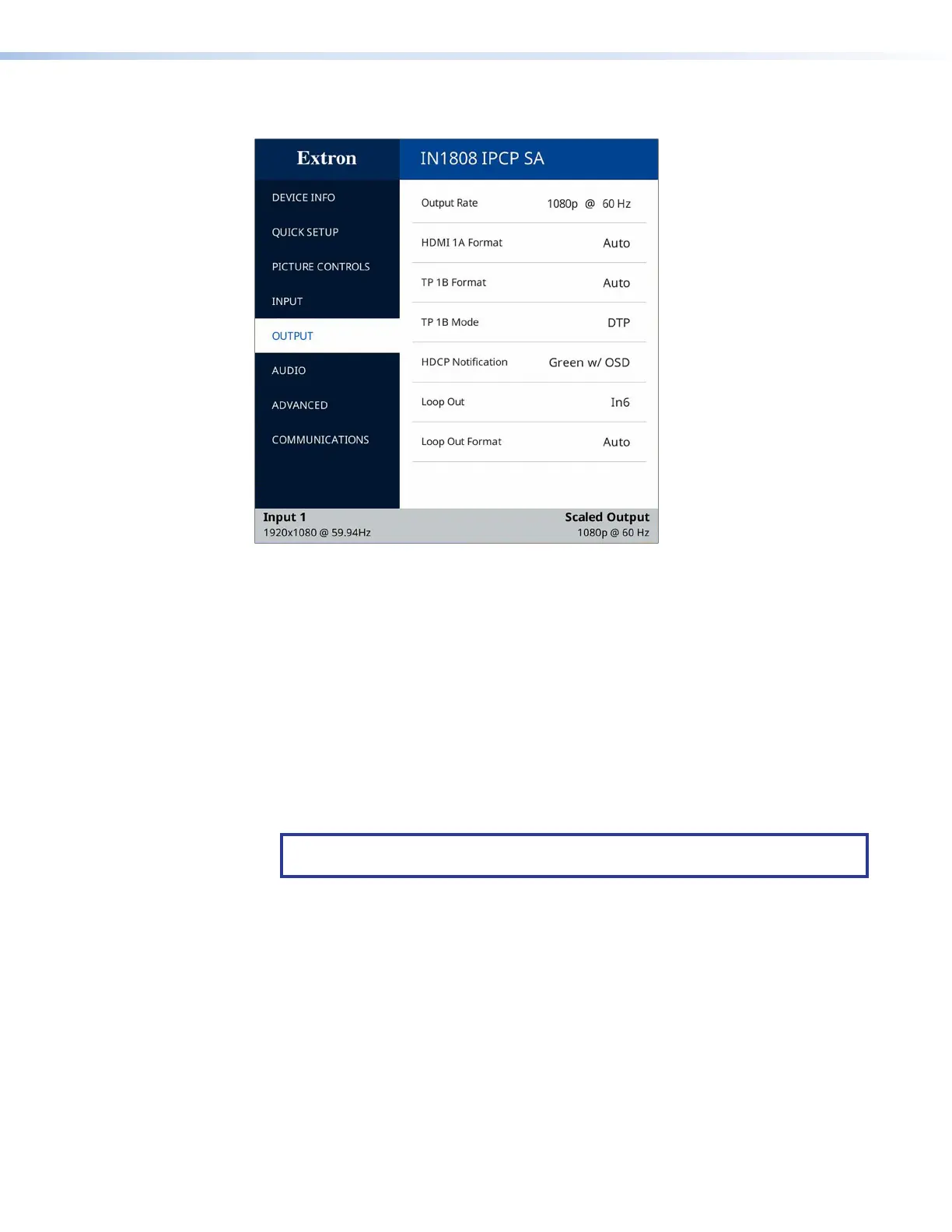
Figure 23. Output Submenu
The Output submenu enables you to configure the output resolution, refresh rate, HDMI
and TP format, TP mode, HDCP notification, and Loop Out format and connected input.
• Output Rate — Select this item to specify the output resolution and refresh rate. The
IN1806 and IN1808 Series scalers have a range of resolutions from which to choose
(see the Output Resolutions and Refresh Rates table on the next page for the
available settings). The available rates depend on the selected resolution.
Ten custom user-defined output rate slots are also available to be defined via SIS
commands or via the Capture EDID item on the Input menu.
When a resolution is applied to a user-defined EDID slot, its name is displayed in the
Output Resolution panel in the format cn: nnnnxnnnn @ nn (XXX). An example would
be C1: 1280x780 @ 60 Hz (EXN) (the last three letters in parentheses represent the
name of the manufacturer of the device).
NOTE: The 10 custom, user-defined output rates default to 1080p @ 60 Hz when
no custom EDID is captured or uploaded.
23













 To Next Page