IN1806 and IN1808 Series Scaling Presentation Switchers • Operation 40
NOTE: DSP is provided to enable configuration of specific audio features, such as
Mic/Line mixing, signal processing (ducking, feedback suppression, dynamics,
equalization, and delay), gain adjustment, volume control, and phantom power.
• Use PCS to configure DSP and other audio parameters for the audio inputs and
outputs (see the IN1806 and IN1808 Series PCS Help File for detailed instructions).
• Use SIS commands to configure non-DSP audio parameters (see the Audio
Configuration commands beginning on page 74).
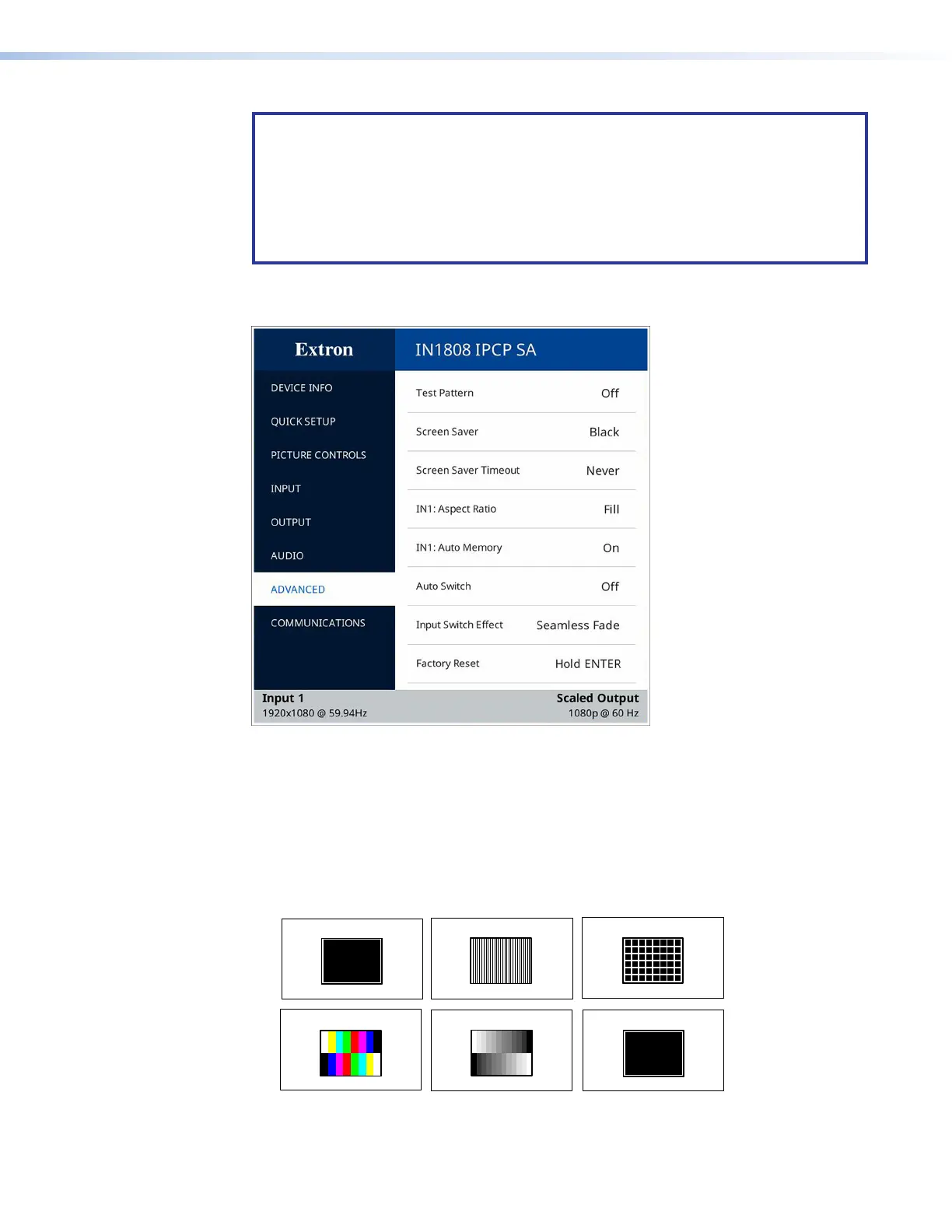
Advanced Submenu
Figure 25. Advanced Submenu
The Advanced submenu enables you to configure the global settings for the unit. The
following items are available:
• Test Pattern — Lets you choose a test pattern to use in setting up a display when
outputting different resolutions. The test pattern selections include Crop, Alternating
Pixels, Crosshatch, Color Bars, Grayscale, and Audio Test (pink noise). The
default is Off.
The following test patterns are available:
Color Bars
Crop
Crosshatch
Grayscale
Audio Test
Alternating Pixels
Figure 26. Available Test Patterns
25
26













 To Next Page