IN1806 and IN1808 Series Scaling Presentation Switchers • Operation 43
The switch effects, listed below in order of appearance on the menu, include:
• Seamless Fade (default) — Displays a final frozen frame of the previous input while
the newly selected input fades in (see figure 27,
2
).
• Fade thru Black — The current input fades to black before the newly selected
input fades in (
3
).
• Cut thru Black — The current input instantly cuts to black, then immediately cuts
to the newly selected input with no fading in or out (
4
).
• Seamless Cut — The last frame of video freezes on the screen, then cuts to the
newly selected input (
1
).
• Factory Reset — Resets the unit to its factory default values (removing any
user-specified values) while retaining all network settings.
To reset using the OSD menu, press and hold the Enter button until Factory Reset is
displayed (approximately 5 seconds). The message remains for approximately 1 minute
after the reset is complete to allow time for the display device to sync with the IN1806
or IN1808 output.
NOTE: The equivalent SIS command is
E
ZXXX
}
. This command does not affect
the current password, including the initial factory-set serial number.
For other reset methods, see Reset Modes on page 46.
Communication Submenu
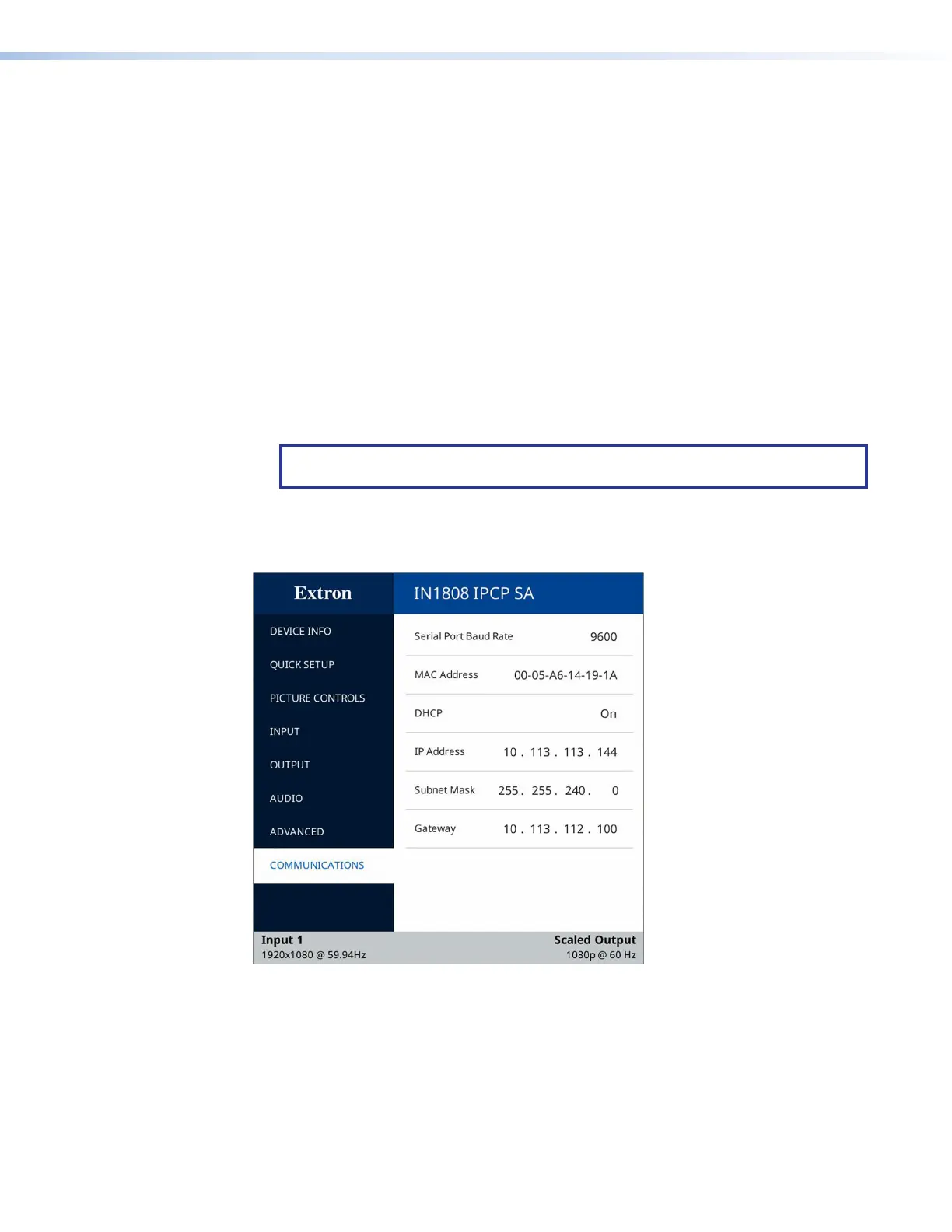
Figure 28. Communication Submenu
The Communication submenu enables you to view the serial port baud rate and the unit
media access control (MAC) address, and to configure the IP address, subnet mask, and
gateway address, and DHCP mode.
• Serial Port Baud Rate — Displays the baud rate for the Remote RS-232 serial port
(view only).
• MAC Address — Displays the MAC address of the device (view only).
28













 To Next Page