IN1806 and IN1808 Series Scaling Presentation Switchers • Operation 42
• INn: Auto Memory — Enables or disables Auto Memory. When Auto Memory is set
to On (default), the IN1806 or IN1808 stores the current input configuration and picture
control values.
The scaler stores 32 auto memories per input, with input configuration and picture
control data for each video resolution. The default setting enables these memories to
automatically recall input and picture controls for previously applied signals. When auto
memories are disabled, the scaler treats every applied signal as a new source.
• Auto Switch — Press the
or button to select the auto-input switch mode. Auto
Switch options are:
• Off (default) — Auto-input switching is disabled. Switching occurs only via the front
panel buttons or SIS commands.
• Last Connected — The IN1806 and IN1808 switches to the most recently
connected input and retains a history of the order in which input signals were
previously connected to the scaler. If an input is disconnected or the currently
selected input is disabled, the scaler reverts to the connected inputs in order. See
the example in the following table:
Step Connected Input Priority 1 Priority 2 Priority 3 Priority 4
1 Input 1 connected 1
2 Input 3 connected 3 1
3 Input 2 connected 2 3 1
4 Input 4 connected 4 2 3 1
5 Input 4 disconnected 2 3 1
6 Input 2 disconnected 3 1
• User Priority — You can define a priority using PCS (see the IN1806 and IN1808
Series Help File) or SIS commands (see the Auto-input Switch Mode commands
on page 65) for the connected inputs to be selected. The default input selection
order is low-to-high (the input with the lowest number is selected first, and so on).
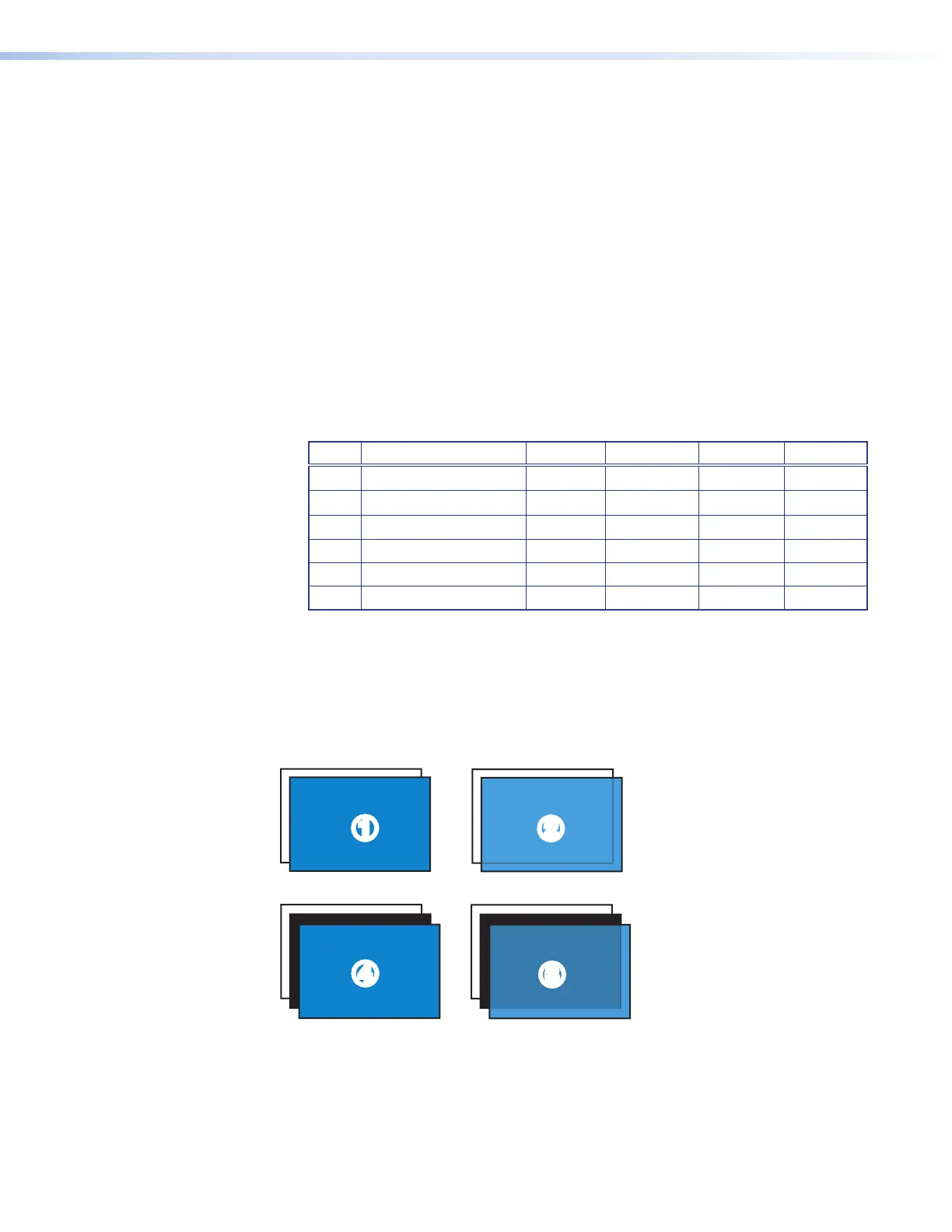
• Input Switch Effect — Enables you to select the transition effect that is shown on the
display while the scaler is switching inputs (see the examples in figure 27). Press the
or button to select from the following available effects:
Seamless Fade
22
33
44
Seamless Cut
11
Figure 27. Transition Effects
27













 To Next Page