IN1806 and IN1808 Series Scaling Presentation Switchers • Internal Web Pages 105
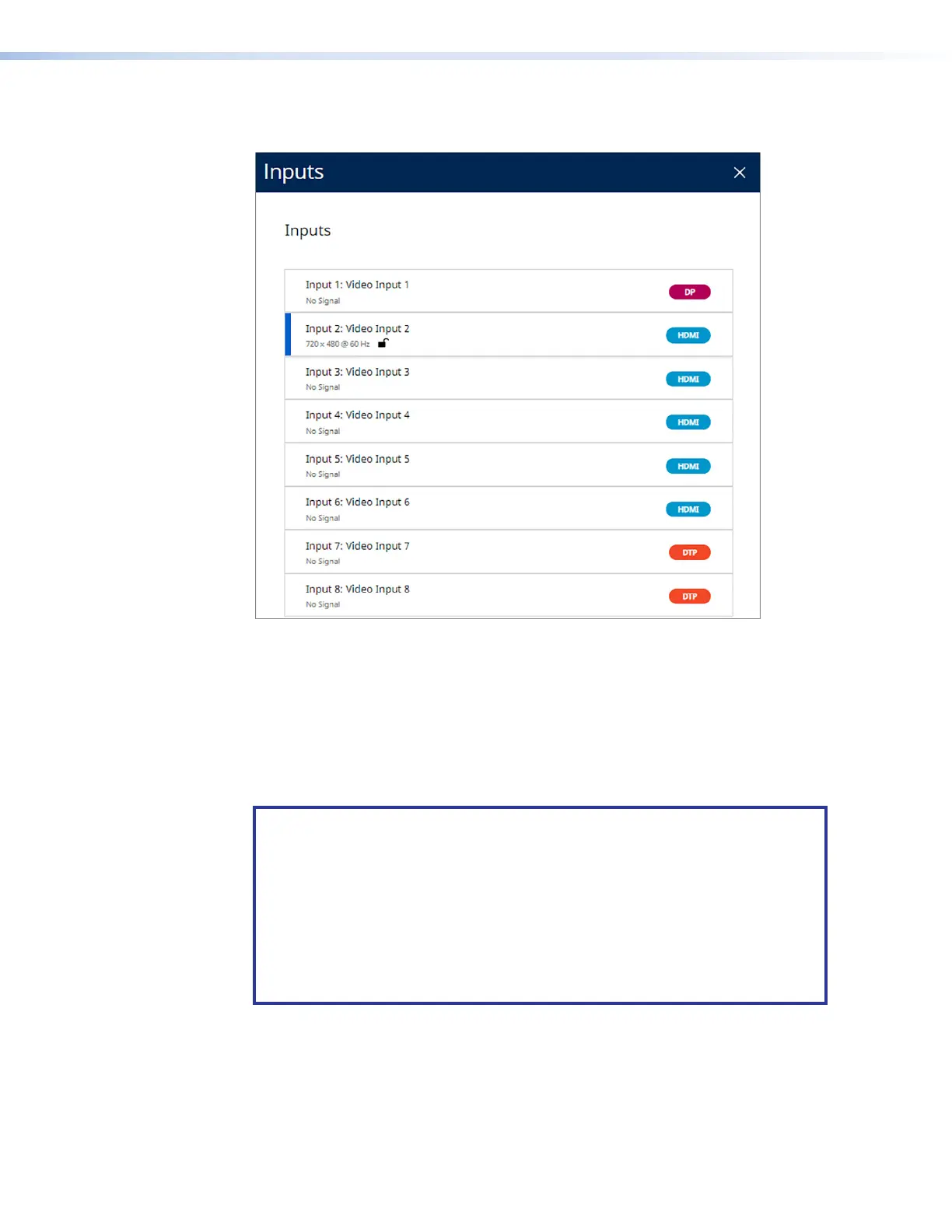
Figure 49 shows an IN1808 Series Inputs dialog box. The IN1806 equivalent screen has
six inputs (no DTP2/XTP input 7 and 8).
Figure 49. Inputs Dialog Box for an IN1808 Series
When finished viewing the input information, click the X in the upper-right corner of the
dialog box to close it.
Roles and Permissions Panel
In this panel (see figure 47,
3
, on page 103) you can set and remove administrator and
user passwords.
NOTE: The following rules apply to passwords:
• Length is 1-128 characters.
• All human-readable characters are permitted except
|
.
• The password cannot be a single space unless you are removing the
password entirely.
• Passwords are case-sensitive.
• A user password cannot be assigned if no administrator password exists.
• If the Admin password is cleared, the user password is cleared as well.
49













 To Next Page