IN1806 and IN1808 Series Scaling Presentation Switchers • Internal Web Pages 109
4. Click Update to begin (
2
). (If you want to cancel the update, click the X button in the
upper-right corner of the Update Firmware panel.)
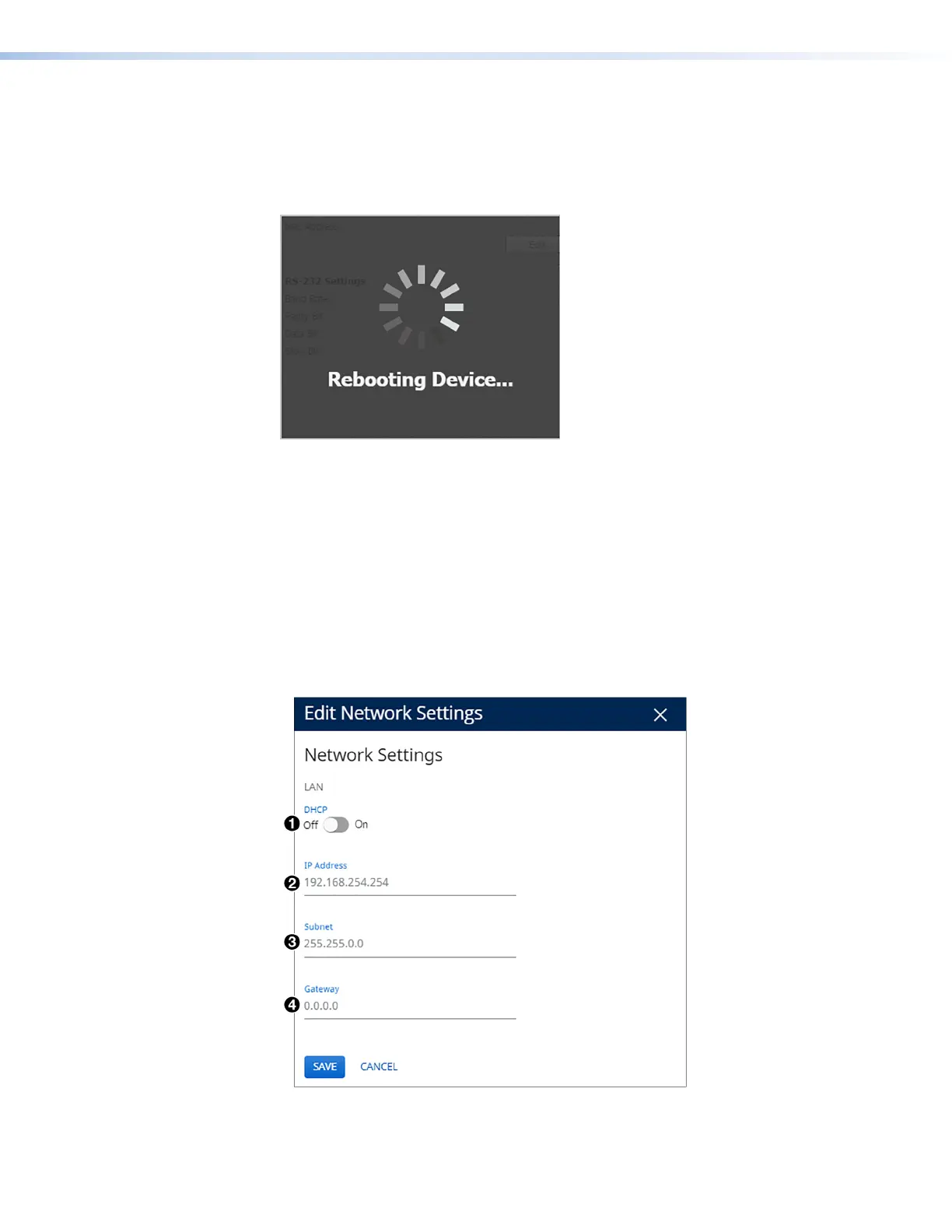
During the updating process, a window appears in the middle of the screen, showing
messages giving the progress of the update: Initializing, Installing the
Firmware, and Rebooting Device (see figure 54).
Figure 54. Firmware Update Message Window
When the update is completed, the message window closes and the message
Firmware Upload Complete appears near the top of the screen. The new firmware
filename appears beside Version in the Firmware panel of the web page.
Network Settings Panel
In the Network Settings panel (see figure 47,
7
, on page 103), you can set the IP
address, subnet mask, and gateway address for your IN1806 or IN1808 Series, and turn
DHCP on and off. You can also view the MAC address of the unit. To set the IP addresses:
1. Click Edit in the lower-left corner of the Network Settings panel. The EDIT Network
Settings screen opens.
Figure 55. Edit Network Settings Screen
54
55













 To Next Page