IN1806 and IN1808 Series Scaling Presentation Switchers • Configuration Software 99
Tutorial
This option displays a general overview of where to find features in the PCS framework.
1. From the Software menu, select Tutorial. The Tutorial dialog box opens.
2. Click the OK button to close the dialog box.
Extron PCS Help
This options opens the PCS help file for general PCS operations.
From the Software menu, select Extron PCS Help.
About Extron PCS
This option contains information about the current PCS version.
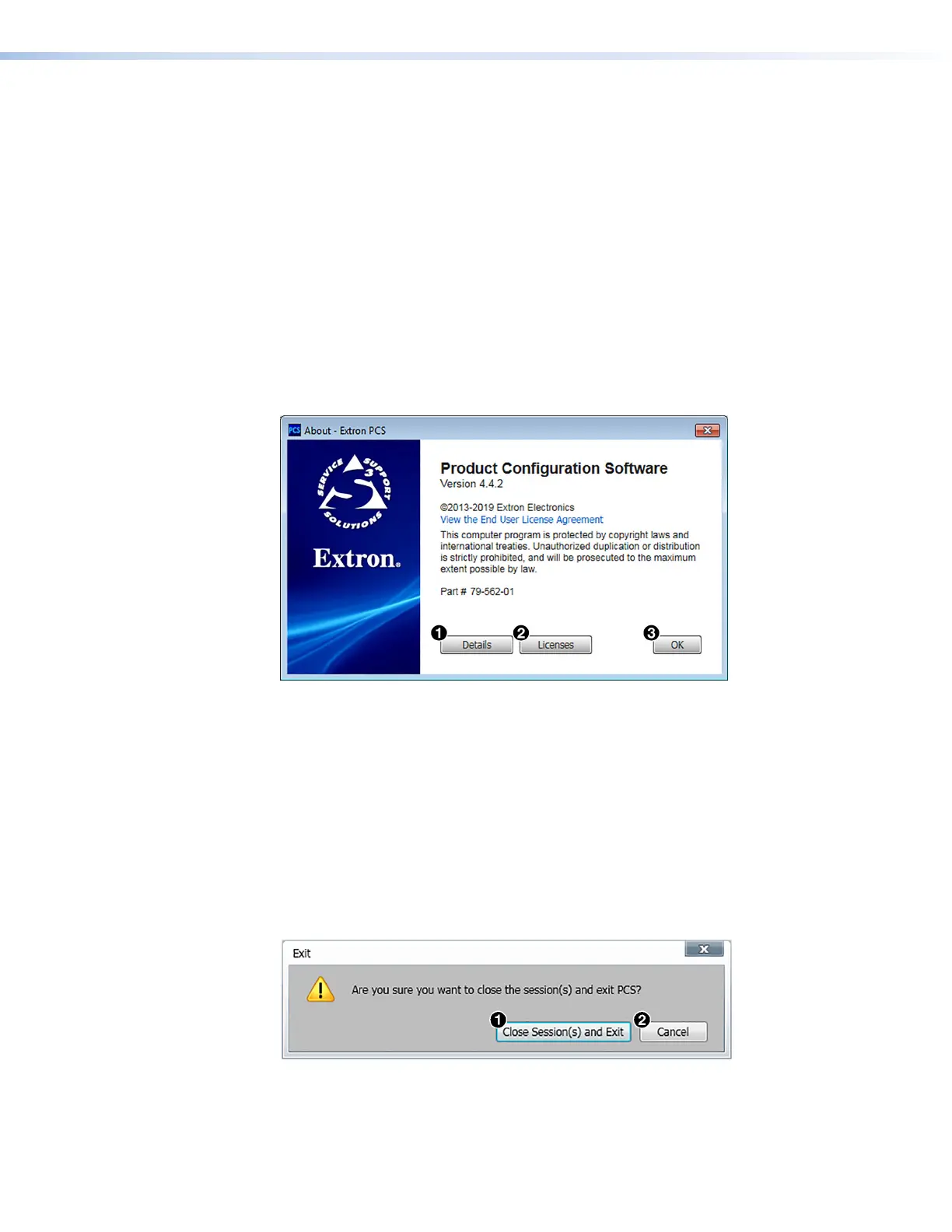
1. From the Software menu, select About Extron PCS. The About - Extron PCS dialog
box opens.
Figure 43. About - Extron PCS Dialog Box
2. Click the Details button (see figure 43,
1
) view the software build number and more
information.
To display details about third-party software packages and associated licensing, click
Licenses (
2
).
3. Click the OK button (
3
) to close the dialog box.
Exit
This option disconnects PCS from connected devices and closes the application.
1. From the Software menu, select Exit. If device tabs are open, the Exit dialog box
opens.
Figure 44. Exit Dialog Box
2. If necessary, click the Close Session(s) and Exit button (see figure 44,
1
) to
disconnect the software from connected devices, close all offline device tabs, and close
the software. Click the Cancel button (
2
) to leave the software open.
43
44













 To Next Page