XTP CrossPoint Series • Programming Guide 113
Command Function
SIS Command
(Host to Unit)
Response
(Unit to Host)
Additional Description
View ties, gain, volume, mutes, presets, and power usage
Read RGB
(video) output tie
X@
&
X!]
Video input
X!
is tied to output
X@
.
Example:
5&
12
]
Input 12 RGB is tied to output 5.
Read video output tie
X@
%
X!]
Video input
X!
is tied to output
X@
.
Example:
7%
02
]
Input 2 video is tied to output 7.
Read audio output tie
X@
$
X!]
Audio input
X!
is tied to output
X@
.
Example:
3$
06
]
Input 6 audio is tied to output 3.
View output volume
X@
V
X3^]
Example:
7V
55
]
Volume setting for output 7 is 55 (86.5)%.
View input gain
X^
G
X*]
Example:
4G
-02
]
Audio input 4 level is -2 dB.
View output mutes
E
VM
} X3*
1
X3*
2
...
X3*
n
]
Each
X3*
is the mute status of an output:
left = output 1, right = output n.
n = 16 or
32).
View video global preset
configuration
EX#
*
X@
*1VC
} X!
n
•
X!
n+1
•
X!
n+2
•
X!
n+3
•...•
X!
n+15
•Vid
]
Show the video configuration for
preset
X#
. Show the input tied to
16 sequential outputs, starting from
output
X@
.
Command description:
Response description:
preset number*starting output # (StO#)*1(=video)VC
input # (I#) tied to StO#•I# tied to StO#+1•I# tied to StO#+2• ... •I# tied to StO#+15•Vid
]
NOTES:
• The starting output number (
X@
) should always be “1” for the XTP CrossPoint 1600.
•
EX#
*
X@
*1VC
}
where
X#
= 0 returns the current video configuration.
Example
(XTP CrossPoint 1600, with two
output boards installed):
E
3*1*1VC
}
1Output:
Response = tied input:
input 12 tied to output 3
no tied input
input 8 tied to output 4
910111213141516
�--�--�--�--�--�--� --� --�
08�08�12�08�08�11�00 � 00 �
�Vid
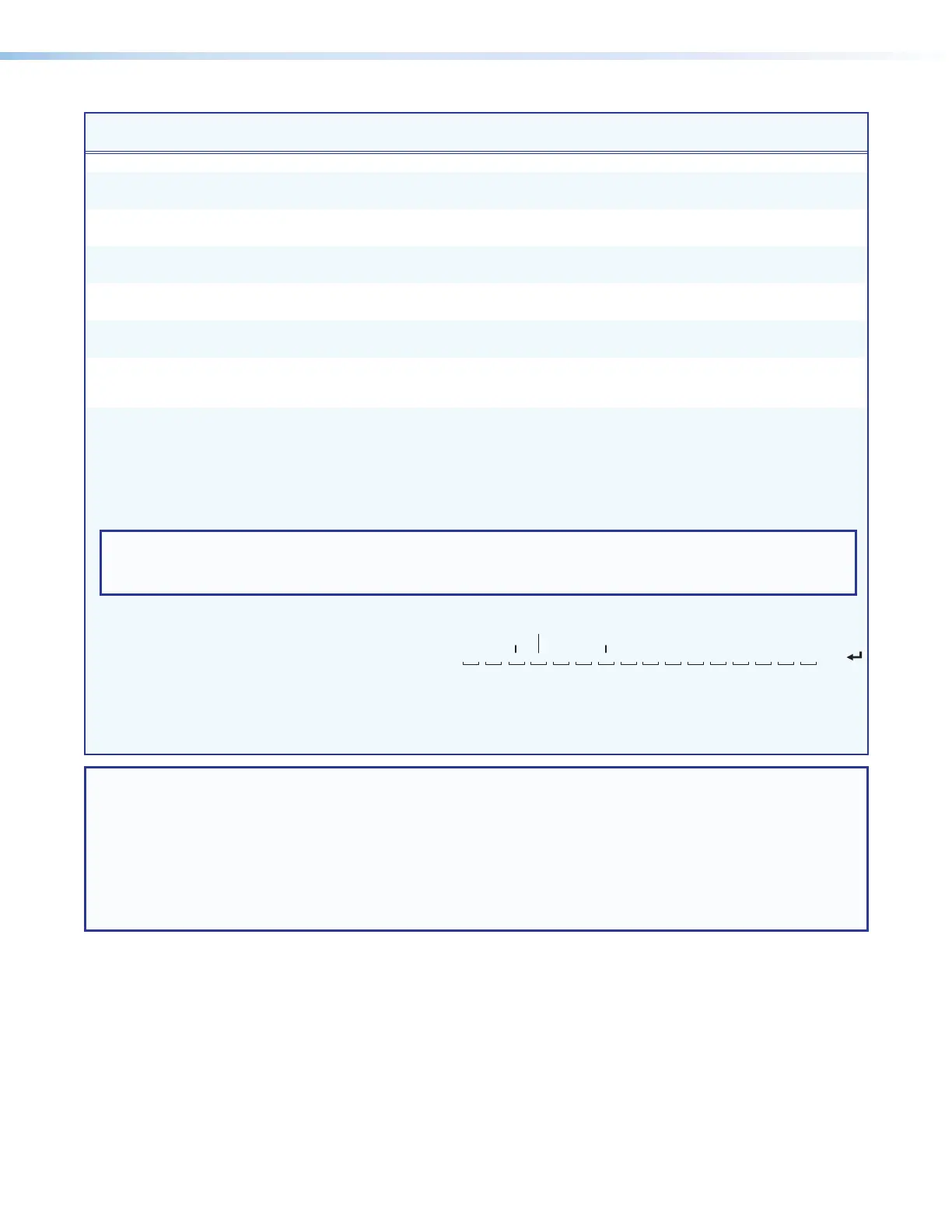
Each position shown in the response is an output: left = starting output (1),
right = starting output +15 (output 16). The number in each position is the input tied to that output.
In this example, preset 3, video input 8 is tied to outputs 1, 2, 4, and 5; input 12 is tied to output 3;
and input 11 is tied to output 6. No inputs are tied to outputs 7 and 8.
NOTE: X! = Input number 00 – 16 or
32 (00 = untied)
X@ = Output number 01 – 16 or
32
X# =
Global preset number
00
–
32 (00 = current configuration, applies to view ties command only)
X* = Numeric dB value –18 to +24 (45 steps of gain or attenuation) (0 dB = default)
X^ = Input number (for other than tie) 01 – 16 or
32
X3^ = Volume 00 – 64 (1 dB per step except for 0-to-1, which is 13 dB) (see the table on page 104)
X3* = Video and audio mute status 0 = No mutes 4 = Analog audio mute
1 = Video mute 5 = Video and analog audio mute
2 = Digital audio mute 6 = Digital and analog audio mute
3 = Video and digital audio mute 7 = Video, digital audio, and analog audio mute



 To Next Page