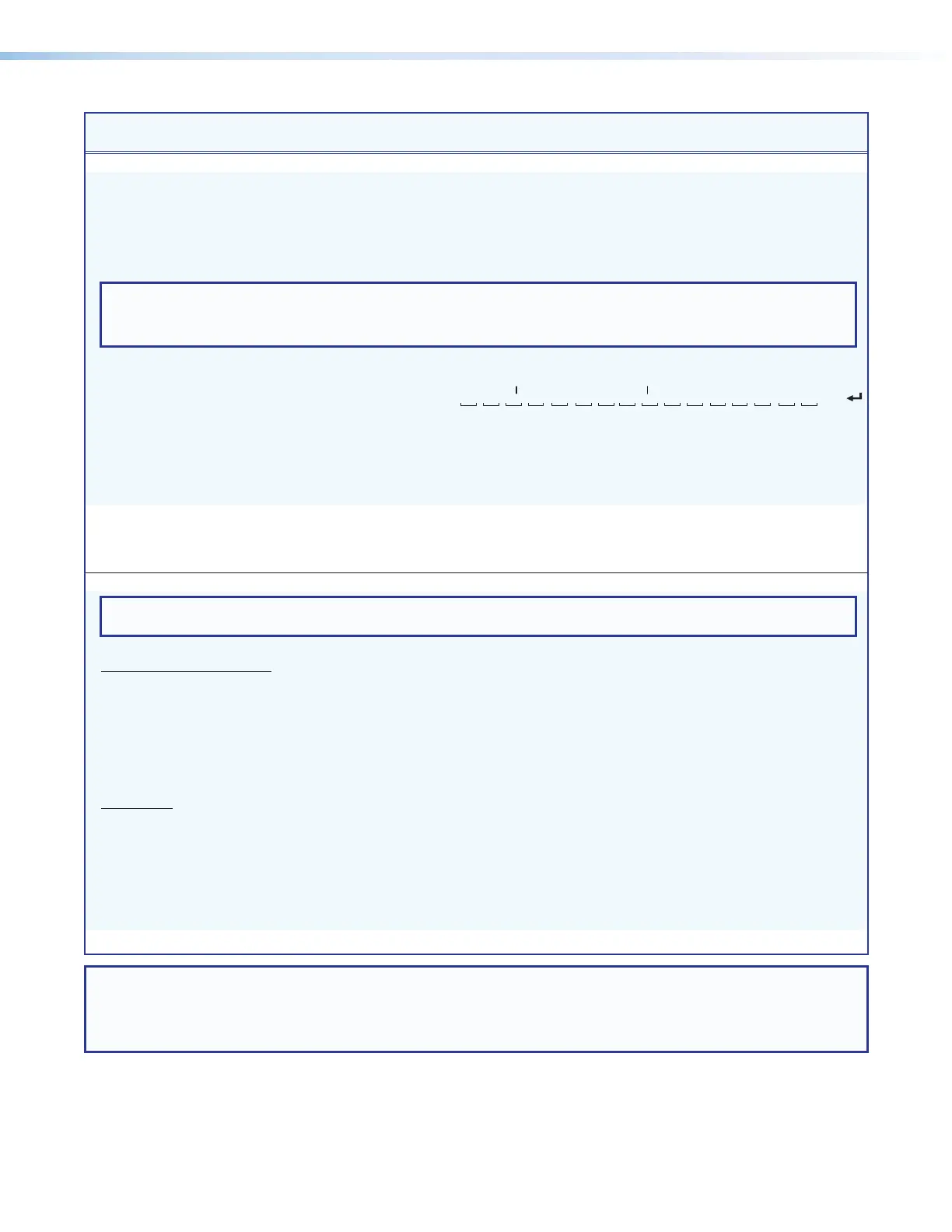
XTP CrossPoint Series • Programming Guide 114
Command Function
SIS Command
(Host to Unit)
Response
(Unit to Host)
Additional Description
View ties, gain, volume, mutes, presets, and power usage (continued)
View audio global preset
configuration
EX#
*
X@
*2VC
} X!
n
•
X!
n+1
•
X!
n+1
•
X!
n+2
•...•
X!
n+15
•Aud
]
Show the audio configuration for preset
X#
.
Show the input tied to 16 sequential
outputs, starting from output
X@
.
Command description:
Response description:
preset number*starting output # (StO#)*2(=audio)VC
input # (I#) tied to StO#•I# tied to StO#+1•I# tied to StO#+2• ... •I# tied to StO#15•Aud
]
NOTES:
• The starting output number (
X@
) should always be “1” for the XTP CrossPoint 1600.
•
EX#
*
X@
*2VC
}
where
X#
= 0 returns the current audio configuration.
Example:
(XTP II CrossPoint 3200)
E
15*17*2VC
}
17Output:
Response = tied input:
input 1 tied to output 19
18 19 20 21 22 23 24
25 26 27 28 29 30 31 32
no tied input
01�01�01�01�02�12�12� 00 � 00� 00 � 00� 00 � 01� 08� 15� 16� Aud
Each position shown in the response is an output: left = starting output (17 in this example),
right = starting output +15 (output 32). The number in each position is the input tied to that output.
In this example, preset 15, audio input 1 is tied to outputs 17, 18, 19, 20, and 29; input 2 is tied
to output 21; input 12 is tied to outputs 22 and 23; input 8 is tied to output 30; input 15 is tied to
output 31; and input 16 is tied to output 32. No input is tied to output 24, 25, 26, 27, and 28.
View XTP power usage
E
TPOEC
} X2%
*
X2^]
Show PoX wattage applied and the
status of the 48 V power supply.
Example:
E
TPOEC
}
450*0
]
The matrix switcher is providing 45.0
watts and the power supply is Ok.
View and erase file directory
NOTE: The response to the View File Directory command differs, depending on whether the command is sent via SIS or sent via a Web
browser connection.
View file directory
RS-232/RS-422 port and Telnet
E
DF
}
See below: List user-supplied files.
lename1•date/time•length
]
lename2•date/time•length
]
lename3•date/time•length
]
•
•
•
•
lenamen•date/time•length
]
# of•Bytes•Left
]]
View file directory
Web browser
E
DF
}
See below: List user-supplied files.
Var•le•=•new•array•();
File•[1]•=•‘lename1,date1,lesize1‘;
File•[2]•=•‘lename2,date2,lesize2‘;
File•[3]•=•‘lename3,date3,lesize3‘;
•
•
•
•
File•[n]•=•‘lenamen,daten,lesizen‘;
File•[n+1]•=•# of•Bytes•Left
Erase user-supplied Web pages/files
E
lenameEF
}
Del•lename
]
NOTE: X! = Input number (for tie) 00 – 16 or
32 (00 = untied)
X@ = Output number 01 – 16 or
32
X# = Global preset number 00 - 32 (00 = current configuration, applies to view ties command only)
X2% = Wattage Power usage in 0.1 watt increments. Example: 260 = 26.0 watts
X2^ = Power supply status 0 = Ok 1 = Not Ok



 To Next Page