FARO
®
Laser Scanner Manual
75
Chapter 7: Controller Software
Add a scan project or cluster
To add a project, tap the + button at the bottom of the projects list. A new
subproject called Default_Project
.1 will be added to the selected project. Tap
the field to open its parameters.
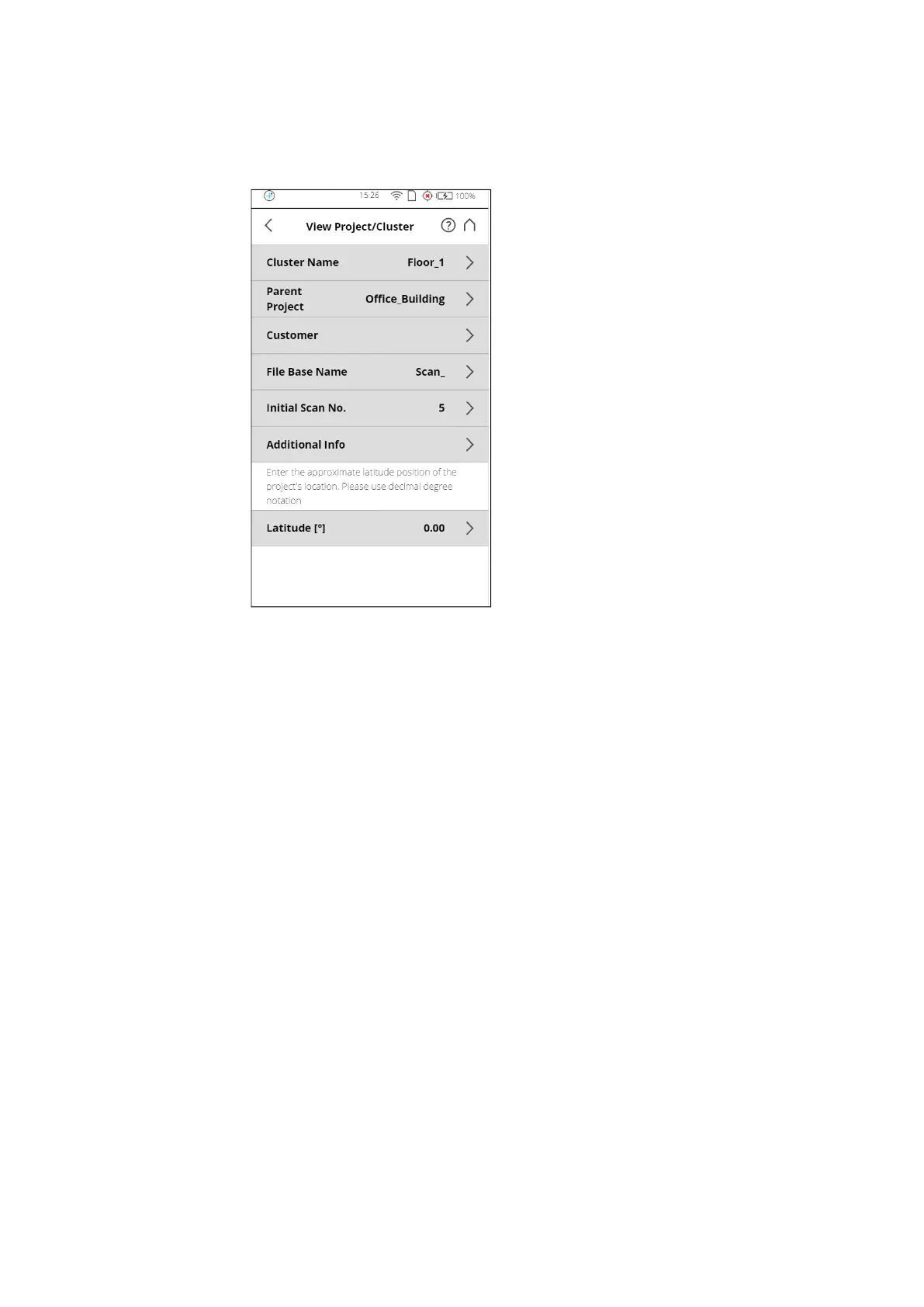
Figure 7-18: View Project
Here, you can change the name and enter further details of the new project. If
you want the new project to be a main project without any parent projects, you
must either change its parent project to No Parent Project, or select the
Default_Project before adding the new project. With the Default_Project,
selected new projects will be added as a main project without parent projects.
Project Name The name of the item. Tap to change the name. A name must start with a letter
and may contain letters, digits, and underscores.
Parent Project The parent project of the displayed item. “No Parent Project” means that the
current item is a project and not a cluster. Tap this button to change the parent
project or parent cluster. A new screen appears with a list of all available
parent projects or parent clusters. Select the parent project/cluster from this



 To Next Page