5-54
• Press the button “4” or “6” to se-
lect the parameter you want to check
during normal work.
• Press the button “3” to confirm
• After confirmed, the display will re-
turn to normal view, but instead of
the battery control card it will be dis-
played the values of the selected pa-
rameters.
• By pressing the button “3” it is pos-
sible to check the parameters of the
Check/Monitor submenu
• To exit form the “Check/Monitor”
view, turn OFF and ON the machine.
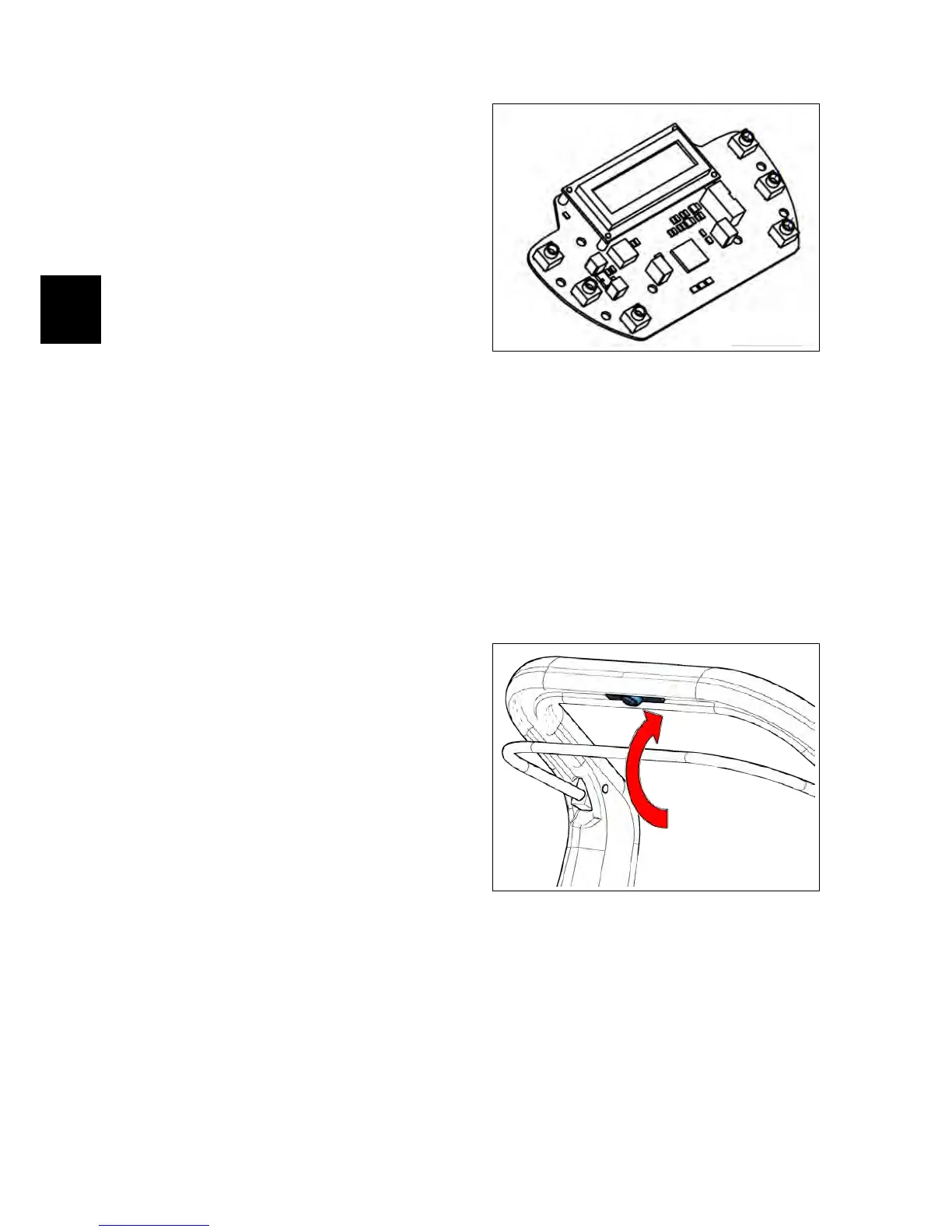
5.5.5 Control Card
The Control Card is located inside of the
dashboard panel and transfers all the in-
formation and settings to the Main Card.
The Control Card is linked to the Main
Card by a cable.
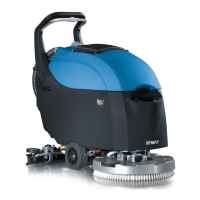
5.6 Safety Microswitch
All the IMx versions are equipped with a
safety microswitch, located inside of the
handle of the machine and operated by
the metal lever directly connected to the
same handle. This microswitch runs the
brush base and the traction of the ma-
chine if present (IMx BT).
5.7 Potentiometer (IMx
BT only)
The adjustment knob of the potentiome-
ter, located on the control panel, allows
to adjust the speed of the machine, and
send the appropriate control signals to
the Main card.



 To Next Page