Registering/Deleting/Renaming Stored Programs
367
Stored Programming
8
Deleting Stored Programs
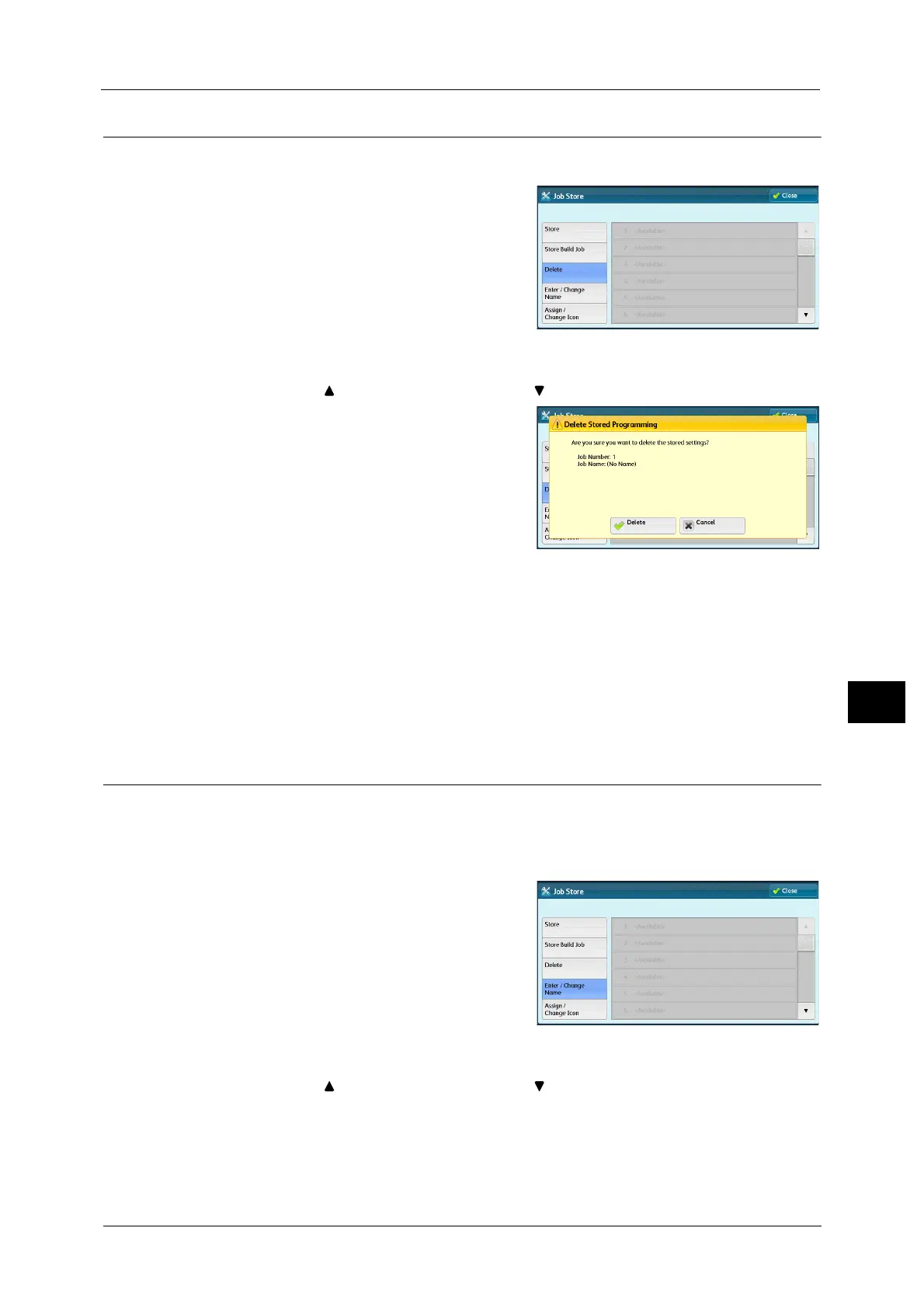
The following describes how to delete stored programs.
1 Select [Delete].
2 Select the number to deleted.
Note •Select [ ] to return to the previous screen or [ ] to move to the next screen.
3 Select [Delete].
Delete
Deletes the stored program.
Note •Deleted stored programs cannot be restored.
Cancel
Cancels deleting the stored program.
Entering/Changing a Stored Program Name
The following describes how to enter or change the name of a stored program.
Up to 36 characters are allowed for a stored program's name.
For information on how to enter characters, refer to "Entering Text" (P.70).
1 Select [Enter/Change Name].
2 Select the number to register or change a name.
Note •Select [ ] to return to the previous screen or [ ] to move to the next screen.



 To Next Page
 Loading...

