About Actions (for Mac OS Users)
224
Using the Quick Menu
1. Load the document into the ScanSnap.
For details, refer to "Paper Sizes of Documents to Be Scanned" (page 26) and "Loading
Documents" (page 28).
2. Press the [Scan] button on the ScanSnap.
⇒ Scanning is started.
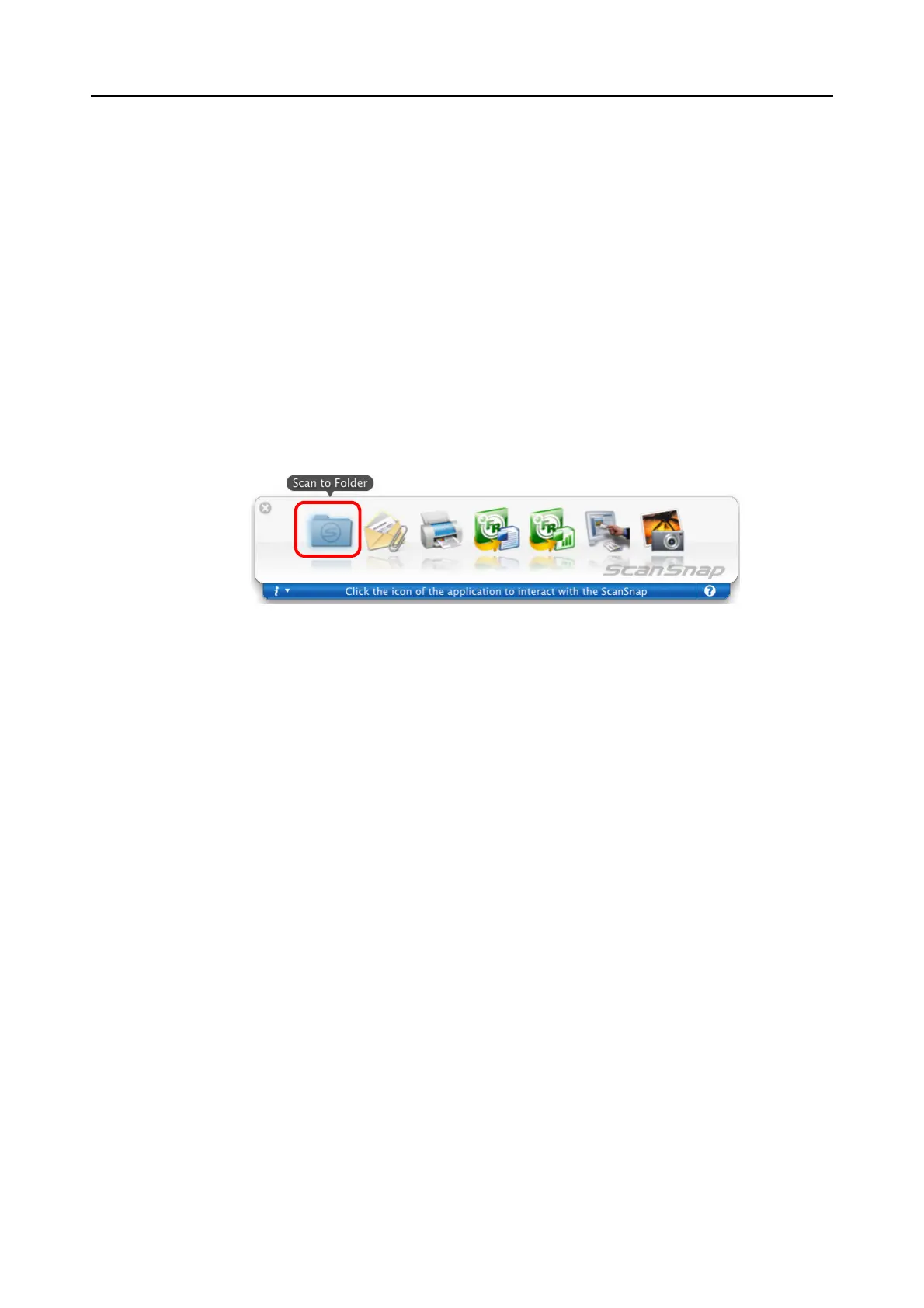
⇒ When scanning is complete, the Quick Menu appears.
3. Click the [Scan to Folder] icon.
⇒ The [Scan to Folder] window appears.



 To Next Page
 Loading...










