About Actions (for Mac OS Users)
225
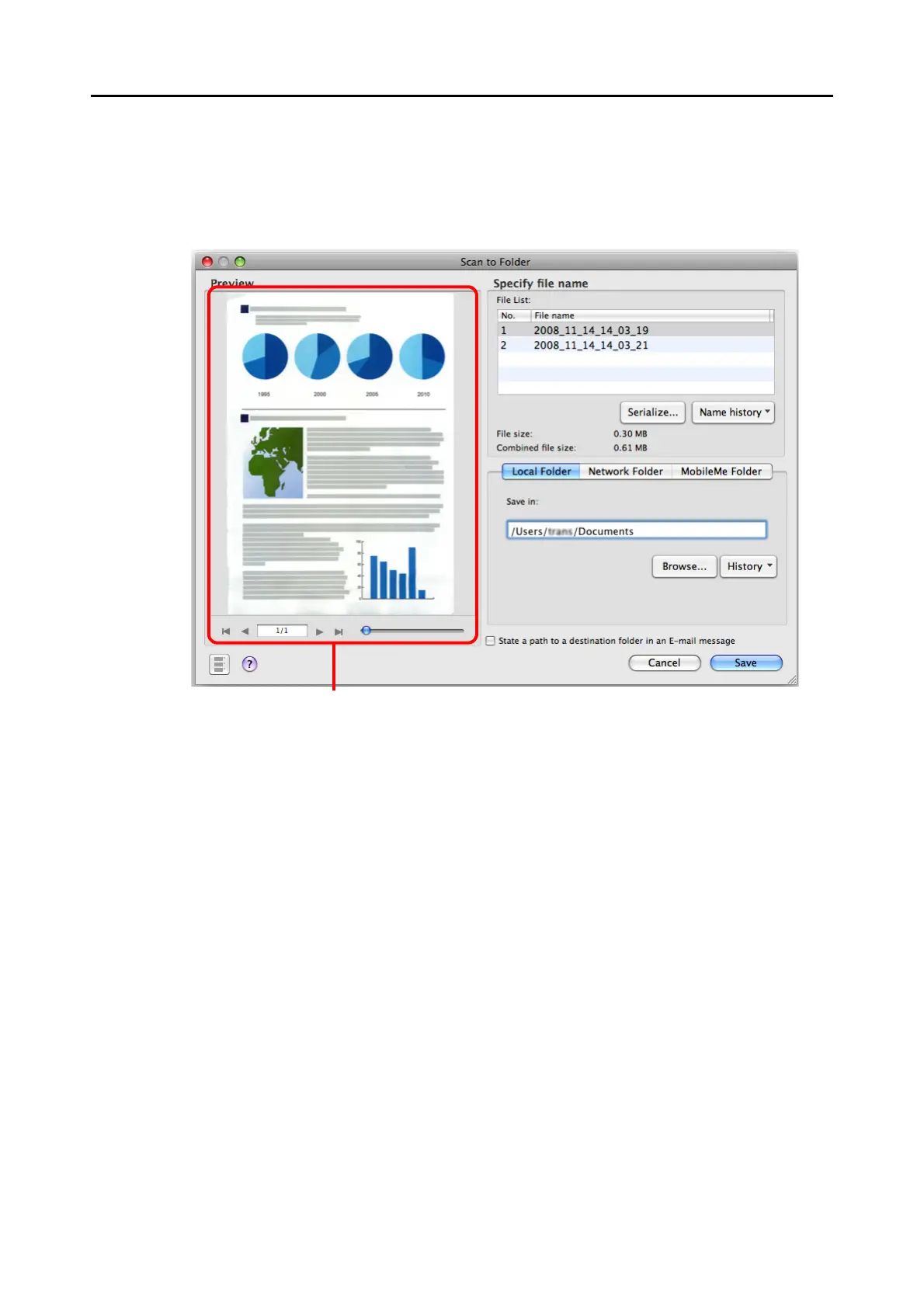
4. Check the scanned image in the [Scan to Folder] window.
You can also change file names and destination folders and specify whether to state a
path to a destination folder in an e-mail message to notify other members.
For details about the [Scan to Folder] window, refer to ScanSnap Manager Help.
Preview area



 To Next Page
 Loading...










