Replacing the Pad Assembly
336
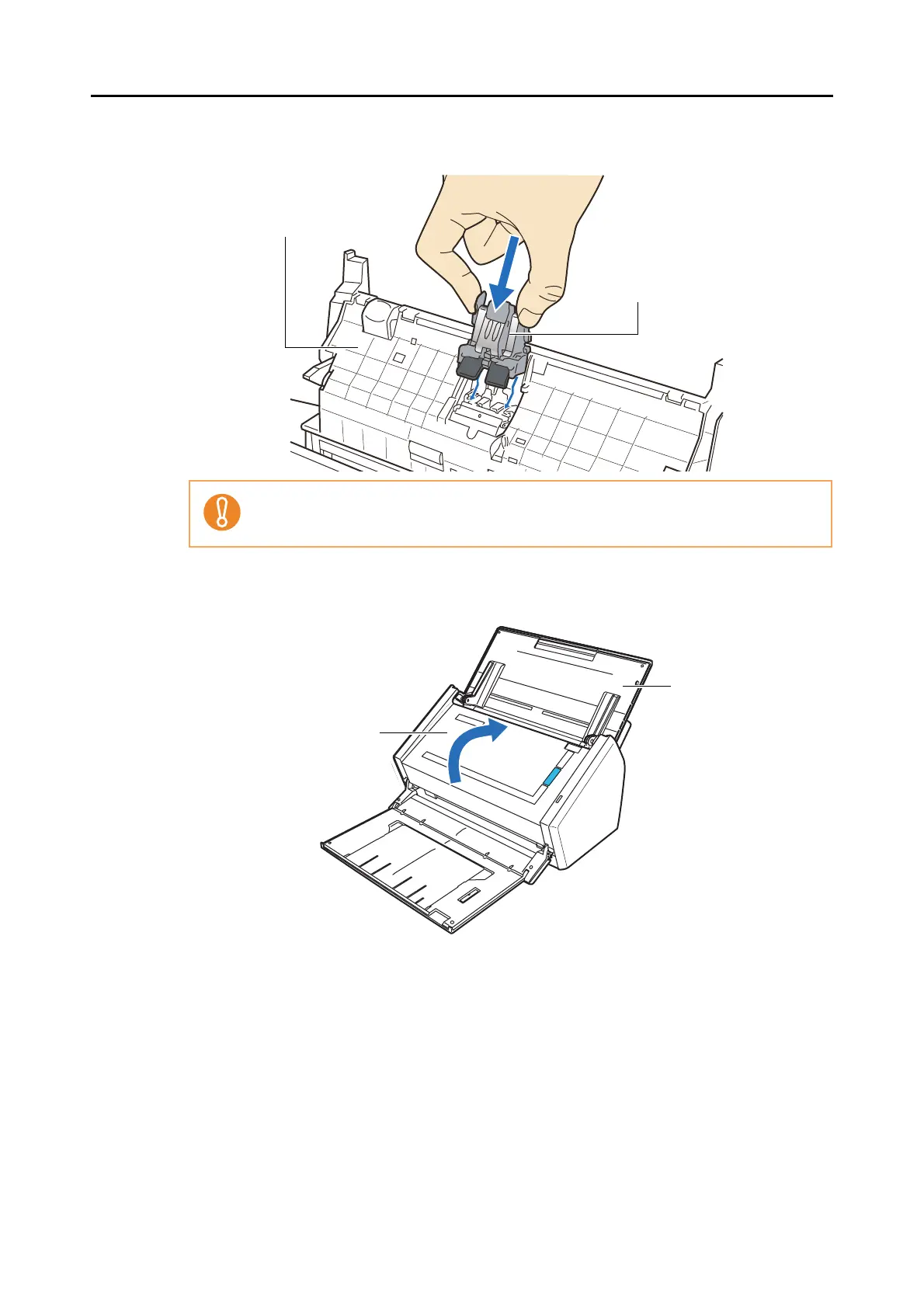
4. Attach the new pad assembly.
5. Close the ADF top section.
⇒ You should hear the ADF top section click when it returns to its original position.
6. Turn on the ScanSnap.
Make sure that the pad assembly is completely attached. Otherwise, document jams or
other feeding errors may occur.
ADF top section
Pad assembly
ADF top section
ADF paper
chute (cover)



 To Next Page
 Loading...










