For S1500
37
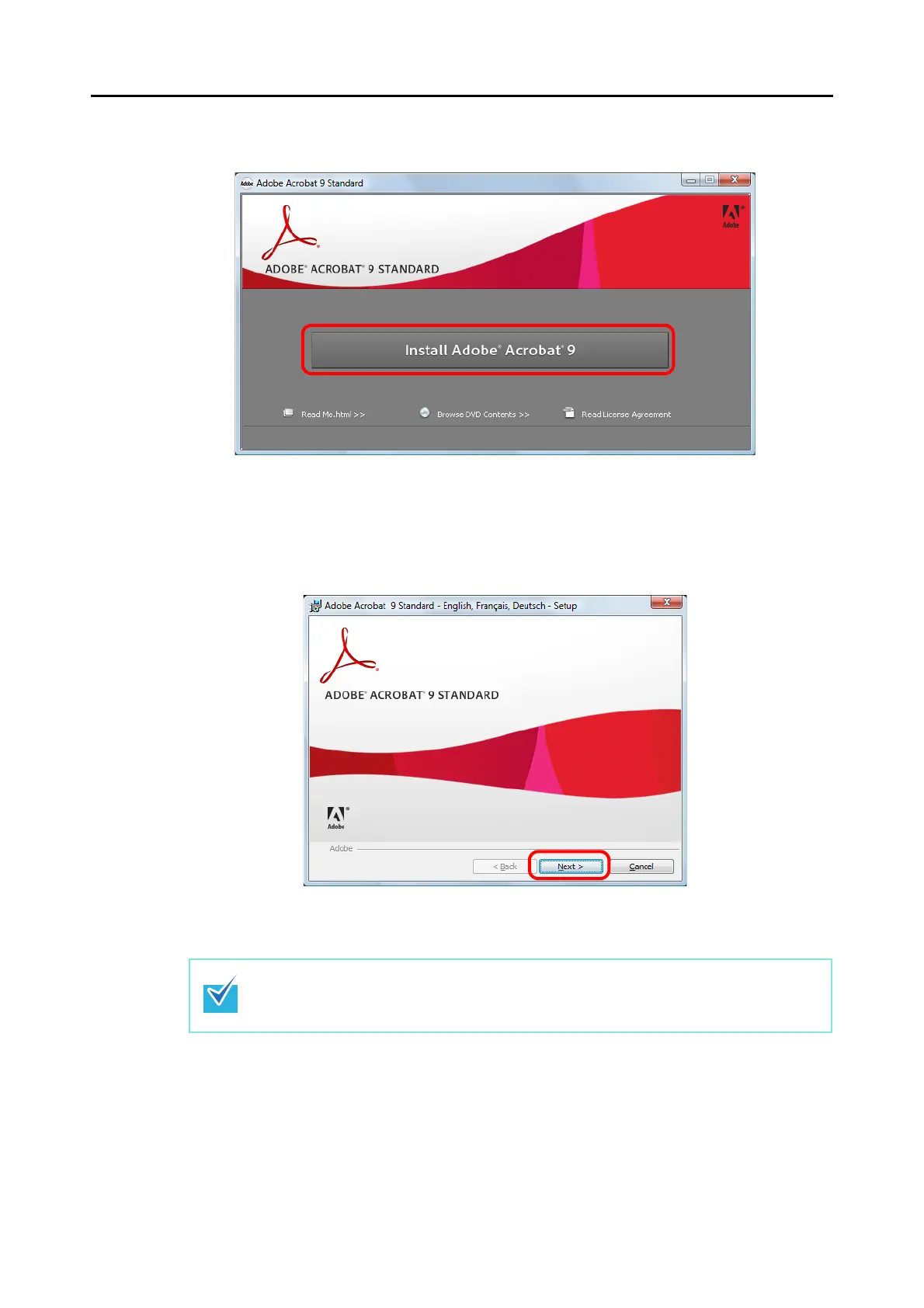
3. Click the [Install Adobe
®
Acrobat
®
9] button.
⇒ The [Adobe Acrobat 9 Standard - English, Français, Deutsch - Setup] window
appears.
4. Click the [Next] button.
5. Follow the instructions on the screen to install.
• For more details about installing Adobe Acrobat, click [Read Me.html] on the [Adobe
Acrobat 9 Standard] dialog box in Step 3. to read its procedure.
• For details about using Adobe Acrobat, refer to Adobe Acrobat Help.



 To Next Page
 Loading...










