For S1500
39
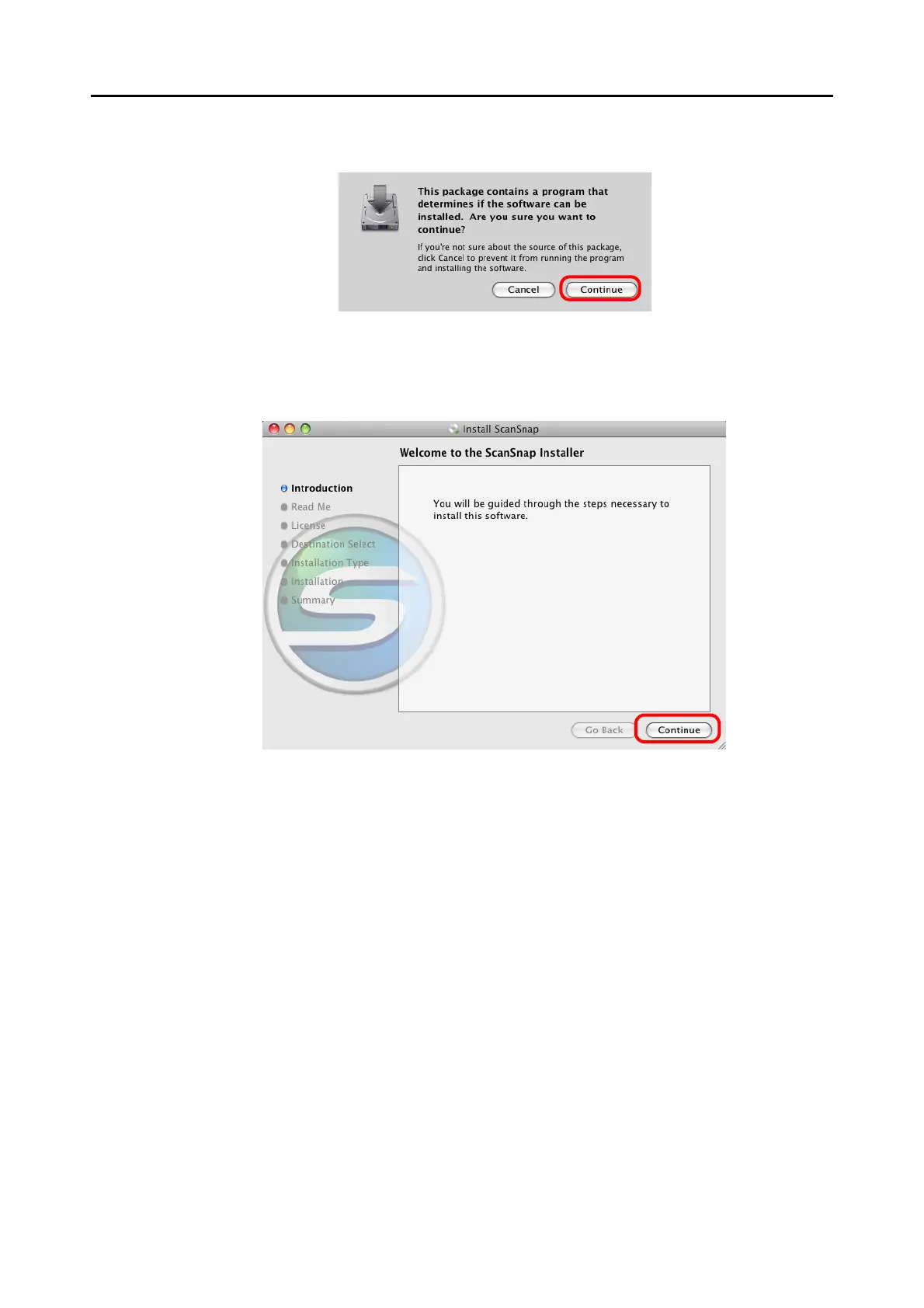
5. Click the [Continue] button.
⇒ The [Welcome to the ScanSnap Installer] window appears.
6. Click the [Continue] button.
⇒ The [Important Information] window appears.
7. Read the "Important Information", then click the [Continue] button.
⇒ The [Software License Agreement] window appears.
8. Read the "Software License Agreement", then click the [Continue] but-
ton.



 To Next Page
 Loading...










