For S1500
40
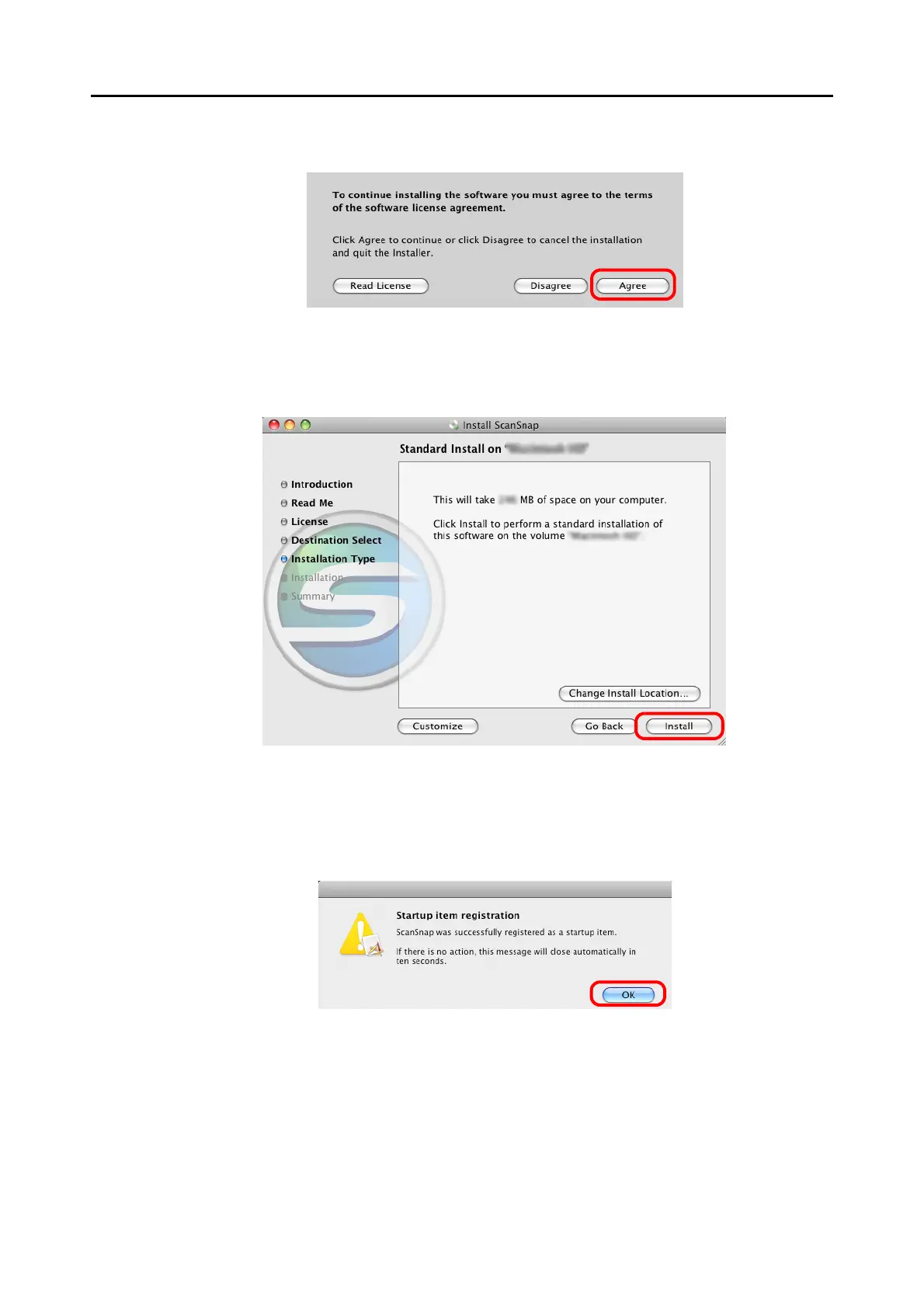
9. To accept the agreement, click the [Agree] button.
⇒ The [Standard Install on "(volume_name)"] window appears.
10.Click the [Install] button.
⇒
The installation is started.
The [Startup item registration] window appears.
11.Click the [OK] button.
⇒ When the installation is complete, the [Installation completed successfully] window
appears.



 To Next Page
 Loading...










